

What Is Nextcloud Used For: Features, Reviews & Alternatives
Self-hosted productivity platform (files, sync).
Editorially updated Oct 25, 2025
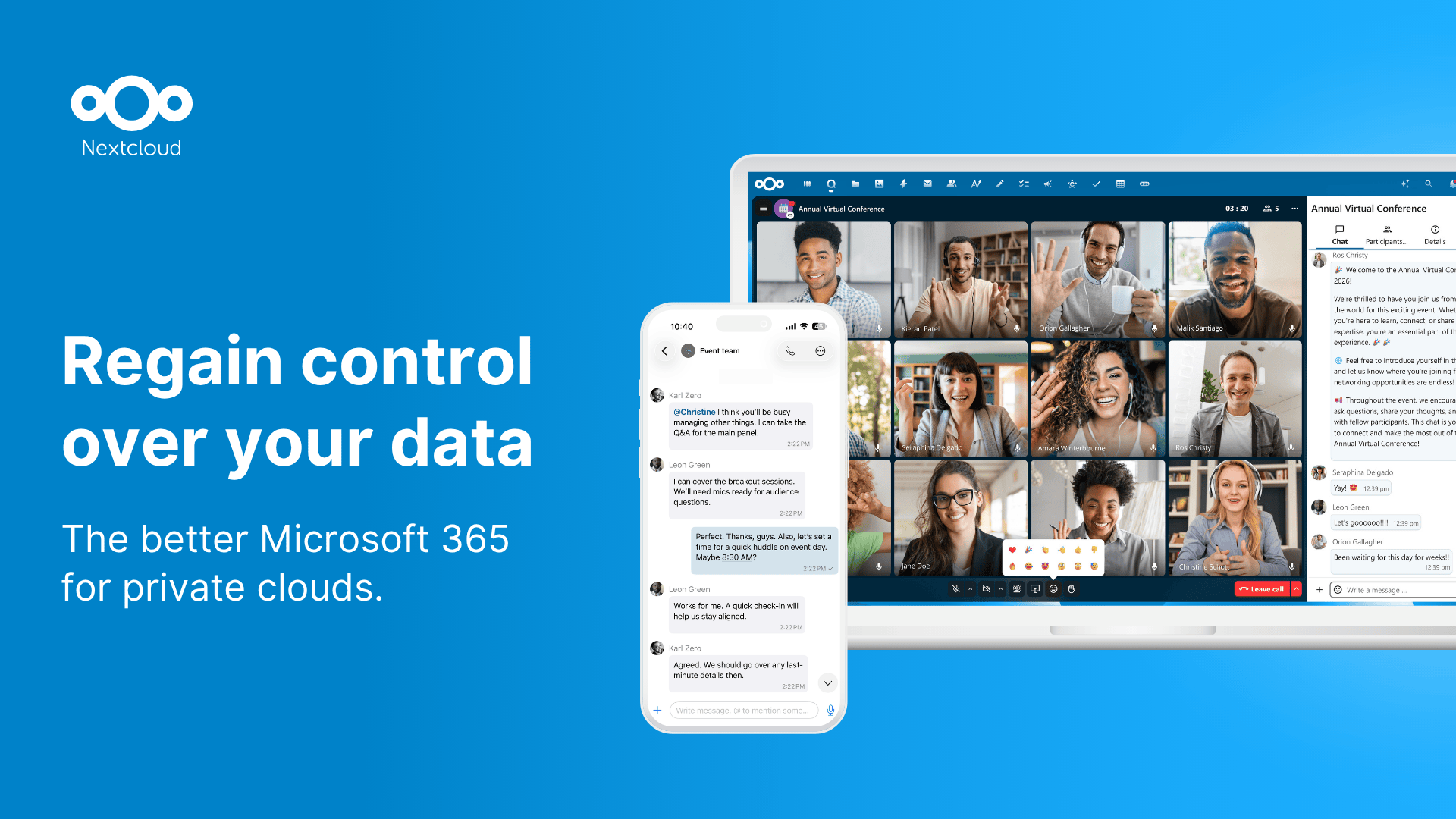
The overview
What Nextcloud is for
1Core Capabilitie
- Browser-based file management (upload, download, move, delete)
- Real-time file synchronization across connected desktop/mobile client
- Web UI for user and group permission management
- Integrated app store for extending server functionality
2Specialized Workflow
- Federated sharing across distinct instance
- Web-based document editing with integrated office suites (e.g., Collabora, OnlyOffice)
- Activity stream for granular file changes and user action
- End-to-end encryption configuration panel for sensitive data
Who it helps
Useful ways to use Nextcloud
A practical path
Accessing Your Instance & Uploading File
Navigate to your instance URL in a web browser. After authentication, use the 'Files' app to drag-and-drop files or click the '+' icon to upload documents directly from your local machine to a chosen directory
External signals
Reviews & reputation
Aggregated review score
Nextcloud is highly regarded in the self-hosted community for its comprehensive feature set, strong focus on data sovereignty, and active development. Users appreciate its modularity via apps, allowing customization for various use cases. While initial setup can be a learning curve for some, the control and privacy it offers are significant advantages over SaaS alternatives.
Quick answers
Frequently asked questions
1How complex is the initial server setup for Nextcloud?⌄
Initial setup typically involves deploying a LAMP/LEMP stack, installing PHP modules, and configuring a database (MySQL/PostgreSQL). While not trivial, comprehensive documentation and community guides exist. Docker images and pre-built appliances (e.g., NextcloudPi, Univention Corporate Server) simplify deployment for less experienced administrators.
2What are the typical hardware requirements for a small to medium deployment?⌄
For a small team (10-20 users), a server with 4 CPU cores, 8GB RAM, and sufficient SSD storage (e.g., 500GB-1TB) is generally adequate. Performance scales with user count, concurrent connections, and file activity, necessitating more robust hardware for larger deployments or heavy usage patterns.
3Can Nextcloud integrate with existing LDAP/Active Directory infrastructure?⌄
Yes, Nextcloud offers robust integration with LDAP and Active Directory. This allows administrators to leverage existing user directories for authentication and group management, streamlining user provisioning and access control within the Nextcloud instance.
4How do I ensure data security and privacy on my self-hosted instance?⌄
Security involves multiple layers: securing the underlying OS, using strong passwords, enabling two-factor authentication, encrypting data at rest (server-side encryption) and in transit (HTTPS), and regularly applying security updates. End-to-end encryption apps can further enhance privacy for specific files.
5What's the strategy for scaling Nextcloud as user count or storage needs grow?⌄
Scaling Nextcloud involves optimizing the database, using object storage (like S3) for primary file storage, and potentially distributing components across multiple servers (e.g., separate web, database, and Redis caching servers). High-performance network infrastructure is also crucial for large deployments.
Keep exploring