

What Is Novo Used For: Features, Reviews & Alternatives
Business banking platform for freelancers/SMBs.
Editorially updated Oct 25, 2025
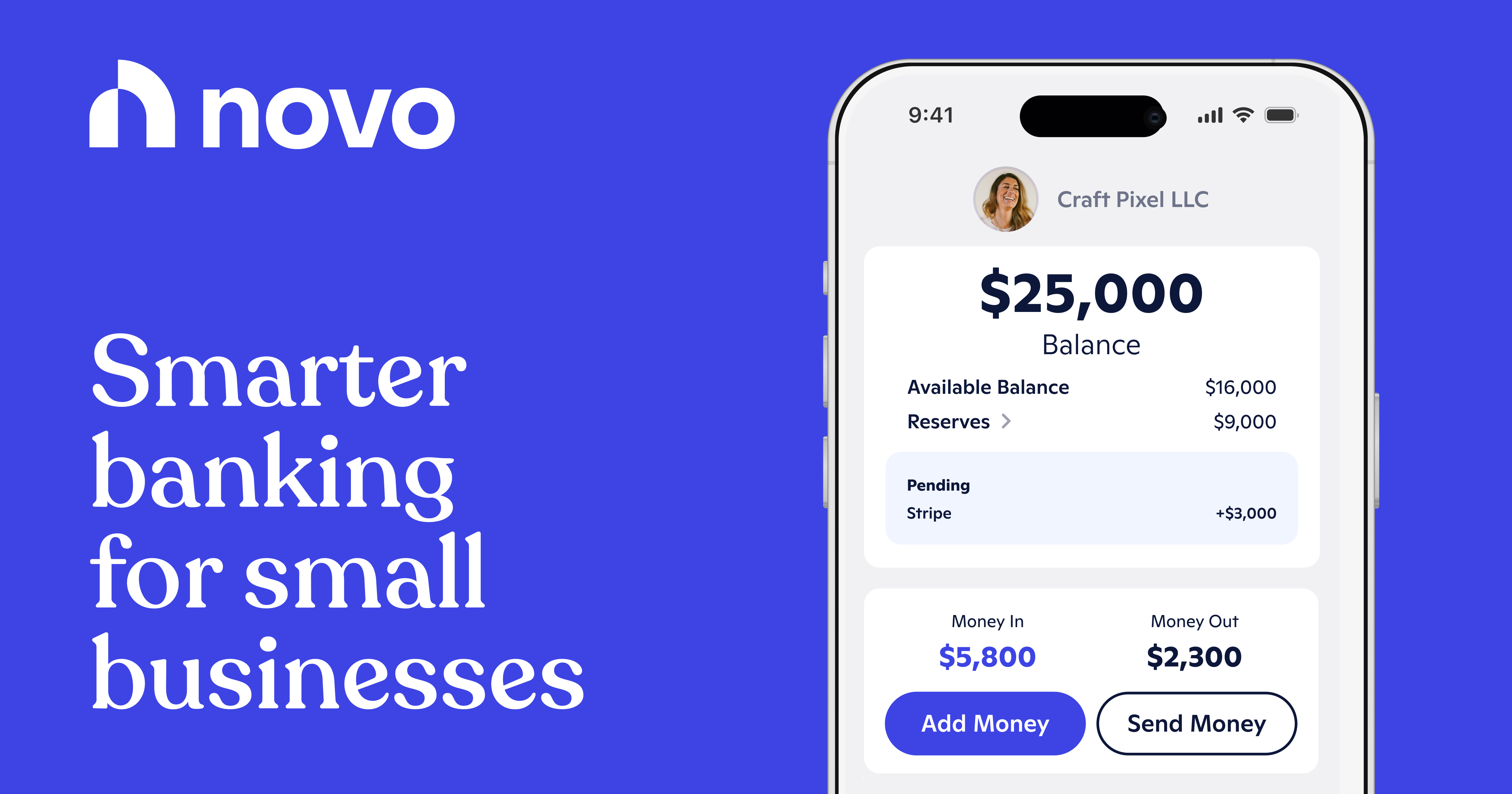
The overview
What Novo is for
1Core Capabilitie
- Transaction ledger interface
- Invoice creation and tracking module
- Expense auto-categorization tool
- Payment acceptance integration
- Sub-account allocation for reserve
2Specialized Workflow
- Funding partner application portal
- Receipt capture and matching utility
- Automated recurring transfer scheduler
- Financial data export for accounting software
- Multi-user access controls for bookkeeper
Who it helps
Useful ways to use Novo
A practical path
Initiate Account Setup and Dashboard Acce
Navigate to the website, complete the online application for a business checking account, and once approved, log in to the secure browser-based dashboard to view your primary financial ledger
External signals
Reviews & reputation
Aggregated review score
Users frequently praise Novo for its intuitive web interface, lack of monthly fees, and seamless integrations with popular business tools. Common feedback points include occasional delays in customer support response times and requests for more advanced multi-currency features.
Quick answers
Frequently asked questions
1What are the monthly fees associated with a Novo business checking account?⌄
Novo offers a fee-free business checking account with no monthly maintenance fees, no minimum balance requirements, and no incoming wire fees. Certain premium integrations or expedited services may incur third-party charges, which are clearly disclosed.
2Can I integrate Novo with my existing accounting software like QuickBooks or Xero?⌄
Yes, Novo provides direct integration capabilities with popular accounting platforms such as QuickBooks Online and Xero. You can connect your account via the 'Integrations' section to automatically sync transactions and streamline your bookkeeping process.
3How does Novo handle international transactions or multi-currency operations?⌄
Novo primarily supports USD transactions. While you can receive international wires in USD, direct multi-currency accounts are not offered. For sending international payments, Novo integrates with Wise (formerly TransferWise) to facilitate foreign currency transfers at competitive rates.
4What security measures are in place to protect my business's financial data?⌄
Novo employs industry-standard security protocols, including 256-bit AES encryption for data in transit and at rest, multi-factor authentication (MFA) for account access, and FDIC insurance up to the standard maximum deposit insurance amount of $250,000 through its partner bank, Middlesex Federal Savings.
5Is Novo suitable for businesses with high transaction volumes or complex payroll needs?⌄
Novo is designed for freelancers and small businesses, typically handling moderate transaction volumes. While it supports integrations with payroll providers like Gusto, businesses with extremely high transaction counts or intricate payroll structures might find dedicated enterprise solutions more tailored to their scale. It excels for operational banking rather than complex treasury management.
Keep exploring