
What Is Octoparse Used For: Features, Reviews & Alternatives
Visual web scraping tool, no coding needed.
Editorially updated Oct 5, 2025
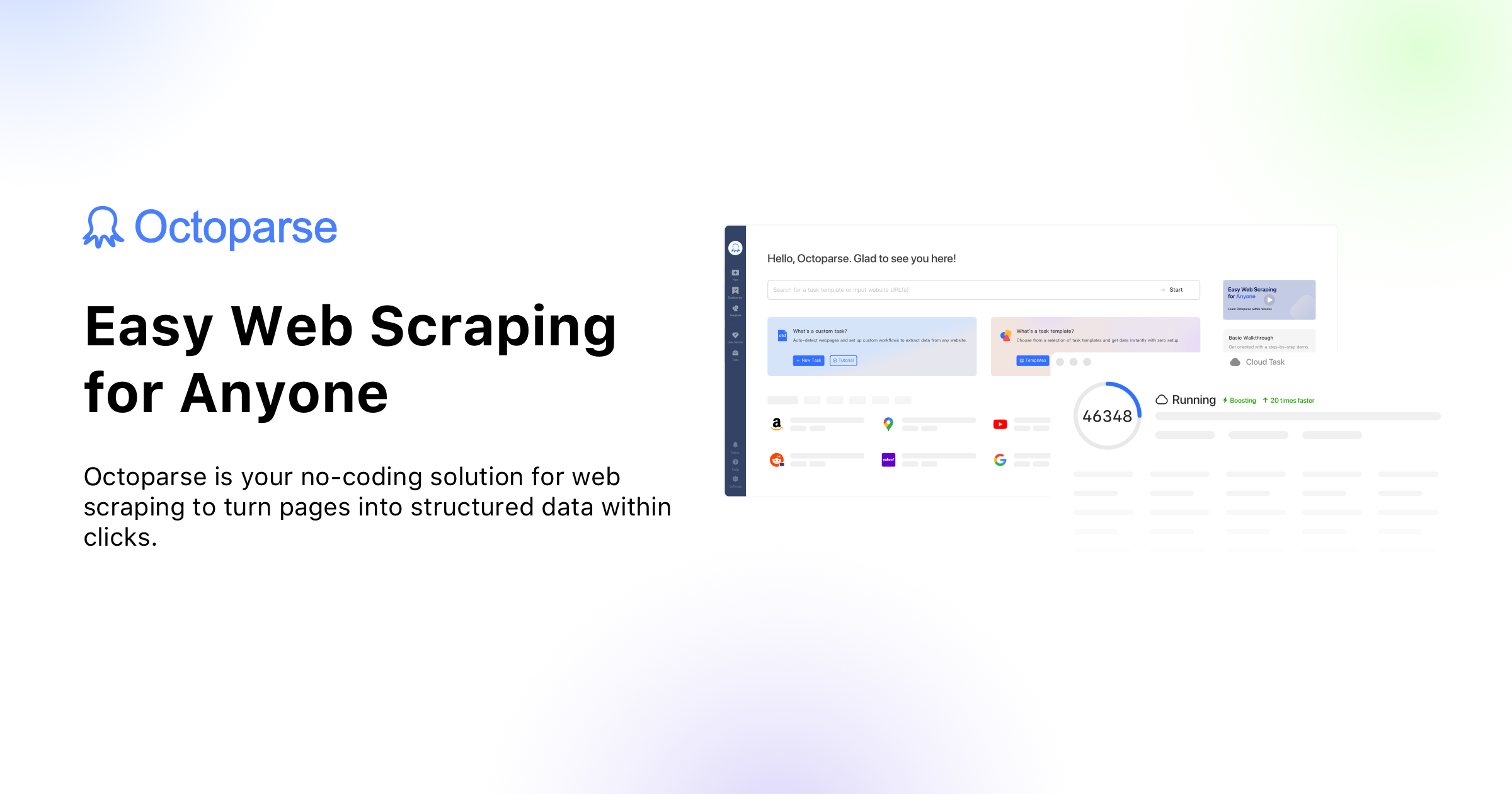
The overview
What Octoparse is for
1Core Capabilitie
- Visual workflow designer for click-to-select data field
- XPath/CSS selector auto-detection and manual adjustment
- Data field extraction panel for text, links, images, and HTML
- Pagination handling for multi-page data collection
- Form submission and login sequence configuration
2Specialized Workflow
- AJAX loading and infinite scroll management
- Scheduled task execution for recurring data update
- IP rotation and proxy pool integration
- Cloud scraping service for distributed task execution
- Export to CSV, Excel, JSON, or database via API
Who it helps
Useful ways to use Octoparse
A practical path
Define Target URL and Initial Scraper
Navigate to the web client or desktop application. Input the starting URL of the website you intend to scrape. The built-in browser will load the page, and you can begin interacting with elements to define your data extraction point
External signals
Reviews & reputation
Aggregated review score
Octoparse is highly regarded for its intuitive visual interface, making web scraping accessible to non-technical users. Its cloud-based execution and robust features for handling dynamic websites are frequently praised. Some users note occasional challenges with complex site structures or the learning curve for advanced configurations, and pricing can be a consideration for very high-volume needs.
Quick answers
Frequently asked questions
1Can Octoparse handle websites with complex JavaScript, AJAX loading, or CAPTCHAs?⌄
Yes, Octoparse is designed to handle dynamic web content. It can render JavaScript, manage AJAX-loaded data, and simulate user interactions like clicks and scrolls. For CAPTCHAs, it typically integrates with third-party CAPTCHA solving services, requiring configuration within the scraper setup.
2What are the limitations on the number of pages or requests I can scrape, and how does it affect pricing?⌄
Limitations vary significantly by subscription tier. Free plans have strict limits on pages and cloud data. Paid plans offer increased page limits, concurrent cloud tasks, and data storage. Higher tiers often include dedicated IP proxies and priority support, directly impacting the scale and speed of your scraping operations.
3How does Octoparse manage IP blocking or rate limiting from target websites?⌄
Octoparse offers built-in IP rotation through its cloud service and allows integration of custom proxy lists. This helps distribute requests across multiple IP addresses, reducing the likelihood of being blocked. Users can also configure delays between requests and set retry logic to mimic human browsing patterns and respect website rate limits.
4Is it possible to integrate extracted data directly into other systems or databases?⌄
Yes, beyond standard CSV/Excel/JSON exports, Octoparse provides an API for programmatic access to your extracted data. This allows for direct integration with custom applications, databases, or business intelligence tools, enabling automated data pipelines.
5What's the difference between running a scraping task locally versus using the cloud service?⌄
Local scraping runs on your machine, using your IP address and resources, suitable for smaller, less frequent tasks. Cloud scraping utilizes Octoparse's distributed server infrastructure, offering faster execution, IP rotation, and the ability to run tasks 24/7 without your computer being on. Cloud tasks are essential for large-scale or continuous data collection.
Keep exploring