

What Is Odoo Used For: Features, Reviews & Alternatives
Open-source suite of business management apps (ERP).
Editorially updated Oct 5, 2025
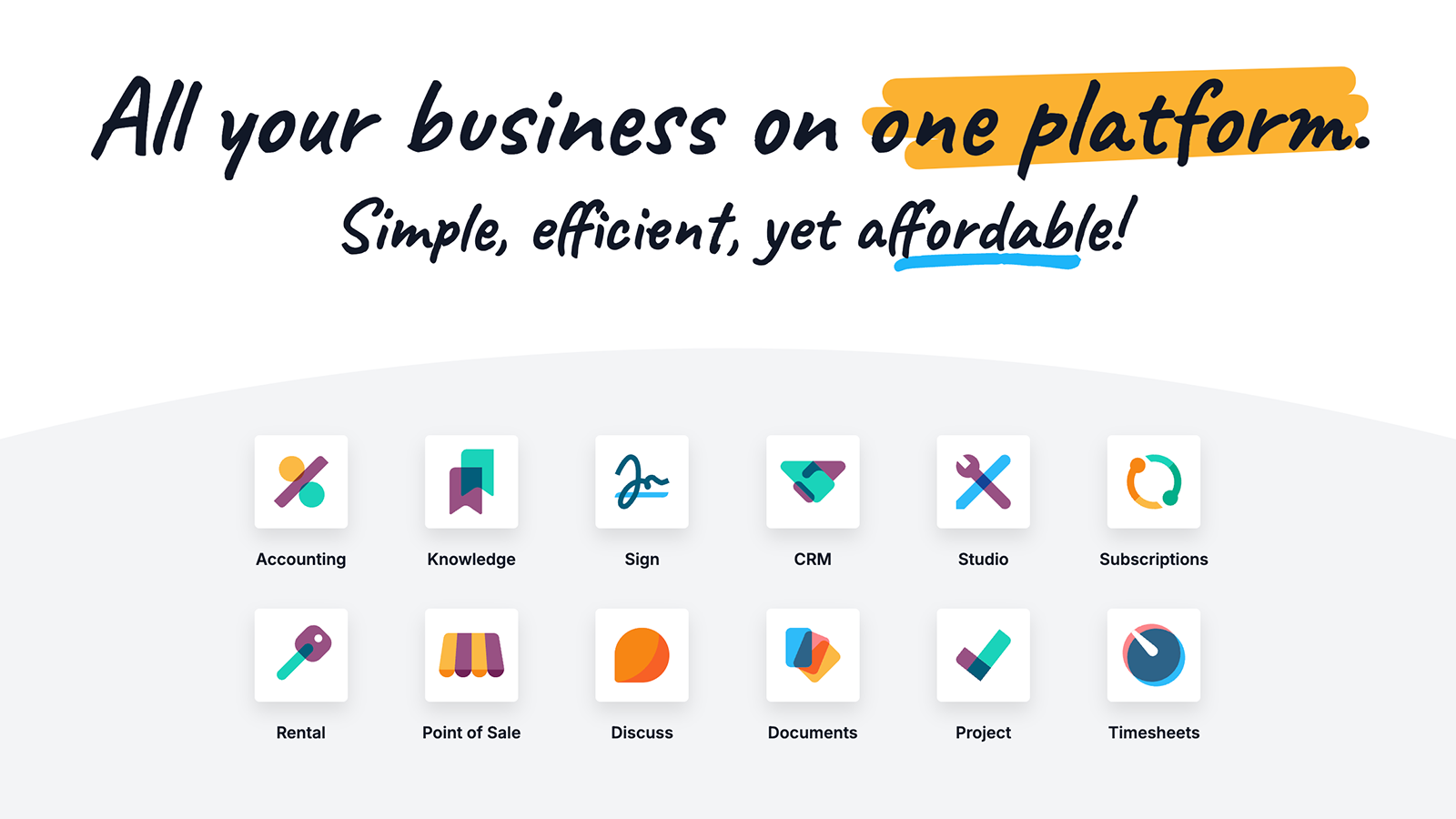
The overview
What Odoo is for
1Core Capabilitie
- General Ledger transaction entry
- Sales Order processing interface
- Inventory stock movement tracking
- Manufacturing Work Order scheduling
- CRM lead pipeline visualization
- Project task board management
- Website page drag-and-drop editor
- E-commerce product catalog management
2Specialized Workflow
- Automated invoice generation from sales order
- Purchase requisition approval flow
- Multi-company financial consolidation view
- Warehouse location stock transfer wizard
- Website SEO meta tag configuration panel
- Blog post content editor with publishing control
- Customer portal access management
- Point of Sale (POS) terminal interface
Who it helps
Useful ways to use Odoo
A practical path
Create a New E-commerce Product Page
Log into your instance via a web browser. Navigate to the 'Website' application, then select 'Shop' from the top menu. Click 'New' to add a product, fill in details like name, price, description, and image
External signals
Reviews & reputation
Aggregated review score
Odoo is praised for its comprehensive, modular ERP suite and integrated website builder, offering a unified platform for business operations and online presence. Users appreciate its open-source flexibility and extensive customization options. However, some reviews note a steep learning curve for complex configurations and the need for developer expertise for advanced tailoring, particularly when moving beyond standard browser-based workflows.
Quick answers
Frequently asked questions
1What are the hosting options for an Odoo instance, and how does it impact web performance?⌄
Odoo offers two primary hosting models: Odoo Online (SaaS, hosted by Odoo) and Odoo On-Premise (self-hosted on your own servers or a third-party cloud). Odoo Online provides optimized performance and automatic updates, ideal for browser-first usage. On-Premise offers greater control over server resources and customization, which can be tuned for specific web traffic loads or complex integrations, but requires internal IT management for performance and security.
2How does Odoo's website builder integrate with core ERP modules like CRM and Sales?⌄
The Odoo Website Builder is deeply integrated. Leads captured via website forms automatically populate the CRM pipeline. E-commerce sales orders directly create sales orders in the ERP, deducting inventory and generating invoices. Customer accounts created on the website are linked to their CRM records, providing a unified view of customer interactions and transactions across all channels.
3Can I migrate existing website content or e-commerce product data into Odoo's Website Builder?⌄
Yes, data migration is possible, though the complexity varies. For product data, Odoo supports CSV/Excel imports for bulk creation. For existing website content, direct migration tools are limited; content often needs to be manually recreated or copied into Odoo's drag-and-drop editor. Custom development or specialized migration scripts may be required for complex site structures or large content volumes.
4What are the SEO capabilities of Odoo's Website Builder for improving web discoverability?⌄
Odoo's Website Builder includes built-in SEO tools. Users can easily edit meta titles, descriptions, and keywords for each page. It automatically generates sitemaps and handles canonical URLs. The platform also supports structured data (schema.org) for products and blog posts, and provides basic analytics integration to track page performance and traffic sources, all configurable through the browser interface.
5Is Odoo suitable for multi-company or multi-website operations within a single ERP instance?⌄
Yes, Odoo is designed to handle multi-company and multi-website structures. A single Odoo instance can manage multiple legal entities, each with its own chart of accounts, sales, and inventory. Similarly, you can host and manage multiple distinct websites (e.g., different brands, regions) from the same Odoo database, sharing common product catalogs or customer bases while maintaining separate branding and content.
Keep exploring