

What Is Offerslook Used For: Features, Reviews & Alternatives
Affiliate tracking for Asian markets.
Editorially updated Oct 5, 2025
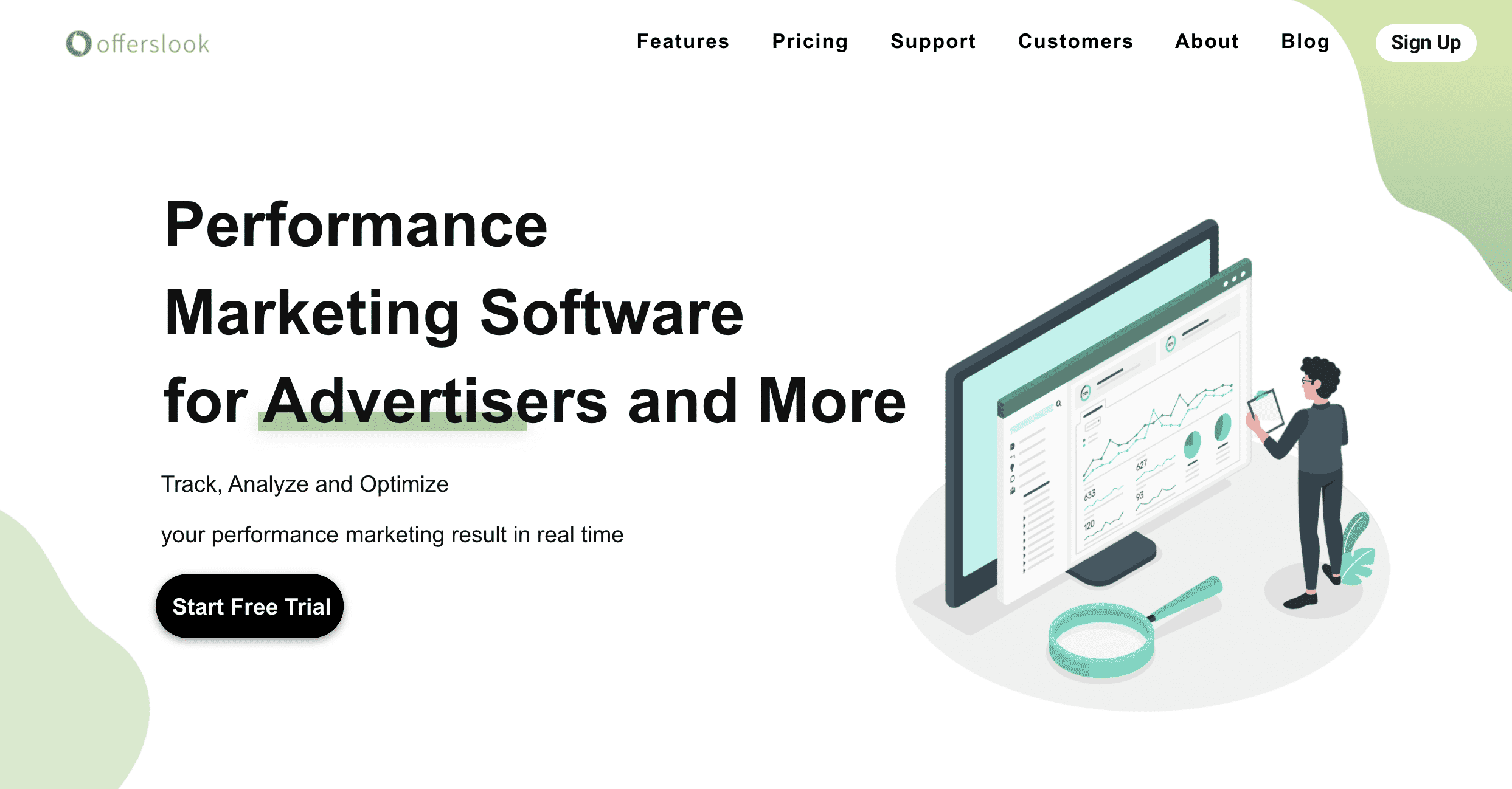
The overview
What Offerslook is for
1Core Capabilitie
- Offer setup and management panel
- Publisher onboarding and approval interface
- Real-time click and conversion log
- Customizable tracking pixel/postback configuration
- Fraud detection rule engine
2Specialized Workflow
- Geo-targeting and device-specific offer routing
- Multi-currency payout management
- Custom domain tracking setup
- API integration for third-party ad platform
- Traffic source blacklisting/whitelisting control
Who it helps
Useful ways to use Offerslook
A practical path
Log In and Access Offer Creation
Navigate to the login page, enter your credentials, and from the main dashboard, click on 'Offers' then 'Create New Offer' to begin configuring a new campaign
External signals
Reviews & reputation
Aggregated review score
Users praise Offerslook for its robust tracking capabilities, real-time reporting, and competitive pricing, particularly for networks operating in Asian markets. Some feedback points to a learning curve for new users and occasional UI complexities.
Quick answers
Frequently asked questions
1How is Offerslook priced? Is it based on clicks, conversions, or a flat fee?⌄
Offerslook typically operates on a subscription model, often tiered based on the volume of clicks or conversions tracked per month. Specific pricing details are usually available upon request or through a direct consultation, as plans can be customized for network size and feature requirements.
2Can Offerslook integrate with my existing ad platforms or CRM?⌄
Yes, Offerslook provides robust API capabilities that allow for integration with various third-party ad platforms, CRMs, and other marketing tools. This enables automated data exchange for campaign management, lead syncing, and consolidated reporting.
3What measures does Offerslook have to detect and prevent affiliate fraud?⌄
Offerslook includes built-in fraud detection features such as IP filtering, click-to-conversion time analysis, duplicate conversion detection, and customizable fraud rules. These tools help identify suspicious activity and prevent fraudulent conversions from being paid out.
4Who owns the tracking data generated through Offerslook?⌄
As the account holder, you retain full ownership of all tracking data generated through your Offerslook platform. Offerslook acts as a data processor, providing the tools for collection and analysis, but the data itself belongs to your network or advertising entity.
5Is Offerslook suitable for large-scale affiliate networks with millions of clicks daily?⌄
Offerslook is designed to handle high volumes of traffic and conversions, making it suitable for large-scale affiliate networks. Its infrastructure is built for scalability, ensuring reliable tracking and reporting even with millions of daily clicks and complex campaign structures.
Keep exploring