

What Is Outbrain Used For: Features, Reviews & Alternatives
High-quality content recommendation network.
Editorially updated Oct 5, 2025
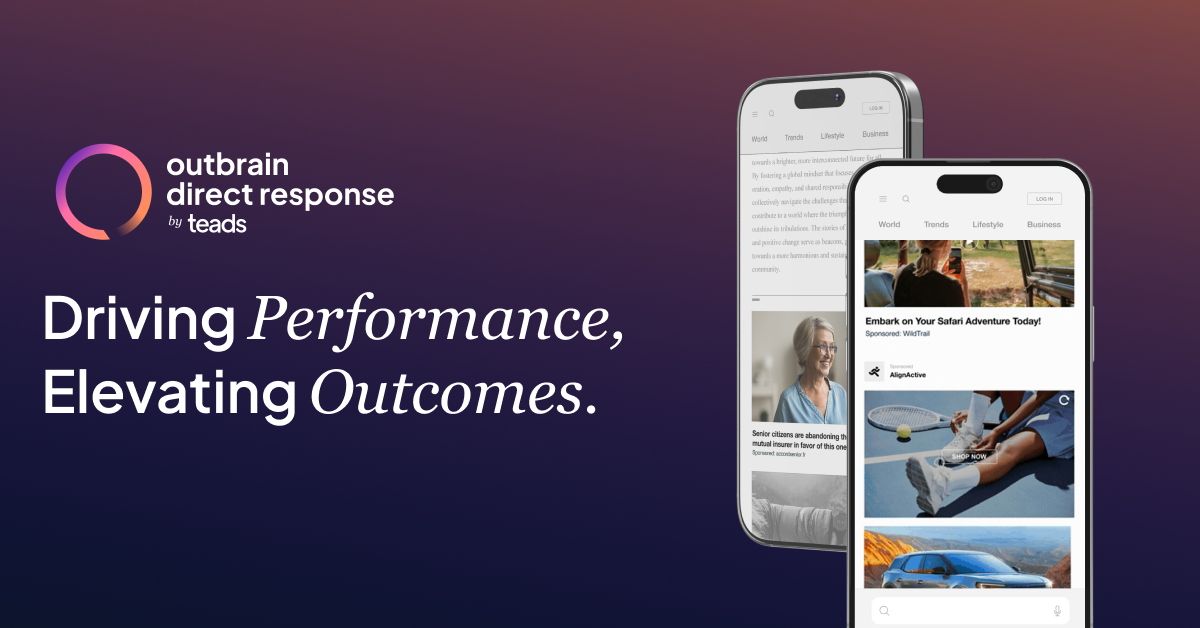
The overview
What Outbrain is for
1Core Capabilitie
- Campaign Creation Panel
- Audience Targeting Controls (geo, device, interest)
- Creative Upload Interface (headlines, images, videos)
- Bid Strategy Configuration (CPC, oCPC options)
- Budget Management Dashboard
2Specialized Workflow
- Performance Reporting Dashboard
- A/B Testing Module for creatives and landing page
- Pixel Tracking and Postback URL Integration
- Publisher Exclusion List Management
- Automated Rules Engine for bid adjustment
Who it helps
Useful ways to use Outbrain
A practical path
Access Campaign Manager
Log into the dashboard via your web browser. Navigate to the 'Campaigns' section from the main menu to begin creating a new native ad campaign or manage existing one
External signals
Reviews & reputation
Aggregated review score
Outbrain is a robust native advertising platform favored by affiliates for its extensive publisher network and granular targeting capabilities. Users appreciate the ability to scale campaigns and access diverse traffic sources, though some note a learning curve for optimal bid management and compliance with strict content guidelines.
Quick answers
Frequently asked questions
1What are the minimum spend requirements for new affiliate campaigns on Outbrain?⌄
Outbrain typically requires a minimum daily budget, which can vary by region and account type. For new advertisers, a common starting point is around $20-$50 USD per day per campaign, though it's best to consult with an account representative for the most current and specific minimums applicable to your geo and offer type.
2How do I ensure my affiliate offer's landing page complies with Outbrain's native ad guidelines?⌄
Compliance is critical. Ensure your landing page clearly discloses that it's an advertisement, avoids misleading claims, and provides a clear value proposition. It must not contain auto-play videos with sound, pop-ups, or excessive redirects. Review the full content guidelines available in the platform's support section before launching to prevent campaign rejections.
3Can I integrate my own custom conversion tracking solution beyond standard postbacks?⌄
Yes, Outbrain supports various tracking methods. While server-to-server postbacks are recommended for accuracy, you can also implement client-side pixels. For advanced needs, the platform offers API access, allowing developers to build custom integrations for more granular event tracking and data synchronization with proprietary analytics systems.
4What kind of targeting options are available beyond basic demographics for native campaigns?⌄
Beyond geographic and device targeting, Outbrain offers interest-based targeting, custom audience segments (via pixel data), and lookalike audiences. You can also target specific publisher sections or exclude underperforming sites, allowing for highly refined audience segmentation to match your affiliate offer's niche.
5How does Outbrain handle bot traffic or invalid clicks to protect affiliate budgets?⌄
Outbrain employs proprietary fraud detection algorithms and works with third-party verification partners to identify and filter out bot traffic and invalid clicks in real-time. Advertisers are generally not charged for detected fraudulent activity, and the platform continuously updates its systems to combat evolving fraud techniques.
Keep exploring