

What Is Parallels Desktop Used For: Features, Reviews & Alternatives
Run Windows on Mac virtualization software.
Editorially updated Oct 5, 2025
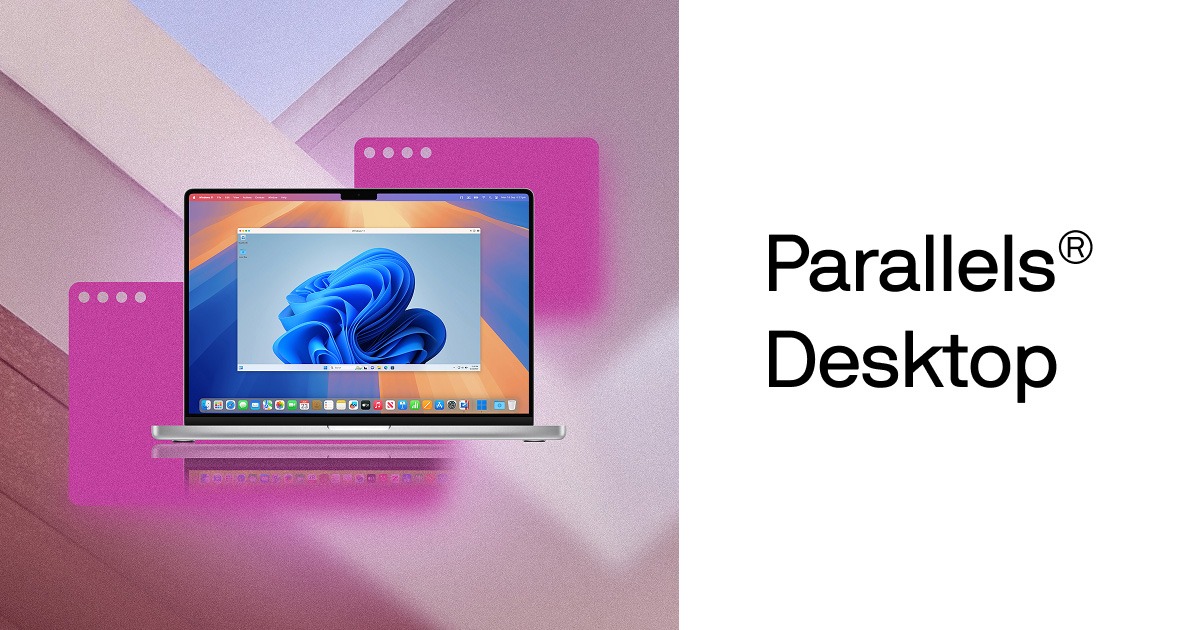
The overview
What Parallels Desktop is for
1Core Capabilitie
- VM creation wizard for various OS images (Windows, Linux, macOS)
- Coherence mode for integrated application display
- Snapshot management for rollback point
- Shared profile directories between host and guest
- USB/Thunderbolt device passthrough configuration
2Specialized Workflow
- Developer-focused CLI tools for VM automation
- Nested virtualization support for specific guest OS
- Direct integration with macOS Finder for VM file acce
- Dynamic resolution scaling for Retina display
- Network adapter bridging and NAT configuration
Who it helps
Useful ways to use Parallels Desktop
A practical path
Locate and Select Product License
Navigate to the product page on the official website, review the available editions (Standard, Pro, Business), and select the appropriate license type (perpetual or subscription) based on individual or organizational requirement
External signals
Reviews & reputation
Aggregated review score
Users consistently praise Parallels Desktop for its seamless integration with macOS, high performance for running Windows and Linux applications, and user-friendly interface. Specific appreciation is often noted for Coherence mode and robust support for Apple Silicon Macs. Some feedback occasionally points to resource consumption with multiple demanding VMs or the subscription model for Pro/Business editions.
Quick answers
Frequently asked questions
1What are the key differences between Parallels Desktop Standard, Pro, and Business editions for a developer?⌄
The Standard edition is suitable for basic Windows/Linux VM needs. The Pro edition adds advanced features crucial for developers, such as more vCPU/vRAM allocation, nested virtualization, integration with Vagrant/Docker, and CLI tools for automation. The Business edition extends Pro features with centralized license management and deployment options for IT departments.
2Can I migrate an existing Windows Boot Camp installation directly into a Parallels Desktop VM?⌄
Yes, Parallels Desktop includes a migration assistant that can convert an existing Boot Camp partition into a new virtual machine. This allows you to run your Boot Camp Windows installation as a VM without needing to reboot your Mac.
3How does Parallels Desktop handle macOS updates and compatibility with new Apple Silicon Macs?⌄
Parallels Desktop is regularly updated to support the latest macOS versions shortly after their public release. For Apple Silicon Macs, Parallels Desktop runs ARM-based guest operating systems (like Windows 11 for ARM or ARM Linux distributions) natively, leveraging the M-series chip architecture for optimal performance.
4What are the licensing implications for using Parallels Desktop in a commercial development environment?⌄
For commercial use, especially within a team or organization, the Parallels Desktop Business Edition is recommended. It provides centralized license management, mass deployment tools, and premium support, ensuring compliance and simplified administration compared to individual Pro or Standard licenses.
5Is it possible to run multiple virtual machines concurrently, and what are the performance considerations?⌄
Yes, Parallels Desktop supports running multiple VMs simultaneously, limited by the host Mac's available CPU cores, RAM, and storage I/O. Performance depends heavily on the resources allocated to each VM and the overall host system load. Monitoring host resource usage is critical for optimal concurrent VM operation.
Keep exploring