

What Is Pardot Used For: Features, Reviews & Alternatives
B2B marketing automation.
Editorially updated Oct 25, 2025
The overview
What Pardot is for
1Core Capabilitie
- Landing Page Builder
- Form Builder
- Email Template Library
- Prospect Activity Tracking
- Lead Scoring & Grading Engine
2Specialized Workflow
- Automation Rule Configuration
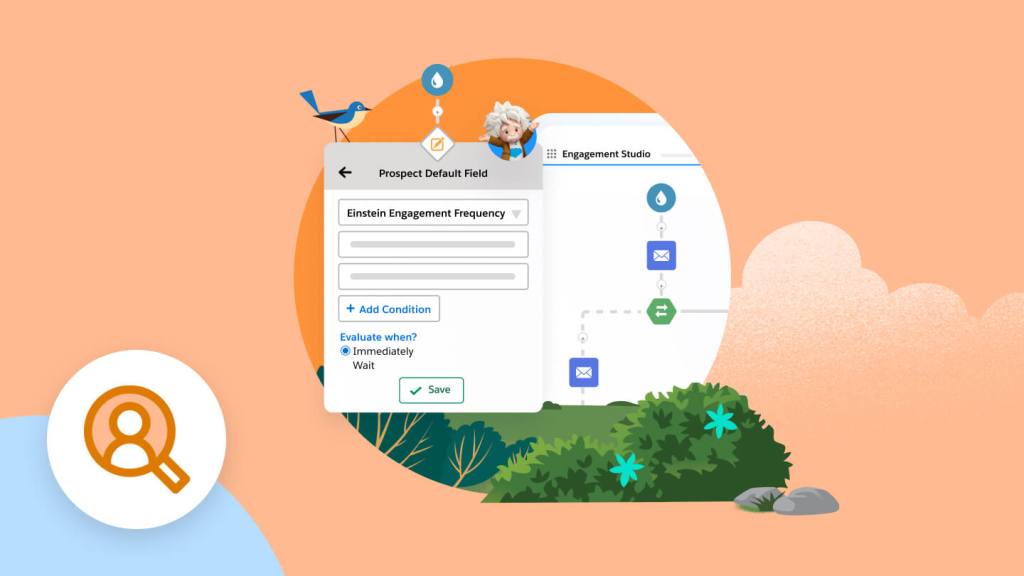
- Engagement Studio Canva
- Dynamic Content Block
- Salesforce Campaign Sync
- Visitor IP Lookup
Who it helps
Useful ways to use Pardot
A practical path
Build a Prospect Capture Page
Log into the application in your browser. Navigate to 'Marketing' > 'Landing Pages' and select 'Create Landing Page'. Use the visual editor to assemble content blocks, add images, and define the page layout for a specific campaign
External signals
Reviews & reputation
Aggregated review score
Pardot is highly valued by B2B marketing teams for its robust lead nurturing and scoring capabilities, deep integration with Salesforce CRM, and comprehensive analytics. Users appreciate its ability to automate complex marketing journeys and provide sales with qualified leads, though some note a learning curve for advanced features and occasional interface complexities.
Quick answers
Frequently asked questions
1How does Pardot integrate with our existing Salesforce CRM instance?⌄
Pardot offers native, bidirectional synchronization with Salesforce Sales Cloud. This means prospect data, activities, and campaign memberships flow seamlessly between the two platforms, ensuring sales teams have real-time visibility into marketing engagement and marketing can segment based on CRM data.
2What are the typical pricing tiers for Pardot, and is it included with Salesforce licenses?⌄
Pardot is a separate subscription from core Salesforce CRM licenses, though often bundled or purchased as an add-on. Pricing is typically tiered based on the number of active prospects in your database and the feature set (e.g., Growth, Plus, Advanced editions), with higher tiers offering more advanced automation and analytics capabilities.
3Can Pardot track anonymous website visitors before they fill out a form?⌄
Yes, Pardot uses tracking code (Pardot tracking pixel) placed on your website to identify and track anonymous visitor activity. Once a visitor converts (e.g., fills out a form), their historical anonymous activity is associated with their new prospect record, providing a complete engagement history.
4How does Pardot handle compliance with data privacy regulations like GDPR or CCPA?⌄
Pardot provides features to assist with compliance, including consent management tools for forms, preference centers for email subscriptions, and data deletion capabilities. It's crucial for organizations to configure these features correctly and ensure their overall data handling practices align with relevant regulations.
5What are the key differences between Pardot and Salesforce Marketing Cloud's other email/automation tools?⌄
Pardot (now Marketing Cloud Account Engagement) is specifically designed for B2B marketing, focusing on lead generation, nurturing, and sales alignment with Salesforce Sales Cloud. Other Marketing Cloud products like Email Studio or Journey Builder are typically geared towards B2C, high-volume transactional emails, or complex multi-channel customer journeys, often with different data models and integration patterns.
Keep exploring