

What Is Philips Hue Used For: Features, Reviews & Alternatives
Smart lighting system for homes.
Editorially updated Oct 25, 2025
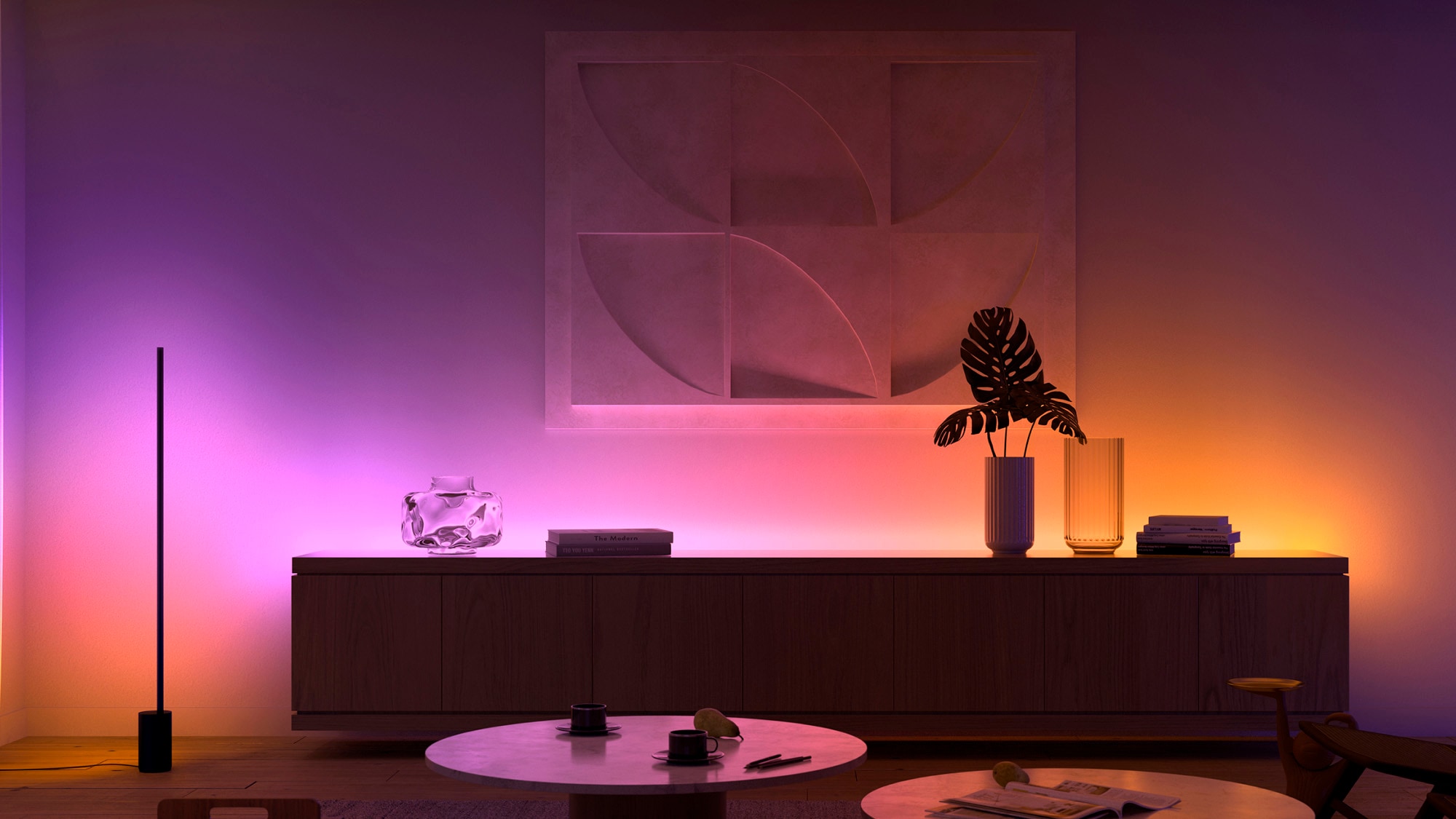
The overview
What Philips Hue is for
1Core Capabilitie
- Bridge registration and network status display
- Light grouping and room assignment panel
- Scene creation and recall interface
- Firmware update initiation for Bridge and light
2Specialized Workflow
- Hue Labs formula activation portal
- Accessory button mapping editor (e.g., Dimmer Switch, Tap)
- Developer API key management console
- Remote access enablement and configuration
Who it helps
Useful ways to use Philips Hue
A practical path
Access the Hue Web Portal and Log In
Navigate to account.meethue.com in your web browser. Log in with your account credentials. If you don't have an account, create one and link it to your Hue Bridge
External signals
Reviews & reputation
Aggregated review score
Users consistently praise the Philips Hue web portal for its robust system management capabilities, offering a more detailed and stable interface compared to mobile apps for complex setups. The ability to manage developer API keys and access advanced settings is highly valued by power users and integrators. Some feedback notes a slightly less intuitive initial experience for absolute beginners compared to the mobile app's guided setup.
Quick answers
Frequently asked questions
1Is an internet connection required to control my Philips Hue lights via the web portal?⌄
Yes, an active internet connection is necessary for the web portal to communicate with your Philips Hue Bridge and control your lights. While the mobile app can offer limited local control without internet, the web interface relies on cloud connectivity for full functionality and remote access.
2How does the web interface differ from the Philips Hue mobile app?⌄
The web interface provides a browser-based, often more detailed, overview of your entire Hue system, ideal for complex configurations, API key generation, and troubleshooting. The mobile app offers more immediate, on-the-go control and often integrates more tightly with location-based services and quick scene activation. Both offer core lighting control, but the web portal excels in system-level management.
3Can I integrate Philips Hue with other smart home platforms using the web portal?⌄
The web portal itself doesn't directly integrate with other platforms. However, it's where you manage the developer API keys and access documentation, which are crucial for third-party integrations (e.g., Home Assistant, SmartThings, IFTTT). For direct integrations like Apple HomeKit or Google Home, setup is typically initiated through their respective apps, which then discover your Hue Bridge on the local network.
4What security measures are in place to protect my Philips Hue system and data?⌄
Philips Hue employs industry-standard security protocols, including encrypted communication between your Bridge, the cloud, and the web portal. Your account is protected by password, and remote access requires explicit enablement. Signify (the parent company) regularly releases firmware updates for the Bridge to address potential vulnerabilities, emphasizing the importance of keeping your system updated.
5Is the Philips Hue Bridge mandatory for using the web portal?⌄
Yes, the Philips Hue Bridge is the central hub for your Hue lighting system and is absolutely mandatory for using the web portal. The web portal connects to your registered Bridge to manage and control your lights and accessories. Without a Bridge, there is no Hue system to manage via the web.
Keep exploring