

What Is Promo.com Used For: Features, Reviews & Alternatives
Online video maker for businesses & agencies.
Editorially updated Oct 25, 2025
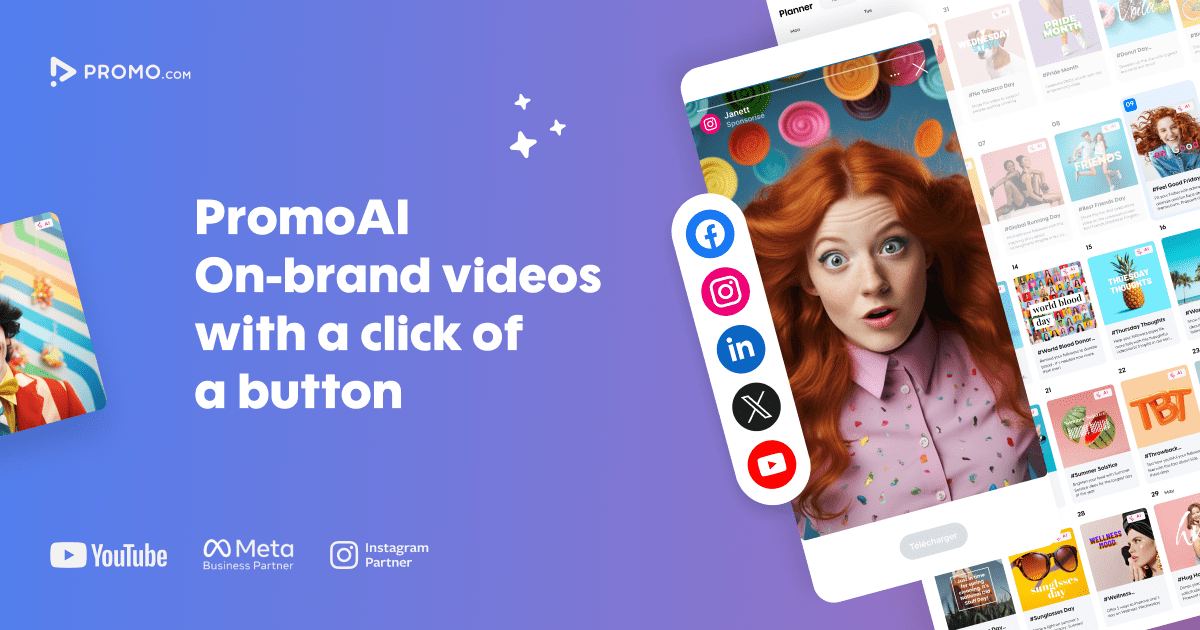
The overview
What Promo.com is for
1Core Capabilitie
- Extensive template library for diverse marketing objective
- Integrated stock media asset browser (video, image, music)
- Intuitive drag-and-drop video editor interface
- Multi-platform aspect ratio presets (e.g., 1:1, 9:16, 16:9)
- Custom brand kit application (logo, colors, fonts)
2Specialized Workflow
- Direct social media platform publishing integration
- High-resolution MP4 video export option
- Project versioning and duplication panel
- Royalty-free music track selection
- Text animation and effects editor
Who it helps
Useful ways to use Promo.com
A practical path
Initiate New Video Project
Navigate to , sign in to your account, and select 'Create New Video.' Choose from the extensive template library based on your marketing goal (e.g., social ad, promo, explainer) or opt to start with a blank canva
External signals
Reviews & reputation
Aggregated review score
Users frequently praise Promo.com for its intuitive interface, extensive library of professional templates, and the speed at which high-quality marketing videos can be produced. Many highlight its value for social media content and ad creation, though some advanced editors might find certain customization options less robust compared to dedicated desktop software.
Quick answers
Frequently asked questions
1What are the licensing terms for the stock media and music used in my videos?⌄
All stock video clips, images, and music tracks provided within Promo.com are royalty-free and cleared for commercial use. Once you export a video, you retain the rights to use it across your marketing channels without additional fees or copyright concerns.
2Can I upload my own brand fonts and specific color palettes?⌄
Yes, the platform includes a Brand Kit feature where you can upload custom font files and define your exact brand color hex codes. This ensures all videos produced maintain strict brand consistency across your digital presence.
3Are there specific video aspect ratios optimized for different social media platforms?⌄
Absolutely. Promo.com offers pre-set aspect ratios like 1:1 (square for Instagram feed), 9:16 (vertical for Stories/Reels/TikTok), and 16:9 (horizontal for YouTube/Facebook feed) to ensure your content is perfectly formatted for each target platform, maximizing engagement.
4Is Promo.com suitable for creating longer-form content like webinars or full product tutorials?⌄
Promo.com is primarily optimized for short-form, high-impact promotional videos, typically under 5 minutes, designed for social media ads, website banners, and quick announcements. While technically possible to create longer videos, its strength lies in rapid production of concise marketing assets rather than extensive, long-form content.
5Does the platform support team collaboration or shared project access for agencies?⌄
Yes, higher-tier plans offer team collaboration features, allowing multiple users to access and work on shared video projects. This is particularly beneficial for agencies managing numerous client accounts or marketing teams requiring streamlined content review and approval workflows.
Keep exploring