

What Is PrusaSlicer Used For: Features, Reviews & Alternatives
Open-source slicer based on Slic3r.
Editorially updated Oct 25, 2025
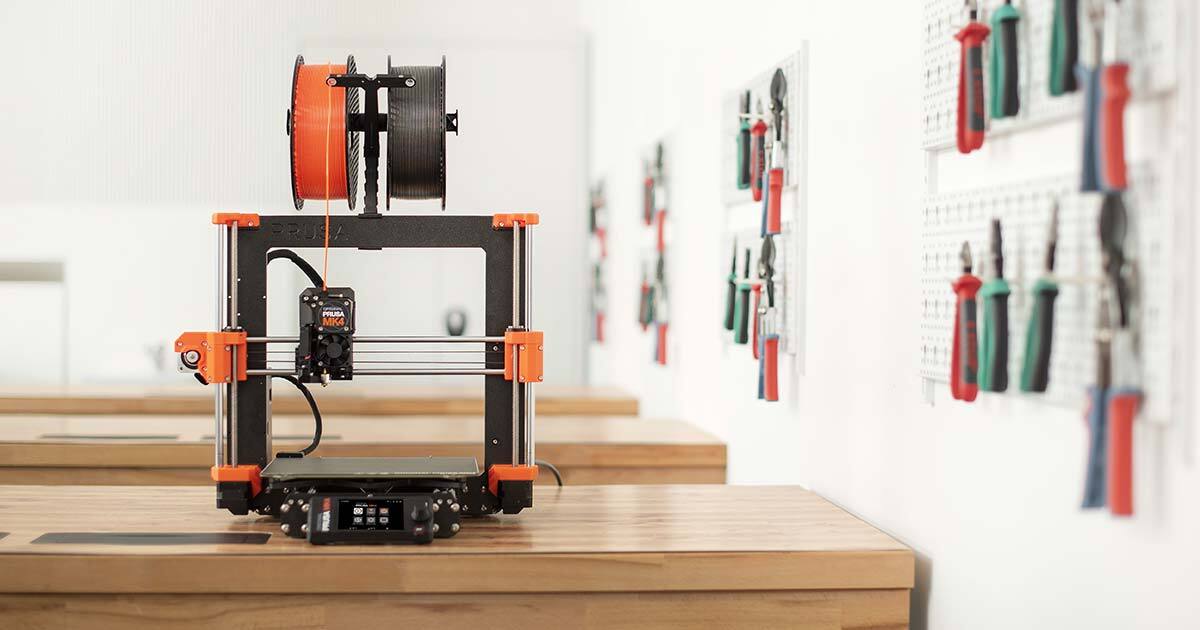
The overview
What PrusaSlicer is for
1Core Capabilitie
- Model import and manipulation interface
- Extensive printer profile library
- Layer height and infill pattern control
- Support structure generation panel
- G-code previewer with layer-by-layer visualization
2Specialized Workflow
- Multi-material printing setup (MMU)
- Variable layer height editor
- Paint-on support enforcer/blocker
- Input shaping configuration for resonance compensation
- Organic support generation algorithm
Who it helps
Useful ways to use PrusaSlicer
A practical path
Download and Install the Slicer
Navigate to the Prusa Research website's 'Drivers & Apps' section. Select your operating system (Windows, macOS, Linux) and download the latest installer package. Run the installer and follow the on-screen prompts to complete the setup
External signals
Reviews & reputation
Aggregated review score
Highly regarded as a leading open-source slicer, praised for its advanced features, extensive printer profiles, and active development. Users frequently highlight its robust support generation, multi-material capabilities, and the quality of G-code produced, making it a go-to for both beginners and experienced users in the 3D printing community.
Quick answers
Frequently asked questions
1Is PrusaSlicer truly free and open-source, or are there hidden costs?⌄
PrusaSlicer is completely free to download and use, licensed under the GNU Affero General Public License v3.0. There are no hidden costs, subscriptions, or premium features locked behind a paywall. Its development is community-driven and supported by Prusa Research.
2Can PrusaSlicer be used with non-Prusa brand 3D printers?⌄
Absolutely. While PrusaSlicer comes with optimized profiles for Prusa printers, it includes a wide array of generic profiles for other FDM and SLA machines. Users can also easily create custom printer profiles or import community-contributed ones, making it highly versatile for various hardware.
3What are the system requirements for running PrusaSlicer?⌄
PrusaSlicer is designed to run on Windows (7 SP1+), macOS (10.13+), and Linux. A modern multi-core CPU, at least 4GB of RAM (8GB recommended for complex models), and a graphics card with OpenGL 2.0 support are generally sufficient. Performance scales with system resources, especially for very large or detailed models.
4How does PrusaSlicer handle multi-material printing?⌄
PrusaSlicer features robust support for multi-material printing, particularly with Prusa's Multi-Material Upgrade (MMU). It allows users to assign different materials or colors to individual parts of a model or even specific modifiers, generating the necessary toolpaths for automatic filament changes during the print.
5Where can I find support or report issues with PrusaSlicer?⌄
The primary support channels are the official Prusa Research forum, where a large community and Prusa staff actively assist users. Comprehensive documentation and a knowledge base are also available on the Prusa website. Bug reports and feature requests are typically handled via the project's GitHub repository.
Keep exploring