

What Is Railway Used For: Features, Reviews & Alternatives
Cloud platform that makes it easy to develop, ship, and monitor applications.
Editorially updated Oct 5, 2025
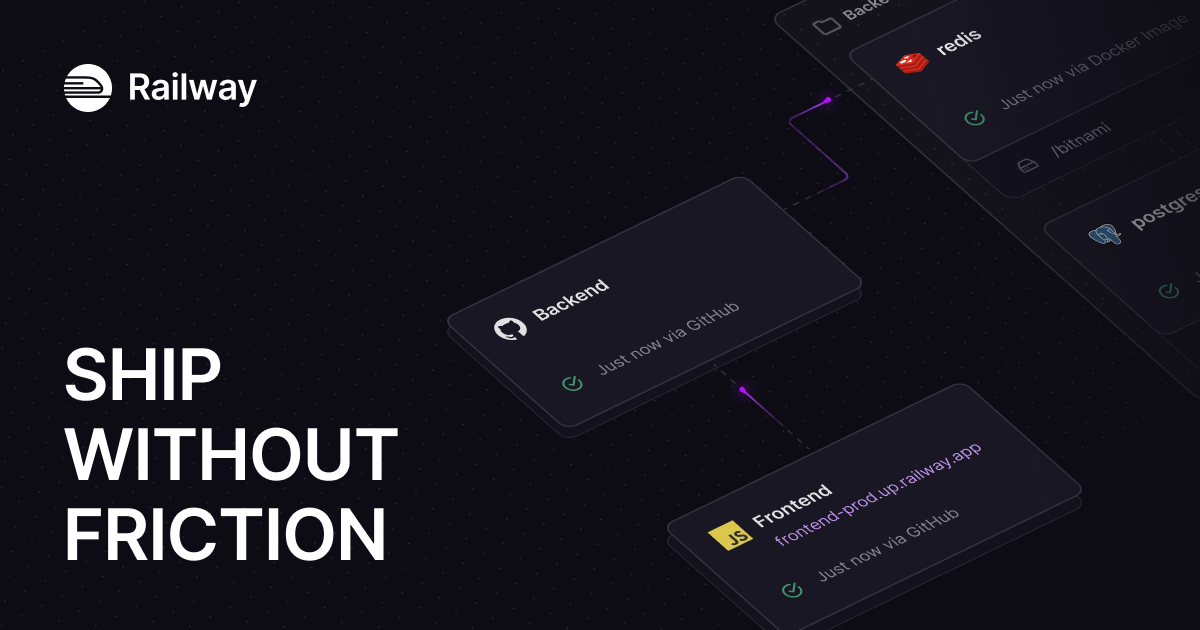
The overview
What Railway is for
1Core Capabilitie
- Git repository integration
- Automated build pipeline
- Environment variable management
- Custom domain mapping
- SSL certificate provisioning
2Specialized Workflow
- Ephemeral environment
- Resource allocation control
- Deployment rollback mechanism
- Real-time log streaming
- Database service provisioning
Who it helps
Useful ways to use Railway
A practical path
Initiate Project Deployment
Navigate to the dashboard in your browser, sign in, and select "New Project." Choose "Deploy from Git Repository" and authorize access to your GitHub/GitLab account. Select the specific repository and branch you wish to deploy
External signals
Reviews & reputation
Aggregated review score
Developers praise Railway for its intuitive interface, rapid deployment capabilities, and seamless integration with Git. The platform's generous free tier and usage-based pricing are frequently highlighted as beneficial for prototyping and scaling. Some users occasionally note the learning curve for advanced configurations or specific edge cases.
Quick answers
Frequently asked questions
1How does Railway's pricing model work for deployed services?⌄
Railway operates on a usage-based pricing model, charging for the CPU, RAM, and network egress consumed by your services. You only pay for the resources your applications actively use, with a generous free tier for initial development and small projects.
2What programming languages and frameworks does Railway support for deployments?⌄
Railway is designed to be language-agnostic, supporting most popular runtimes and frameworks including Node.js, Python, Go, Ruby, PHP, Java, and static sites. It automatically detects your project's build configuration, or you can specify custom build commands.
3Can I use my own custom domain with applications hosted on Railway?⌄
Yes, you can easily map custom domains to your deployed services directly within the Railway dashboard. The platform also automatically provisions and renews SSL certificates for your custom domains, ensuring secure HTTPS access without manual configuration.
4How does Railway handle database and persistent storage for applications?⌄
Railway offers one-click provisioning for popular database services like PostgreSQL, MySQL, Redis, and MongoDB directly within your project. These services are managed and scaled by Railway, providing persistent storage that integrates seamlessly with your deployed applications.
5What security measures are in place for applications deployed on Railway?⌄
Railway employs robust security practices including isolated execution environments for services, automatic SSL certificate management for all domains, and secure environment variable handling. Infrastructure is regularly updated, and access controls are enforced to protect your applications and data.
Keep exploring