

What Is Ring Used For: Features, Reviews & Alternatives
Smart doorbells and home security.
Editorially updated Oct 25, 2025
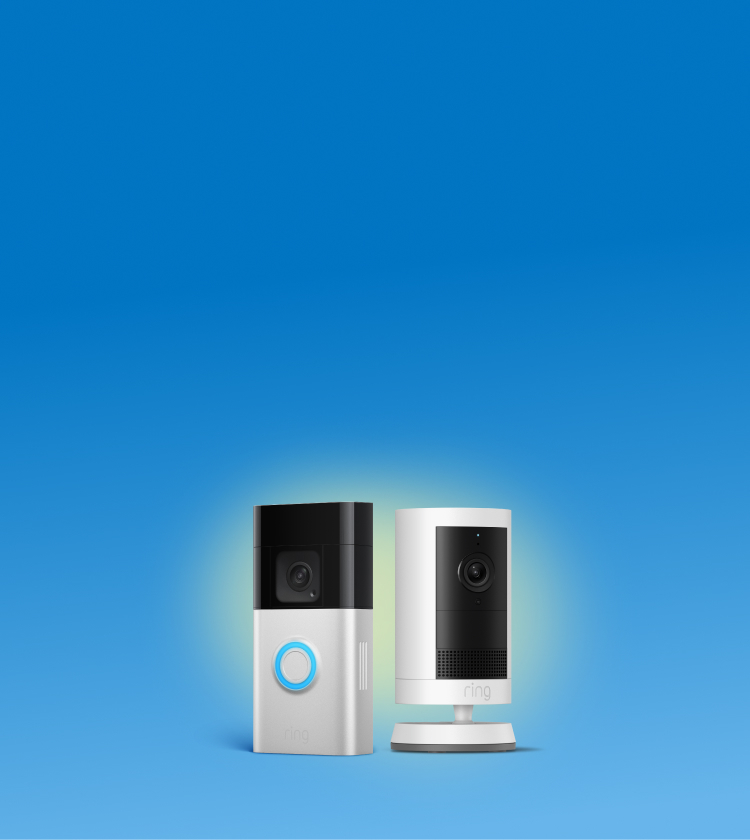
The overview
What Ring is for
1Core Capabilities
- Live View Portal
- Event History Timeline
- Device Settings Panel
- Shared User Management
- Subscription Plan Dashboard
Who it helps
Useful ways to use Ring
A practical path
Log Into .com
Navigate to the website and sign in with your account credential
External signals
Reviews & reputation
Aggregated review score
Users appreciate the ease of setup and comprehensive web interface for managing smart home security devices. Common feedback highlights the utility of remote monitoring and event review, though some express concerns regarding subscription costs for full functionality and occasional connectivity issues.
Quick answers
Frequently asked questions
1Can I view my Ring camera feeds and event history on a desktop computer?⌄
Yes, the Ring website (Ring.com) provides full access to your Live View, event history, device settings, and account management directly from any web browser on a desktop or laptop computer.
2What are the subscription options for video recording and storage?⌄
Ring offers Ring Protect plans (Basic and Plus) which enable video recording, storage of event history in the cloud for up to 180 days, and other features. Without a plan, you can still use Live View and receive motion alerts, but recordings are not saved.
3How do I share access to my Ring devices with other family members or trusted individuals?⌄
You can invite Shared Users through the Ring website or app. Navigate to 'Users' or 'Shared Access' in your account settings, enter their email address, and they will receive an invitation to create their own Ring account with access to your selected devices.
4Is the Ring website secure for managing my home security system?⌄
Ring employs standard security measures, including two-factor authentication (2FA) and encryption, to protect your account and data when accessing the website. It's always recommended to use a strong, unique password and enable 2FA.
Keep exploring