

What Is RustDesk Used For: Features, Reviews & Alternatives
Open source remote desktop software (self-hostable).
Editorially updated Oct 25, 2025
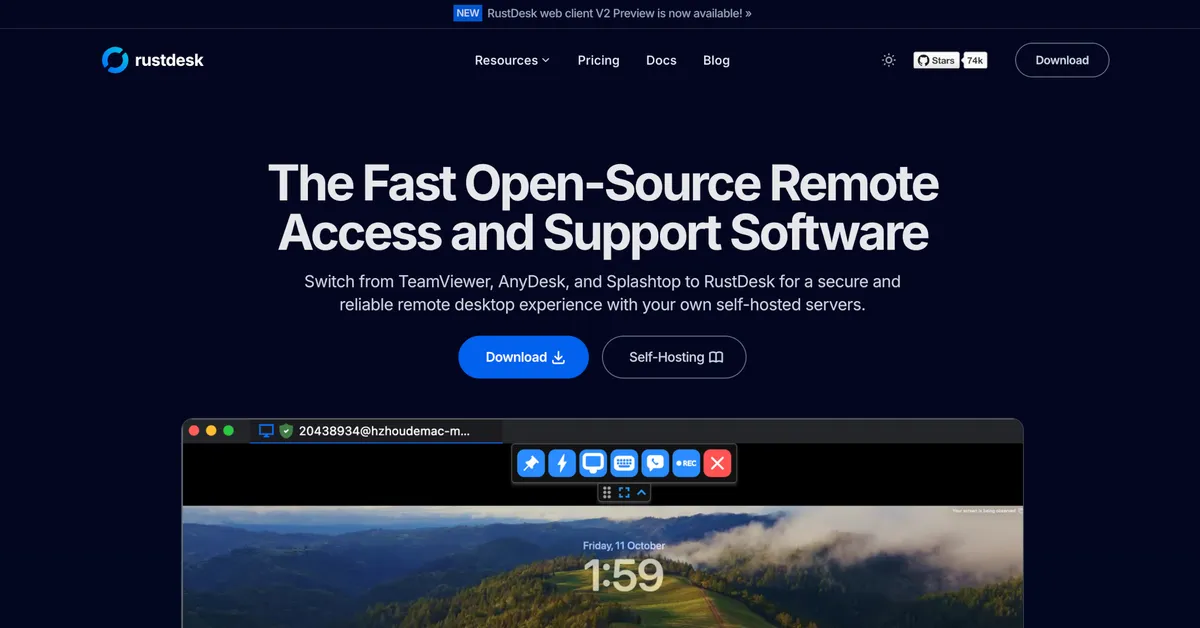
The overview
What RustDesk is for
1Core Capabilities
- Direct peer-to-peer connection establishment
- Unattended access configuration panel
- Integrated file transfer interface
- Clipboard synchronization across session
- Custom relay server deployment option
- TCP tunneling for specific application port
Who it helps
Useful ways to use RustDesk
A practical path
Download Client
Navigate to the website's download section and select the appropriate client binary for your operating system (Windows, macOS, Linux, Android, iOS, or Web)
External signals
Reviews & reputation
Aggregated review score
RustDesk is highly regarded for its open-source nature and robust self-hosting capabilities, offering a secure and private alternative to commercial remote desktop solutions. Users appreciate its broad platform support and direct peer-to-peer connections, though some note the initial setup for self-hosting requires technical proficiency.
Quick answers
Frequently asked questions
1Is RustDesk truly free for commercial use?⌄
RustDesk is open-source under the AGPLv3 license. While the client and public server are free to use, deploying a self-hosted server for commercial purposes may require understanding the AGPLv3 implications or considering a commercial license for specific use cases, as outlined in their documentation.
2Can I host my own RustDesk server?⌄
Yes, RustDesk is designed for self-hosting. The website provides documentation and server binaries (hbbs and h2o) for users to deploy their own ID and relay servers, offering full control over the connection infrastructure and eliminating reliance on public servers.
3What operating systems does RustDesk support?⌄
RustDesk clients are available for a wide range of platforms, including Windows, macOS, Linux (various distributions), Android, iOS, and web browsers, allowing for broad compatibility across different devices and user environments.
4How does RustDesk handle security and privacy?⌄
RustDesk uses end-to-end encryption for all connections. For privacy, its self-hosting capability allows users to keep all connection metadata and traffic within their own network, bypassing third-party relay servers entirely, which is a key differentiator for privacy-conscious users.
Keep exploring