

What Is Samsung Pay / Samsung Wallet Used For: Features, Reviews & Alternatives
Mobile payment and digital wallet service.
Editorially updated Oct 25, 2025
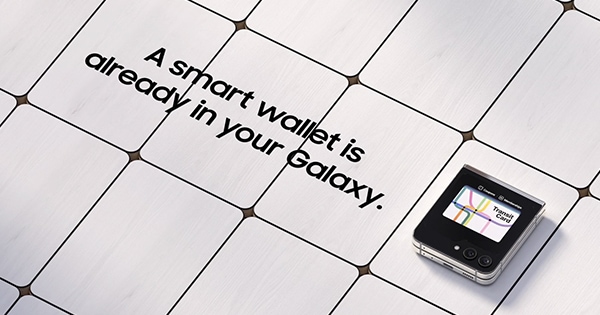
The overview
What Samsung Pay / Samsung Wallet is for
1Core Capabilities
- Device compatibility checker
- Supported card issuer directory
- Promotional offer display
- Transaction history access (via Samsung Account portal)
- Security feature overview
- FAQ and support knowledge base
Who it helps
Useful ways to use Samsung Pay / Samsung Wallet
A practical path
Verify Device Compatibility
Navigate to the 'Supported Devices' section on the homepage to input your Samsung device model and confirm its eligibility for the payment service
External signals
Reviews & reputation
Aggregated review score
Users frequently praise the convenience and broad acceptance of the service, particularly its MST technology for older terminals. The integration with the Samsung ecosystem and robust security features are often highlighted as key advantages, though occasional issues with specific card issuers or device compatibility are noted.
Quick answers
Frequently asked questions
1Is my specific Samsung device model compatible with the service?⌄
You can check device compatibility directly on the website by navigating to the 'Supported Devices' section and entering your model number. Generally, recent flagship and mid-range Samsung smartphones and wearables are supported.
2What types of payment cards can I add to my digital wallet?⌄
The service typically supports major credit and debit cards from participating banks and financial institutions, including Visa, Mastercard, American Express, and Discover. A full list of supported issuers is available on the website.
3How does the service ensure the security of my payment information?⌄
Security is maintained through tokenization, where your actual card number is replaced with a unique digital token for each transaction. Additionally, transactions require authentication via PIN, fingerprint, or iris scan, and are protected by Samsung Knox.
4Can I use the digital wallet for online purchases, or is it only for in-store payments?⌄
While primarily known for in-store tap-to-pay, the service also supports online payments on compatible merchant websites and within apps. Look for the payment service logo at checkout.
Keep exploring