

What Is Samsung Wallet Used For: Features, Reviews & Alternatives
Combines Samsung Pay, Pass, and more.
Editorially updated Oct 25, 2025
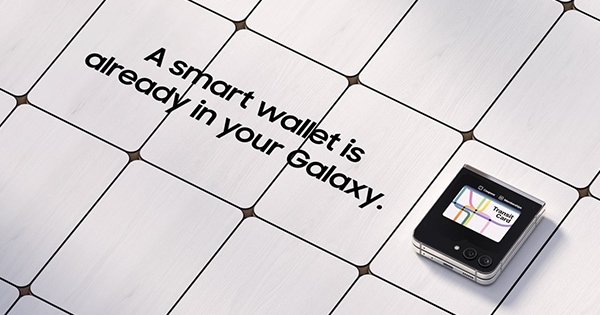
The overview
What Samsung Wallet is for
1Core Capabilities
- Payment Card Management Panel
- Digital Key & ID Enrollment Portal
- Transaction History Viewer
- Loyalty Program Integration Hub
- Security Settings Dashboard
Who it helps
Useful ways to use Samsung Wallet
A practical path
Access Account Portal
Navigate to the Samsung account website (account.samsung.com) in your web browser and sign in with your Samsung ID credential
External signals
Reviews & reputation
Aggregated review score
Users value the convenience of consolidating various digital assets, from payment cards to digital keys, within a single ecosystem. While the mobile experience is primary, the web management portal is appreciated for its secure oversight and streamlined setup, though some users occasionally report specific device compatibility nuances or initial setup complexities.
Quick answers
Frequently asked questions
1Can I manage all my digital wallet assets from a web browser?⌄
Yes, the Samsung account portal provides a centralized web interface to add, remove, and manage payment cards, loyalty programs, and digital keys associated with your digital wallet, complementing the mobile application.
2Is my financial data secure when managed through the web portal?⌄
Samsung employs robust security measures, including encryption and multi-factor authentication, to protect your financial and personal data within the account portal. Payment card details are tokenized for transactions and not stored directly on Samsung servers.
3What happens if I lose my Samsung device? Can I still access my wallet information?⌄
If your device is lost or stolen, you can access the web portal to manage your digital wallet settings. This allows you to suspend or remove payment cards and digital keys, securing your assets remotely without needing the physical device.
Keep exploring