

What Is Simplifi by Quicken Used For: Features, Reviews & Alternatives
Personal finance app for tracking & goals.
Editorially updated Oct 25, 2025
The overview
What Simplifi by Quicken is for
1Core Capabilities
- Unified account feed to combine checking, savings, and credit activity into one budget-facing timeline
- Category mapping with custom rules that helps isolate recurring expenses, variable spending, and transfer noise
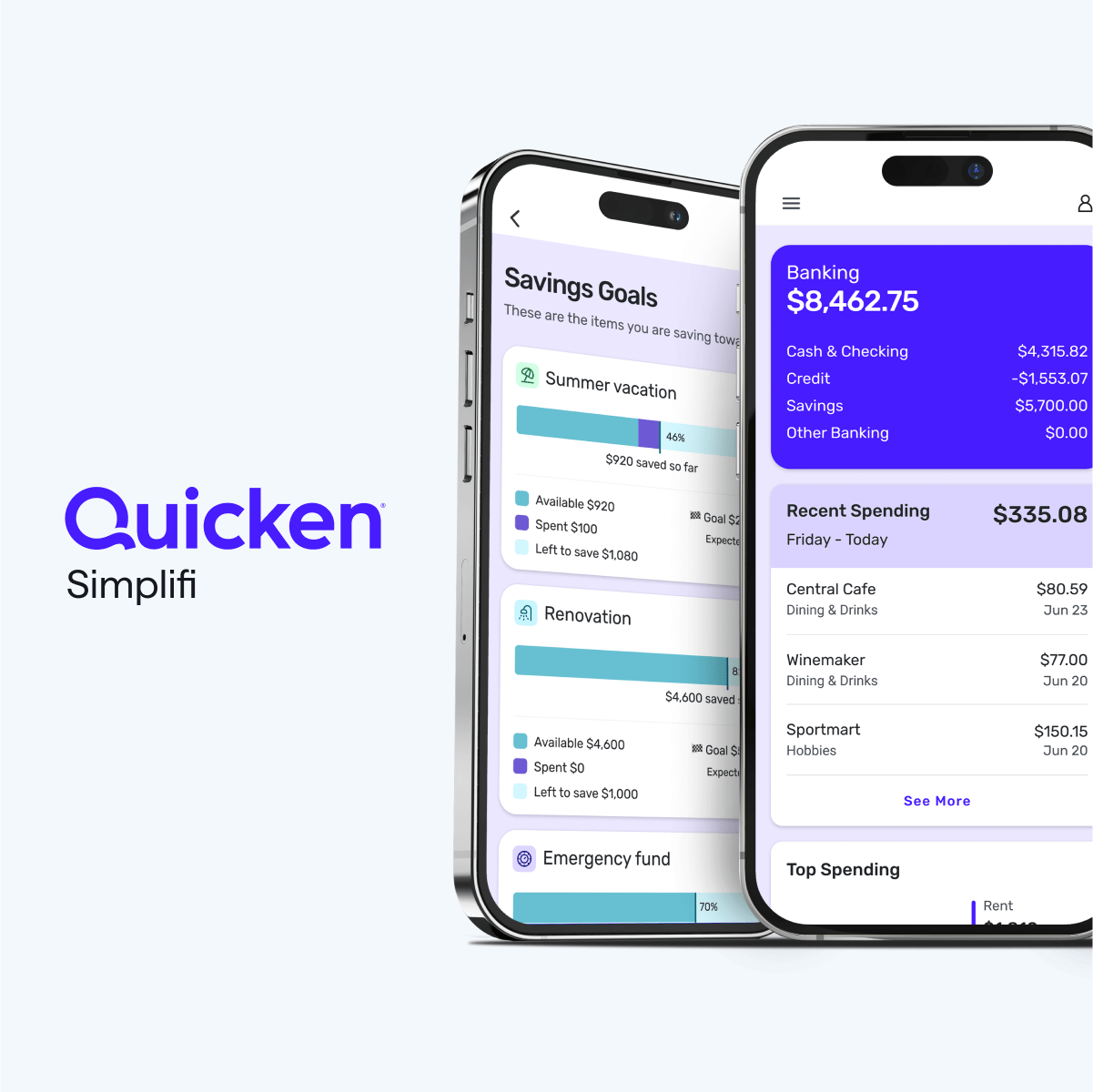
- Goal tracker for reserve, debt payoff, or purchase targets with progress signals tied to budget periods
- Cashflow projection for upcoming bills, subscriptions, and transfer batches to flag gaps early
- Anomaly checks for sync breaks, duplicate transactions, and category misreads before they distort month-end math
- Export-ready summaries for periodic reviews with partners, advisors, or accountants
Who it helps
Useful ways to use Simplifi by Quicken
A practical path
Attach the accounts you actually use for daily cash movement
Start with checking, savings, and debt-facing accounts first. Leave inactive cards and dormant accounts linked later to reduce initial setup friction.
External signals
Reviews & reputation
Aggregated review score
Simplifi by Quicken performs best when teams prioritize clear task execution and operational repeatability and keep ownership explicit around repeatable team usage.
Quick answers
Frequently asked questions
1Fit question: Is this worth paying for if my budget is already simple?⌄
Possibly, if recurring complexity is increasing. If your categories are small and stable, the extra fee may not add measurable value compared with a lighter tracker.
2How should I evaluate fees before committing?⌄
Use your current monthly tracking method cost (time, errors, stress points) versus subscription cost. If the subscription is close to your current value loss from confusion, it may still be worth it.
3How much account setup friction should I expect?⌄
It varies by bank and connector quality. A conservative approach is to onboard 2–3 critical accounts first and confirm reconciliation accuracy before adding the rest.
4Usage boundary question: when is this no longer the right tool for me?⌄
If a core account stays unsynced, categories keep misclassifying, and you are forced into repeated manual fixes, switch to a temporary spreadsheet-based process until feeds are stable.
5Can money movement still be trusted for decision-making?⌄
Treat it as a near-real-time signal, then validate major decisions against transaction confirmation at month-end, especially around transfer-heavy days.
Keep exploring