

What Is Simplified Used For: Features, Reviews & Alternatives
All-in-one AI platform for design, writing, video editing, and social media.
Editorially updated Oct 25, 2025
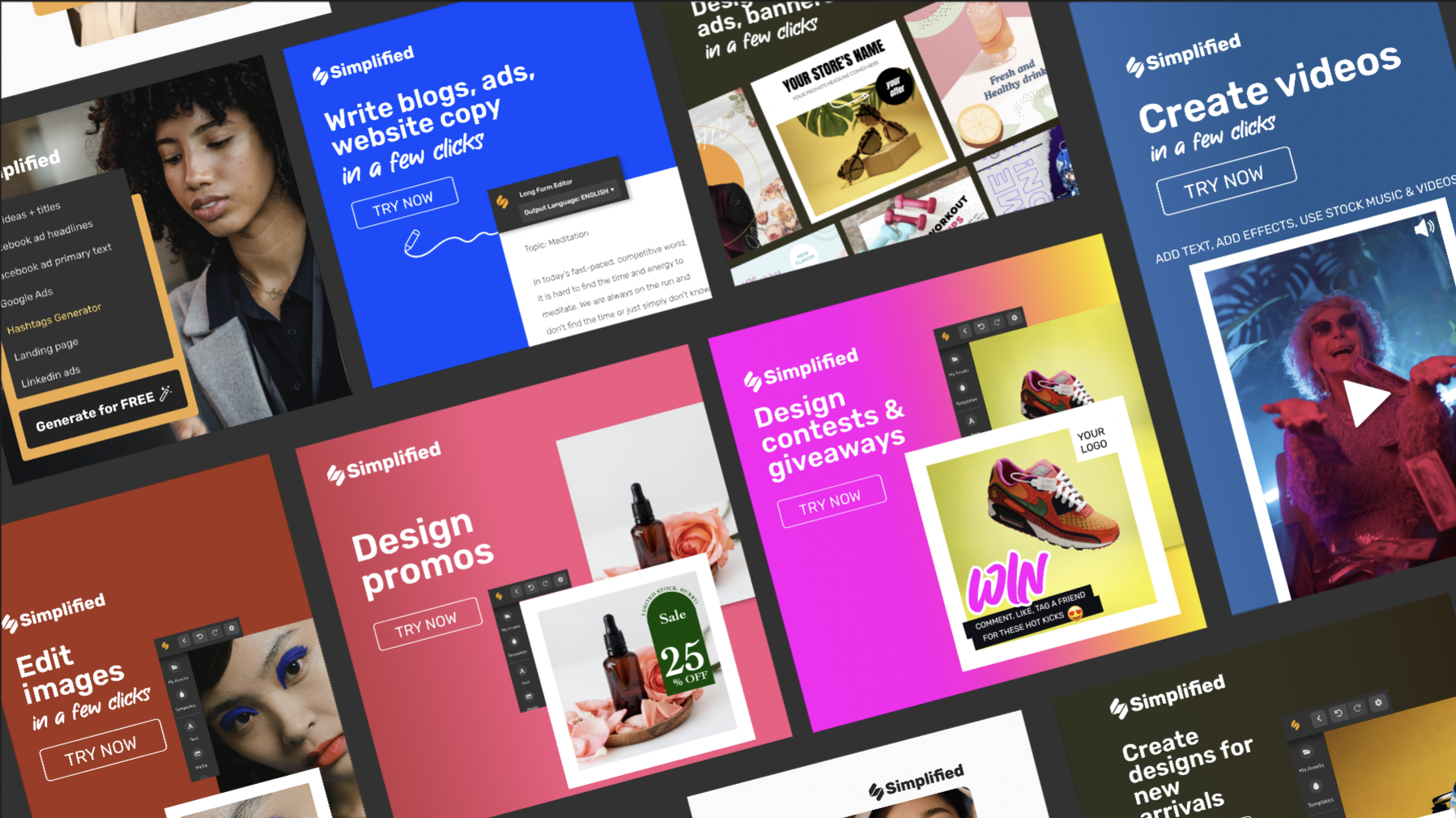
The overview
What Simplified is for
1Core Capabilities
- Prompt-to-asset conversion that links text generation, visual design, and short-form editing from one campaign brief
- Cross-format output generation for social placements such as posts, reels, and website-ready visuals in a single pass
- Brand consistency controls to keep tone, visual style, and naming conventions stable across multiple iterations
- Centralized draft flow for revising copy and media together instead of treating channels as separate silos
- Export and packaging options intended to match common publishing and storage destinations used by operators
Who it helps
Useful ways to use Simplified
A practical path
Define a structured campaign brief
Start with product promise, audience intent, and mandatory channel constraints (dimensions, word limits, legal disclaimers) so each generated module inherits the same context.
External signals
Reviews & reputation
Aggregated review score
The practical upside of Simplified is steadier practice-to-output feedback loop; the tradeoff is disciplined handling of uneven depth across advanced topics.
Quick answers
Frequently asked questions
1What should I verify first before adopting this as a core tool?⌄
Prove end-to-end compatibility with your actual channels and existing file conventions in a real mini-campaign. If export formats and naming align on the first week of usage, adoption risk is much lower.
2Does it truly replace multiple specialist tools?⌄
It can reduce handoffs, but replacement depends on your baseline quality bar. Compare outputs against your current best-in-class tools for the specific outputs you ship most often before reducing tool count.
3How do I test reliability when using it every week?⌄
Run repeated prompt variations on the same brief and track whether changes are predictable. Watch for drift in style, cropping, and copy tone across runs; inconsistency often appears after the first few iterations.
4Is documentation quality enough for team onboarding?⌄
Check whether docs explain integration setup, permission behavior, export settings, and failure handling in one place. If operators can recover from a rejected publish or malformed output from written guidance alone, that is a stronger signal than tutorials only.
5How should I handle brand risk and revision safety?⌄
Treat the first runs as controlled experiments, store versioned outputs, and include a manual review checkpoint before publishing. This is especially important for AI-generated copy and short-form video where subtle brand mismatches are common.
Keep exploring