

What Is Sketch Used For: Features, Reviews & Alternatives
Digital design platform for Mac.
Editorially updated Oct 5, 2025
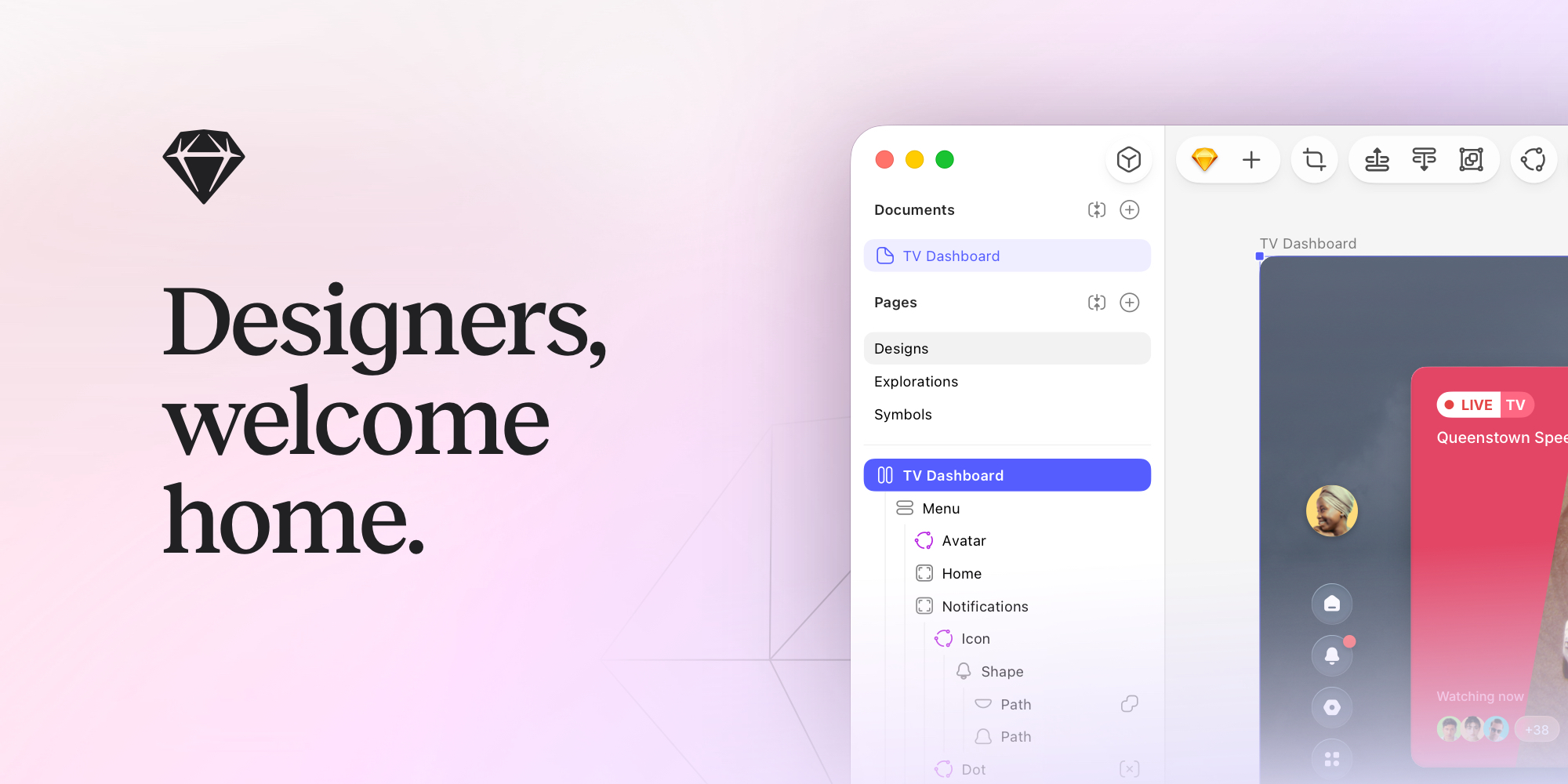
The overview
What Sketch is for
1Core Capabilities
- Symbol and shared style system to keep components consistent across pages, product sections, and campaign sets
- Artboard-first vector editing with precise typography, spacing, and layer controls for UI that is publish-ready
- Local-first iteration flow with version history to recover and compare design states during rapid reviews
- Prototype and linking behavior inside files so interaction flow issues are caught before formal handoff
- Export controls for multiple formats and scales, including naming and slicing options for marketing and implementation pipelines
Who it helps
Useful ways to use Sketch
A practical path
Set a project structure before sketching
Create a fixed convention for pages, naming, and symbol folders so every designer follows the same structure from day one.
External signals
Reviews & reputation
Aggregated review score
The practical upside of Sketch is steadier practice-to-output feedback loop; the tradeoff is disciplined handling of uneven depth across advanced topics.
Quick answers
Frequently asked questions
1Does Sketch fit teams that depend on mixed operating systems?⌄
Sketch has traditionally been strongest on macOS, so mixed Windows-first teams should validate access requirements and cross-platform handoff methods before committing.
2How well does it hold up with large component libraries?⌄
Its symbol and style model is useful for scale, but the practical limit depends on how disciplined your naming and update process is; weak conventions often create more noise than platform limits.
3Can non-design reviewers work with it effectively?⌄
Yes, if you keep review assets and comments in a structured handoff process. In many teams, reviewers use shared exports and page snapshots when direct editing access is not needed.
4Is output quality stable enough for production handoff?⌄
In practical use, stability comes from export discipline. Use fixed output settings, consistent scale variants, and a final export checklist to reduce drift between design and implementation.
5What should be checked before onboarding the team?⌄
Before onboarding, validate integration points: where design files are stored, how reviews are tracked, which output formats are required, and whether version history is managed in a way your team can maintain under real release deadlines.
6Should a team choose this for lightweight brand work or only product UI?⌄
It can handle both, but practical fit improves when the team has clear separation between UI patterns and brand campaign assets, so template complexity stays controlled.
Keep exploring