

What Is Smartsheet Used For: Features, Reviews & Alternatives
Spreadsheet-like work execution platform.
Editorially updated Oct 5, 2025
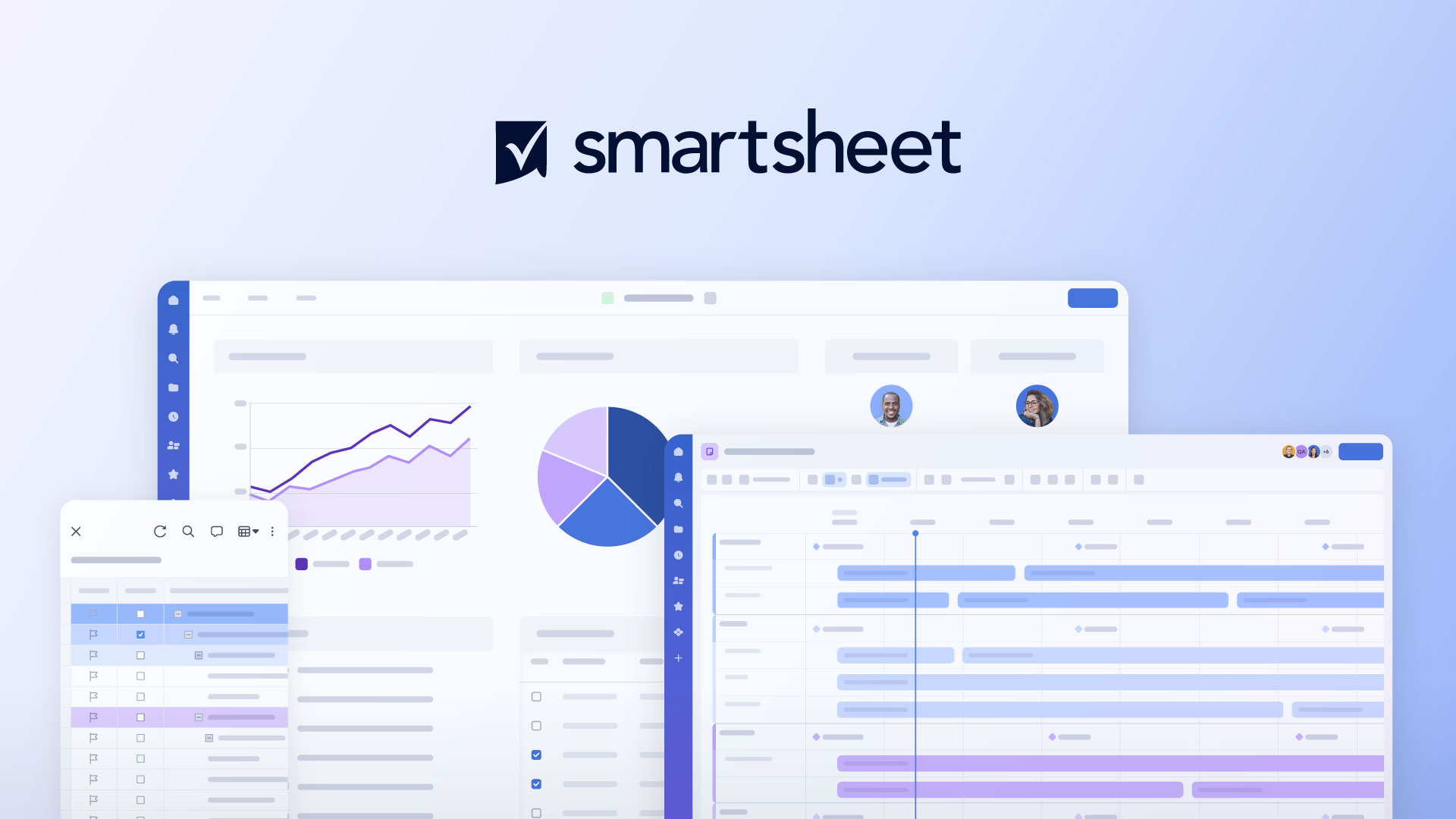
The overview
What Smartsheet is for
1Core Capabilities
- Grid-style planning with dependencies, critical-path scheduling, and status-driven formulas for visible plan integrity
- Automations for reminders, escalations, and change-triggered updates that reduce manual coordination churn
- Portfolio and workbook structure for hierarchical planning across workstreams, programs, and client-specific spaces
- Granular permissioning with row/column sharing behavior and admin visibility into edits, comments, and activity
- Integration support for common execution ecosystems (e.g., Microsoft 365, Google Workspace, and API access) to connect status and reporting data
Who it helps
Useful ways to use Smartsheet
A practical path
Map execution object model
Before building anything, define the project entities you must track: initiative, phase, dependency, owner, risk level, blocker age, and approver. Keep each as explicit columns so reporting and automation stay stable.
External signals
Reviews & reputation
Aggregated review score
Smartsheet can deliver reliable outcomes for workflow completion, especially when rollout begins with a pilot focused on spreadsheet.
Quick answers
Frequently asked questions
1Can Smartsheet replace an issue tracker used by development teams?⌄
It can replace or complement one depending on usage. Smartsheet is strongest where execution is plan-heavy and approvals, dependencies, and status visibility dominate. If your work is ticket-centric with deep code review workflows, a dedicated engineering tracker may still be better for day-to-day task grooming.
2What admin and access controls matter most in PM evaluations?⌄
Focus on least-privilege access, field-level sensitivity handling, and change/audit visibility. In practice, this means deciding who can edit budget, risk, and schedule fields versus who can only update progress, and ensuring leadership can inspect historical changes without editing rights.
3How heavy is automation in real operations?⌄
Automation is useful for reminders and escalation when teams are distributed, but only if rules are conservative at first. Start with low-volume triggers, then add additional actions once your team follows the baseline process.
4Is Smartsheet a good procurement choice for distributed teams?⌄
It is often suitable for organizations that need visibility and governance at scale, but procurement fit depends on seat strategy, integration cost, and contract terms. Validate long-term pricing and admin tooling against your expected number of active operators, not just total headcount.
5Will templates stay stable as teams grow?⌄
They can, if governance is strict. The key risk is uncontrolled field drift across teams. Set template ownership, required fields, and periodic cleanup reviews to preserve consistency before creating many variants.
Keep exploring