

What Is Speechify Used For: Features, Reviews & Alternatives
Text-to-speech reader that turns text into audio, popular for listening to documents and articles.
Editorially updated Oct 5, 2025
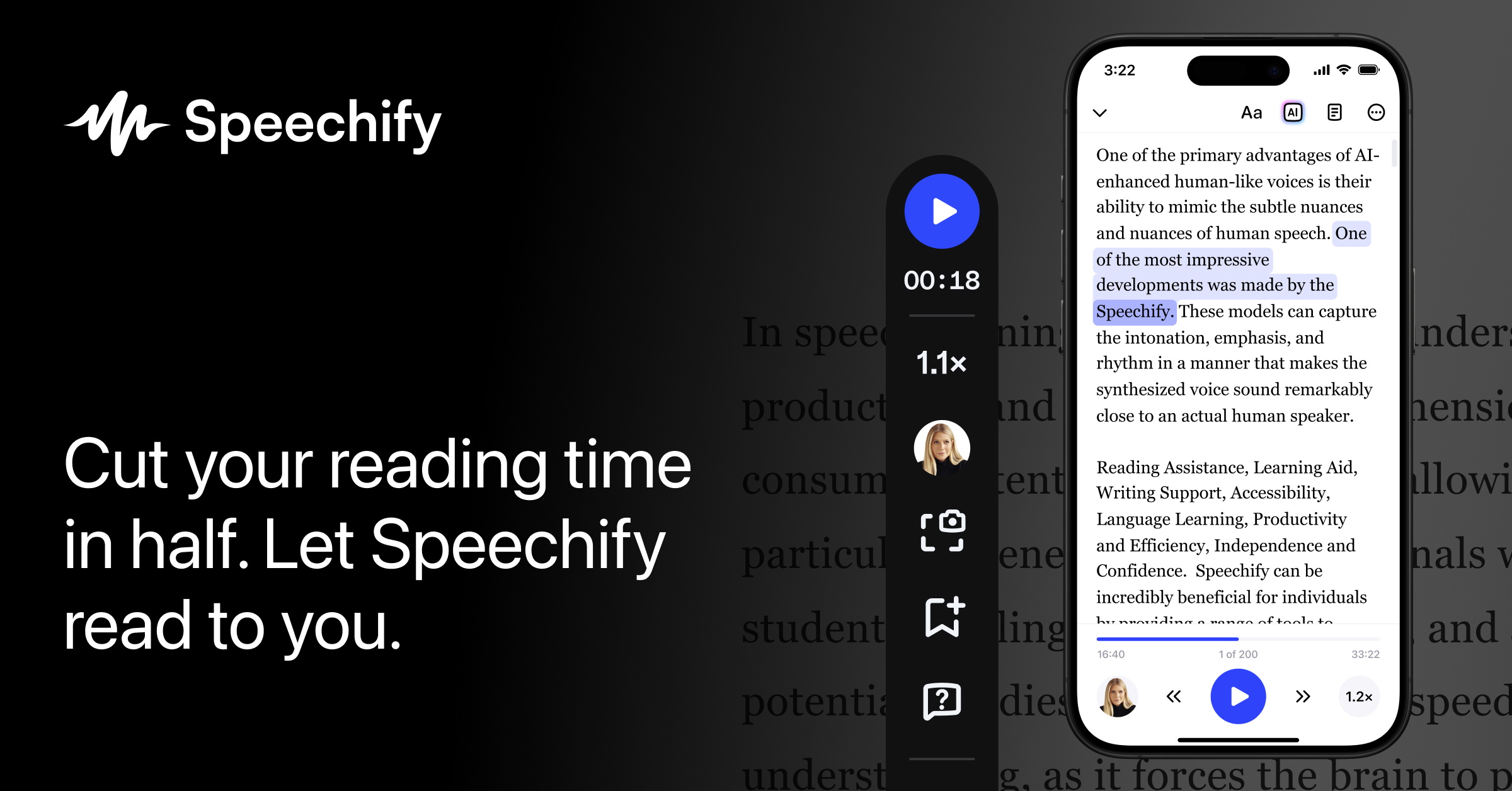
The overview
What Speechify is for
1Core Capabilities
- Import from common production sources such as URLs, PDFs, and cloud docs to avoid manual copy-paste steps
- Adjust playback controls with clear emphasis handling for punctuation, acronyms, numbers, and headings to reduce misread risk in technical content
- Use section and page-like navigation during long material so teams can jump to specific headings, clauses, or appendices
- Maintain voice behavior consistency across repeated sessions with profile settings for speed, tone, and pause logic
- Switch between desktop, browser, and mobile listening modes for task continuity across location and device
- Batch-listen by stacking multiple sources, useful for recurring research or competitor-tracking loops
Who it helps
Useful ways to use Speechify
A practical path
Prepare the source
Open a web article, document, or PDF and launch Speechify in a supported input path. Prefer cleaner, text-based pages before image-heavy files to reduce reading artifacts.
External signals
Reviews & reputation
Aggregated review score
The practical upside of Speechify is steadier repeatable team usage; the tradeoff is disciplined handling of maintenance overhead and process drift.
Quick answers
Frequently asked questions
1Can this handle mixed content quality, like PDFs with mixed tables and long lists?⌄
It handles mixed inputs, but structured-heavy files often need a cleanup pass. For mission-critical listening, test a representative PDF and list before relying on it for full content consumption.
2How do I evaluate whether setup friction is too high for daily use?⌄
Time the first successful listening session for 2-3 common sources used by your team. If setup includes repeated manual fixes, the net gain may shrink quickly.
3Is there dependable behavior for long sessions?⌄
Reliability varies by source and network conditions. Test resume, heading jumps, and boundary handling on sessions longer than 30 minutes before standardizing on production routines.
4Does Speechify support enterprise-level integration beyond personal use?⌄
Public product pages change often. Confirm integration options, API capabilities, and team controls directly in current docs before locking in a rollout plan.
5Is it suitable for regulated environments where narration quality matters?⌄
Use it as an assistive listening layer, but validate pronunciation, clarity, and version consistency for regulated materials internally. Keep human review in place where misstatement risk is high.
Keep exploring