

What Is Spike Used For: Features, Reviews & Alternatives
Conversational email app for teams.
Editorially updated Oct 25, 2025
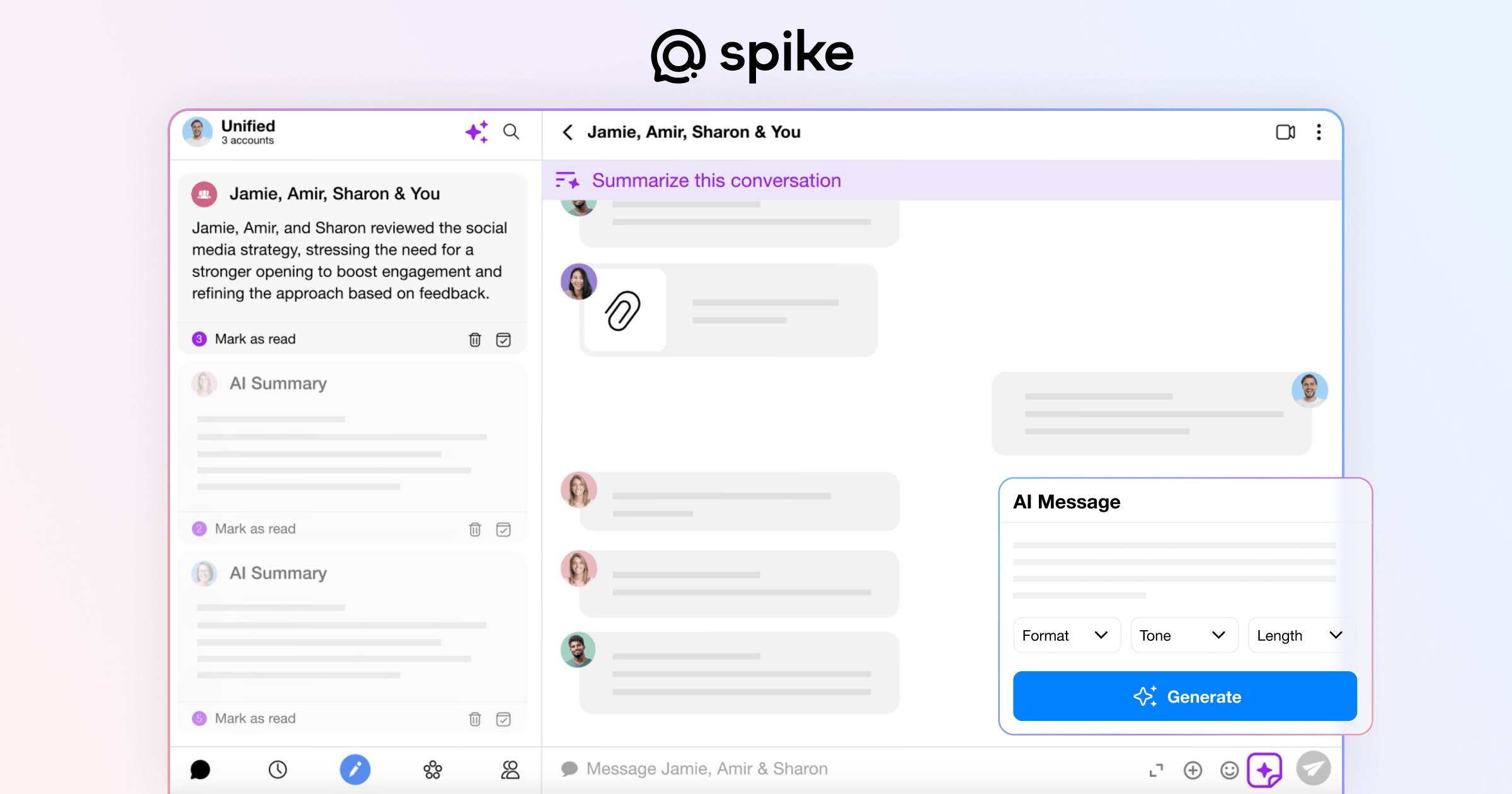
The overview
What Spike is for
1Core Capabilities
- Shared inbox conversation stream with a single shared thread history so replies, edits, and owner changes stay inside the same context
- In-thread ownership controls that let teams assign, reassign, and hand off emails with internal notes visible to all contributors
- Thread-aware follow-up tooling for marking overdue replies, escalating stalled requests, and keeping promised deadlines attached to specific tickets
- Action extraction from long email exchanges into concise action items, reducing the need for separate handoff docs or ad-hoc spreadsheets
- Email categorization and routing rules optimized for team inbox patterns (support, billing, partnerships, integrations), with quick filters for priority and SLA buckets
Who it helps
Useful ways to use Spike
A practical path
Pick the active mailbox and filter queue
Open the team conversation space, then narrow to the mailbox and priority bucket you are responsible for so only actionable threads appear.
External signals
Reviews & reputation
Aggregated review score
Spike performs best when teams prioritize clear task execution and operational repeatability and keep ownership explicit around repeatable team usage.
Quick answers
Frequently asked questions
1Can this replace the separate handoff notes we keep in docs?⌄
It can reduce that dependency by attaching ownership notes directly in-thread, but teams should verify whether all external tools in their stack still need separate records.
2Will Spike work with both Gmail and Outlook mailboxes?⌄
That depends on the current integration list in your environment; confirm provider support and mailbox policy requirements before deciding on full rollout.
3How is thread ownership handled when a teammate is unavailable?⌄
The handoff model is designed for reassignment at thread level, but you should define a fallback owner policy internally so accountability remains clear during absences.
4Does it help with attachments and large message chains?⌄
Spike is useful for long chains, while attachment behavior should be validated in practice for your file-size limits and compliance rules.
5How long does onboarding realistically take for a small team?⌄
Most teams report initial adoption when they map inboxes and naming conventions first; exact speed varies by existing processes and how quickly triage rules are standardized.
Keep exploring