

What Is SpyFu Used For: Features, Reviews & Alternatives
Competitor keyword research tool for SEO/PPC.
Editorially updated Oct 5, 2025
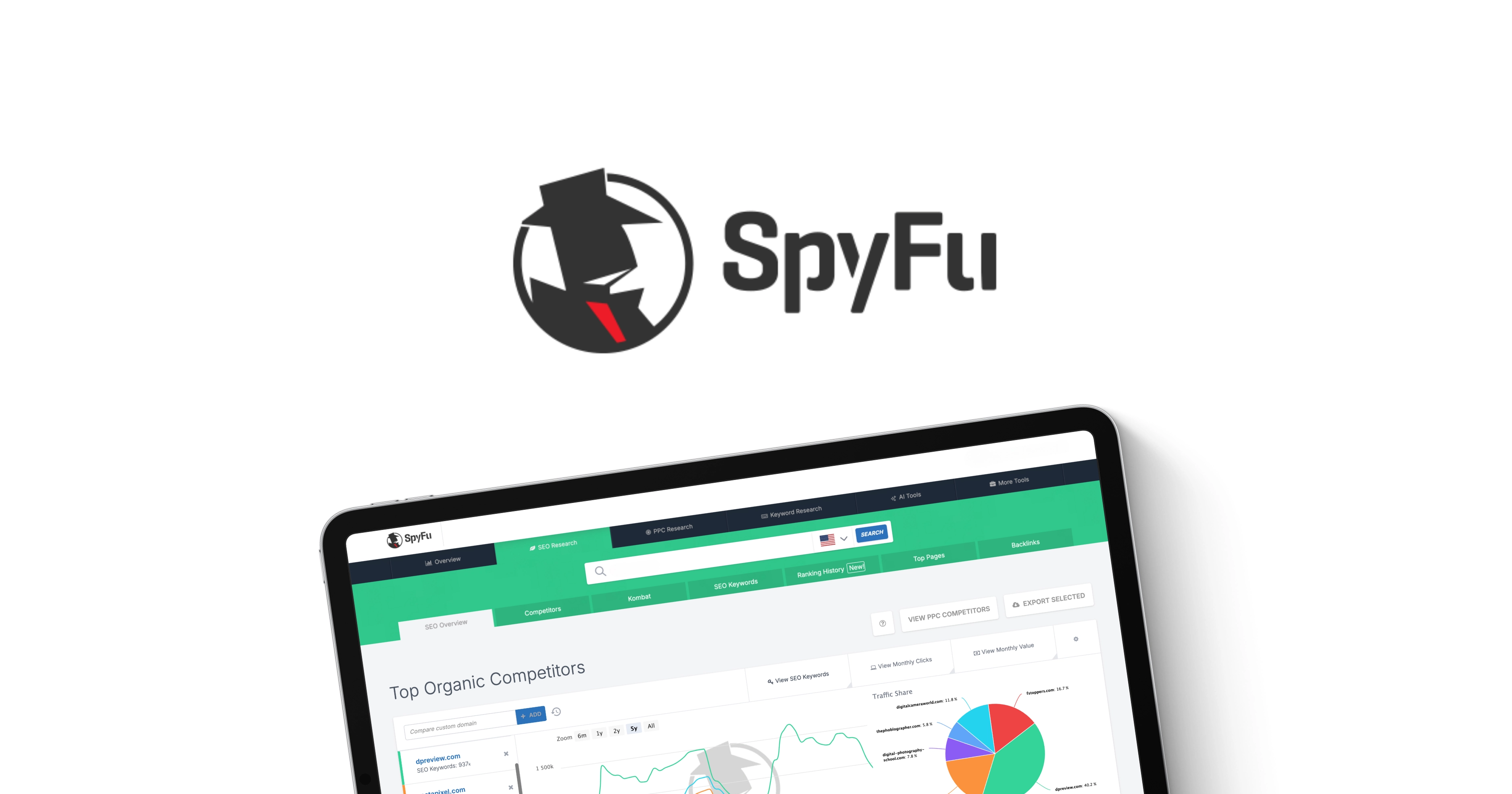
The overview
What SpyFu is for
1Core Capabilities
- Competitive keyword discovery across domains, covering both organic ranking terms and paid search opportunities
- Ad intelligence with historical CPC, competition, and bid-pressure signals tied to specific competitor campaigns
- SERP overlap and gap analysis to isolate high-value terms your pages miss but competitors capture
- Keyword grouping and filtering by match type, intent, and ranking tier to focus on production-ready opportunities
- CSV-based export for direct handoff to editorial planners, bid models, and tracking dashboards
Who it helps
Useful ways to use SpyFu
A practical path
Define the analysis perimeter
Select your main competitors and the category-specific query space (for example, by region, language, or sub-vertical) before pulling keyword data.
External signals
Reviews & reputation
Aggregated review score
SpyFu can deliver reliable outcomes for workflow completion, especially when rollout begins with a pilot focused on competitor.
Quick answers
Frequently asked questions
1Does SpyFu replace every other keyword source?⌄
Usually it complements rather than fully replaces your stack. It is practical for competitor mining, but many teams still combine it with their own search console data and landing-page analytics for final triage.
2How consistent is SpyFu data when I rerun the same domain set?⌄
For teams using it repeatedly, consistency is best judged by versioned snapshots and refresh cadence. In many projects, terms and costs are stable enough for weekly planning, but you should validate against your internal metrics before making hard budget shifts.
3Can non-English markets be analyzed well?⌄
SpyFu can be used for multiple markets in many setups, but coverage depth and term availability vary by language and region. Treat low-volume geographies as hypothesis zones until you confirm sampling quality in your own funnel data.
4Is integration setup heavy?⌄
Basic export-based integration is usually straightforward, while richer automation or deep BI ingestion depends on plan limits and data format needs. Teams that require fully automated refresh pipelines should verify supported endpoints and export formats first.
5What should I watch out for with reporting?⌄
The strongest reports come from clear naming standards and repeated query windows. If field names or filters are interpreted differently across runs, results can look noisy; set a shared filtering convention to avoid that drift.
Keep exploring