

What Is StreamYard Used For: Features, Reviews & Alternatives
Browser-based live streaming studio to broadcast to multiple platforms simultaneously.
Editorially updated Oct 25, 2025
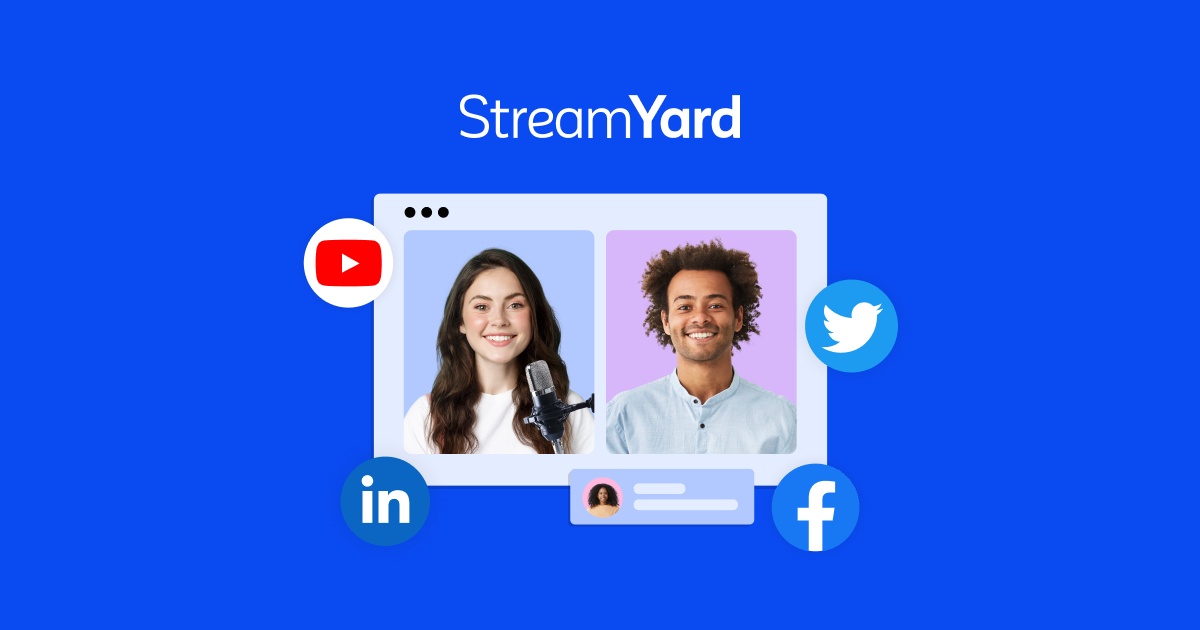
The overview
What StreamYard is for
1Core Capabilities
- Broadcast to several platforms from one live room without switching apps between channels
- Reusable studio scenes with branded overlays, text cards, and consistent layout blocks for recurring shows
- Guest link-based studio access for interviews or panel sessions without forcing third-party conferencing steps
- Source controls for camera, screen share, and media layers with one-click switching during live broadcasts
- Live chat and moderation flow for audience interaction while keeping producer control centralized
- Persistent stream templates and room settings to reduce setup drift across weekly productions
Who it helps
Useful ways to use StreamYard
A practical path
Define destination priorities
List the live channels your audience actually uses, then map one destination set per event type (evergreen replay, lead-gen campaign, announcement) so feed naming and tags stay intentional.
External signals
Reviews & reputation
Aggregated review score
StreamYard performs best when teams prioritize guided legal-document workflow and filing readiness and keep ownership explicit around document review and submission checkpoints.
Quick answers
Frequently asked questions
1Can one stream truly go to multiple platforms at the same time?⌄
Yes, that is the core use case: a single studio session can feed multiple destinations simultaneously. In practice, each destination may still apply its own viewer-side constraints.
2Do hosts and guests need separate streaming software?⌄
No. StreamYard is browser-based, so participants usually join from a normal browser session. Results still depend on hardware quality, bandwidth, and whether each participant is on a supported environment.
3What should I do if one platform shows lag or lower audio quality?⌄
Treat each destination as a separate playback surface. If one feed is unstable, lower source complexity for that session, re-check bitrate settings, and isolate whether it is a network issue on the host side or a specific channel-side limit.
4Is it practical for repeat weekly shows?⌄
Yes if you keep templates and naming stable. The stronger signal is in how predictable the full sequence feels—same setup steps, same source order, and repeatable room prep before going live.
5What are the limits for mobile or remote production?⌄
Mobile access can work, but browser-based streaming and remote guest quality vary by device and network. For critical shows, plan a fallback plan using a stable host machine and validate guest links one time in advance.
Keep exploring