

What Is Sublime Text Used For: Features, Reviews & Alternatives
Sophisticated text editor for code.
Editorially updated Oct 5, 2025
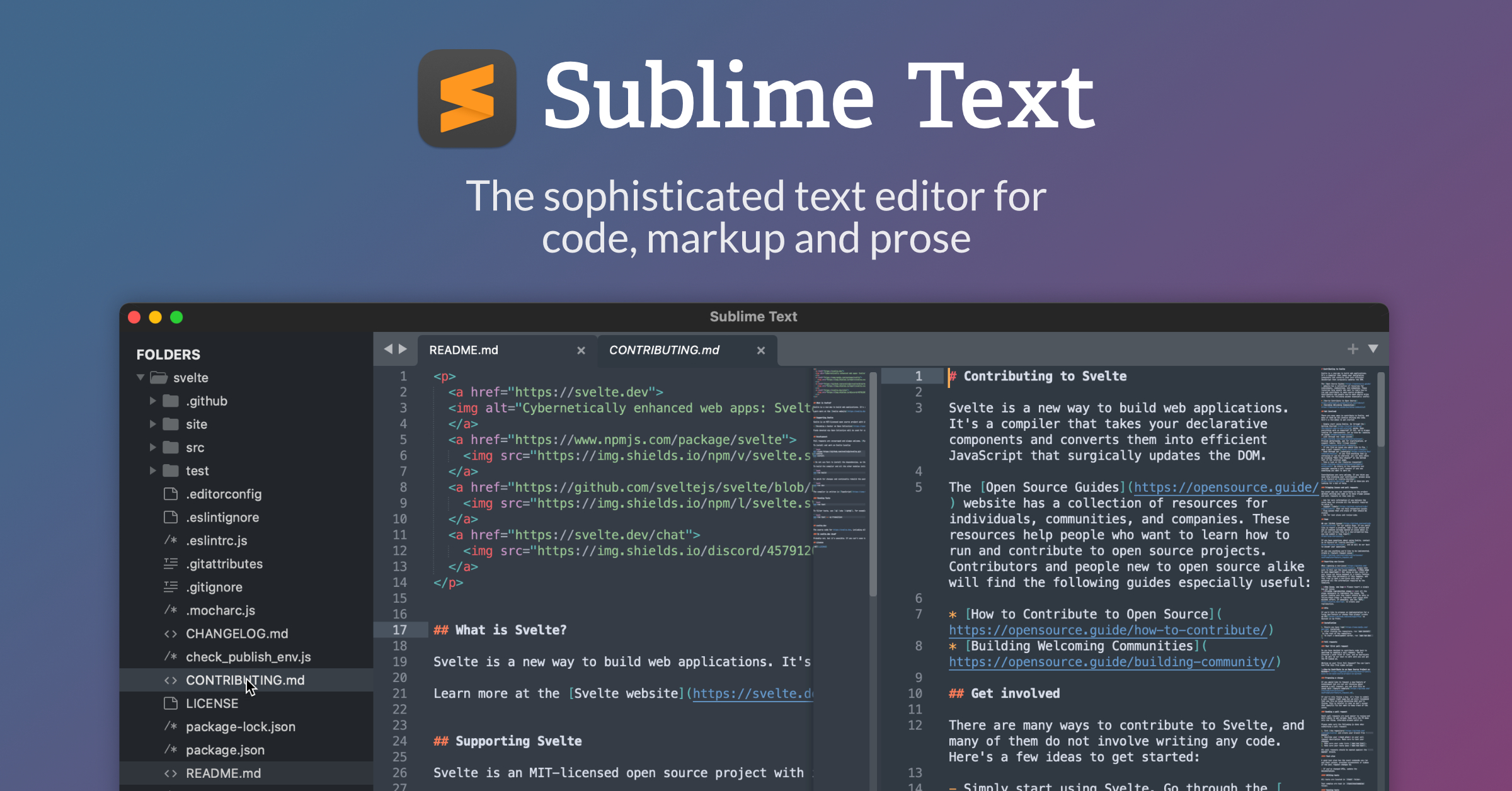
The overview
What Sublime Text is for
1Core Capabilities
- Ultra-fast startup and navigation on large repositories, including quick symbol jumps and symbol index updates that reduce context-switch overhead
- Highly customizable editing primitives: keymaps, syntax definitions, build systems, and snippets that stay aligned to team conventions
- Advanced multi-cursor editing, split layout support, and command palette shortcuts for repetitive refactors and spot-fixes
- Strong extensibility via Package Control, plus a Python plugin API for building repeatable workflow automations
- Reliable cross-platform behavior with lightweight local footprint, making it practical for mixed Mac/Windows/Linux teams
Who it helps
Useful ways to use Sublime Text
A practical path
Define a project baseline
Create a `.sublime-project` with folder excludes and build command mapping so search, lint, and compile steps are one-click repeatable for each codebase.
External signals
Reviews & reputation
Aggregated review score
Sublime Text can deliver reliable outcomes for workflow completion, especially when rollout begins with a pilot focused on sophisticated.
Quick answers
Frequently asked questions
1Is Sublime Text suitable for very large codebases?⌄
In practice, it is commonly chosen for large files and repositories because it remains lightweight, but performance still depends on extension count, theme complexity, and machine resources, so benchmark on your own stack.
2Can it work well in DevOps or CI-focused teams?⌄
Yes for local development tasks, especially for quick edits and script maintenance. For managed CI configuration, teams typically pair it with terminal or pipeline tooling rather than replacing entire platform workflows.
3How steep is the onboarding cost for a team?⌄
The editor itself is direct to use, but consistent onboarding depends on how aggressively you standardize keymaps, packages, and settings. Teams should budget short team setup time to avoid divergence across machines.
4Will documentation quality be enough for new team members?⌄
Core usage is well documented, while advanced customization can require digging into scope naming and plugin internals. New users usually benefit from a short internal cheat sheet and a curated package list.
5How deep is the ecosystem compared with IDE ecosystems?⌄
The plugin ecosystem is strong for focused editor extensions and language support, but feature depth varies by plugin. It is strongest for editing-centric workflows and lighter ecosystem tasks, while some complex language features may be better in dedicated IDE tools.
Keep exploring