

What Is SuperAnnotate Used For: Features, Reviews & Alternatives
Platform for annotating data for CV & NLP.
Editorially updated Oct 25, 2025
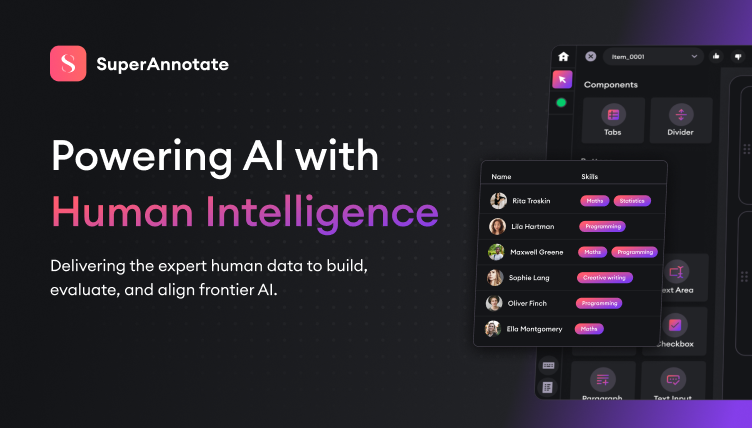
The overview
What SuperAnnotate is for
1Core Capabilities
- Runs both CV and NLP pipelines in one workspace, useful when projects mix image/video labeling with text tasks like entity tagging, classification, or validation passes
- Supports core dataset-labeling structures used in production teams, including label ontologies, tag taxonomies, and class-level instructions
- Provides review-oriented mechanics (rework tags, adjudication paths, and quality review stages) to reduce ambiguous labels before export
- Offers project searchability for task history, instructions, and disagreement records so teams can reuse decisions instead of rebuilding them
- Supports dataset version snapshots and handoffs, helping teams align model training windows with label set revisions
Who it helps
Useful ways to use SuperAnnotate
A practical path
Define ontology first
Create or import label schemas before task assignment, including clear definitions, aliases, and edge-case examples for each class.
External signals
Reviews & reputation
Aggregated review score
This pass shows SuperAnnotate fitting strongest workflows where workflow completion quality is measurable and maintenance overhead and process drift controls are documented.
Quick answers
Frequently asked questions
1Can SuperAnnotate handle both CV and NLP labeling in one project structure?⌄
The platform positions itself as suitable for both CV and NLP tasks, but exact cross-task template behavior can vary by workspace setup and account configuration. Check the latest project documentation for your intended combination of tasks.
2How is guideline quality preserved across long projects?⌄
Most teams rely on shared ontology files, task-specific instructions, and dispute notes. This creates a reusable record, though the practical effectiveness depends on how strictly the team enforces review routing and updates those artifacts.
3Can you inspect historical labeling decisions when a conflict appears?⌄
Yes, retrieval and archive-oriented flows are part of the product value, but the speed of lookup depends on team hygiene: consistent naming, clear tags, and regular curation of notes.
4Is export format support stable for existing ML pipelines?⌄
SuperAnnotate generally supports standard annotation transfer workflows, but supported formats and integration defaults can change with updates. Verify current export options against your training framework before committing a pipeline.
5Does this scale for smaller teams?⌄
For small teams, value comes from centralized guidelines and traceable review paths rather than heavy automation. If volume is low and processes are informal, the structure may feel more disciplined than necessary unless quality gates are important.
Keep exploring