

What Is Surface Used For: Features, Reviews & Alternatives
Line of touchscreen PCs & tablets.
Editorially updated Oct 25, 2025
The overview
What Surface is for
1Core Capabilities
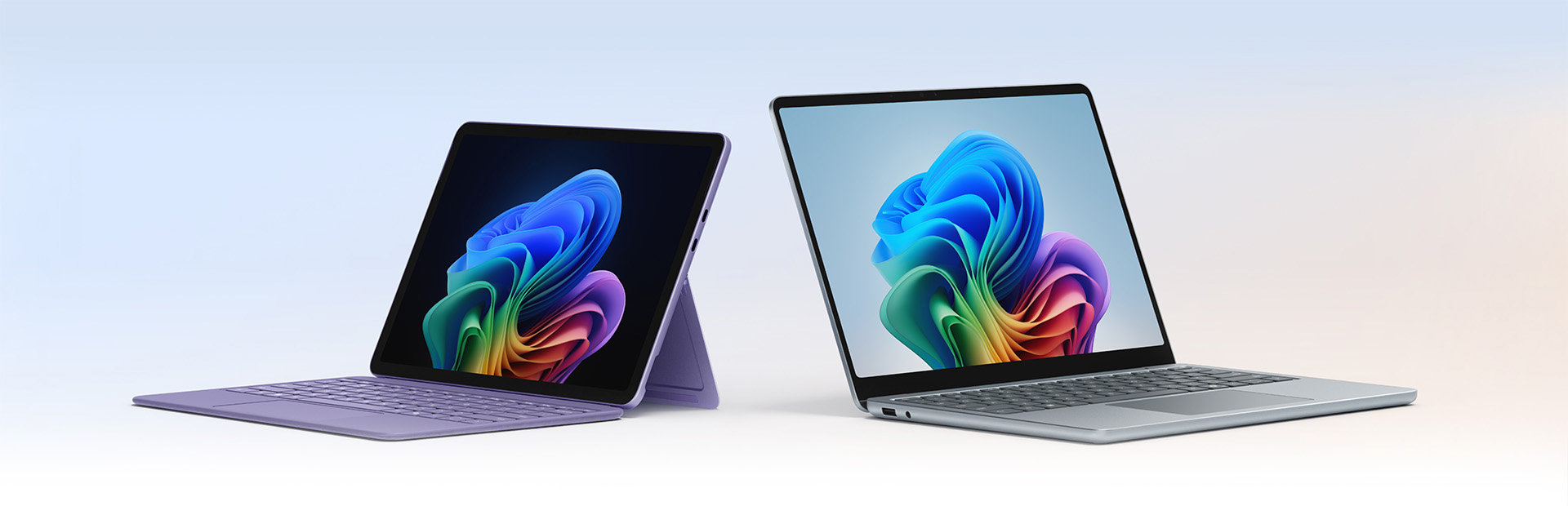
- Covers multiple Microsoft-centric form factors (laptop-first, 2-in-1, and tablet-leaning devices) so teams can standardize on a single family with role-based model choices
- Runs on Windows 11 with native compatibility for core Microsoft workloads, reducing dependency on emulators or browser-only alternatives
- Built-in touch and pen interaction supports in-call annotation, walkthroughs, and visual collaboration without moving to secondary tools
- Dock and accessory compatibility supports rapid transitions between desk setup and portable usage for meetings, demos, and travel
- Includes enterprise-oriented security and management touchpoints that fit common Microsoft deployment patterns in managed environments
Who it helps
Useful ways to use Surface
A practical path
Match roles to physical form
Start by grouping users by task mix (meeting-first, design review, route work, or high-power compute) and pick one Surface variant per group rather than defaulting to one model for everyone.
External signals
Reviews & reputation
Aggregated review score
Surface can deliver reliable outcomes for workflow completion, especially when rollout begins with a pilot focused on line.
Quick answers
Frequently asked questions
1Can Surface replace both a laptop and a tablet in one procurement program?⌄
In many Microsoft-centric teams, yes, but only if role requirements are mapped carefully. Some departments will still need separate high-performance machines, while others benefit from 2-in-1 or tablet-first SKUs.
2Do all Surface models support the same pen and touch quality?⌄
No. Pen support exists across many models, but responsiveness and accessories vary. Test the exact model you plan to deploy and run the same annotation and markup tasks your users perform daily.
3Is Surface better for field users than for desk-only teams?⌄
It tends to be most obvious in mixed context use—moving between meetings, travel, and desk work. For static desk-only teams, the benefit is usually smaller unless portability is still a daily requirement.
4Are enterprise security requirements automatically met?⌄
Surface devices use standard Windows security features, but compliance depends on model generation and your policy configuration. Confirm TPM, encryption, and endpoint management details during procurement proofing.
5What should be tested before scaling?⌄
Test with your own software stack: conferencing, document edits, dashboard usage, and any field forms. Measure battery runtime, thermal behavior, and input consistency over a normal week of actual usage, not a one-hour showroom demo.
Keep exploring