

What Is Swoogo Used For: Features, Reviews & Alternatives
Event management software with flexibility.
Editorially updated Oct 25, 2025
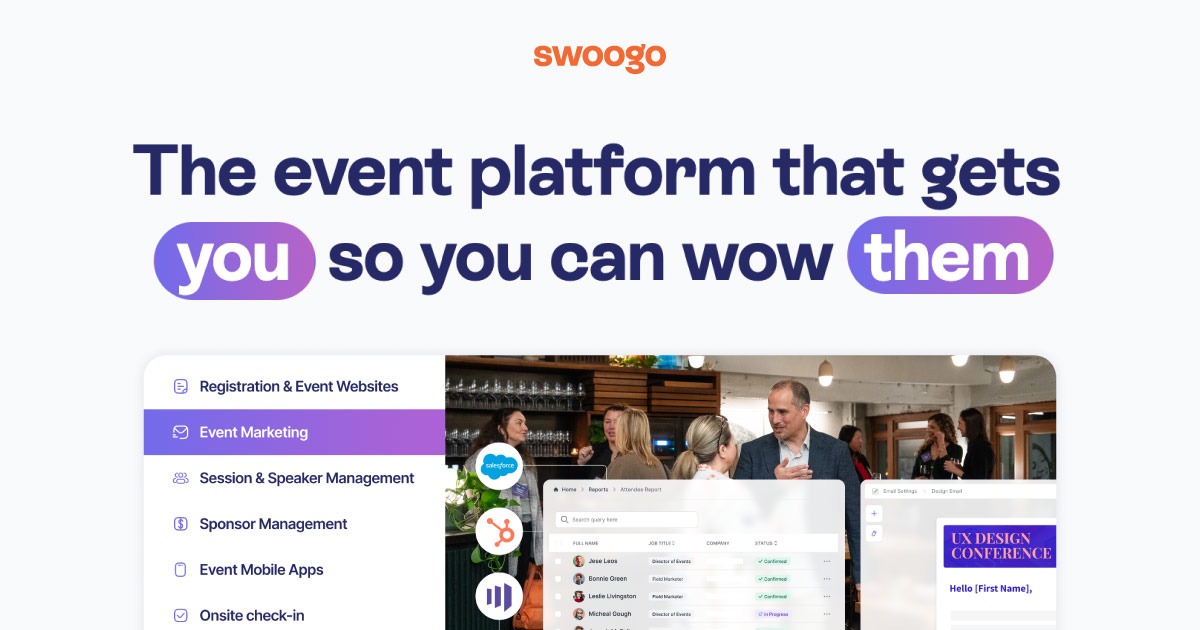
The overview
What Swoogo is for
1Core Capabilities
- Campaign structure blocks for landing pages, registration rules, ticket bundles, and discount logic across one event setup
- Audience segmentation controls for channels, geographies, roles, and partner groups, with segment-specific messaging and access rules
- Content governance through reusable templates, campaign-specific microsites, and approval-friendly sections for speakers, agenda, and sponsor assets
- Reporting views focused on conversion stages, event source traffic, and ticket performance for practical campaign readjustments
- Built-in follow-up pathways for post-registration, attendee reminders, feedback capture, and content republishing
Who it helps
Useful ways to use Swoogo
A practical path
Map your event campaign variants first
Define each campaign version by audience type, ticket model, and communication channel so the platform setup matches how growth channels actually diverge.
External signals
Reviews & reputation
Aggregated review score
Swoogo can deliver reliable outcomes for workflow completion, especially when rollout begins with a pilot focused on event.
Quick answers
Frequently asked questions
1Can Swoogo run both sponsor-heavy launches and community-driven events in one environment?⌄
It is positioned for event-centric workflows, so this should be possible in many setups, but confirm sponsor page and audience-segmentation needs on your required tier.
2How detailed are event reports for campaign decisions?⌄
Look for visibility across registration source, conversion stage, and ticket category. If those slices are not available in your plan, reporting may be too coarse for tight campaign iteration.
3Is content control enough for teams with strict messaging standards?⌄
Use it as a practical check: confirm whether you can lock critical sections, reuse approved brand blocks, and prevent unaudited edits by audience segment or role.
4Does it support niche Event Marketing language and workflows?⌄
The platform is most relevant when your team manages campaigns around attendee journeys, speaker influence, partner activations, and post-event nurture rather than generic lead CRM processes.
Keep exploring