

What Is Tableau Used For: Features, Reviews & Alternatives
Visual analytics platform (Salesforce).
Editorially updated Oct 5, 2025
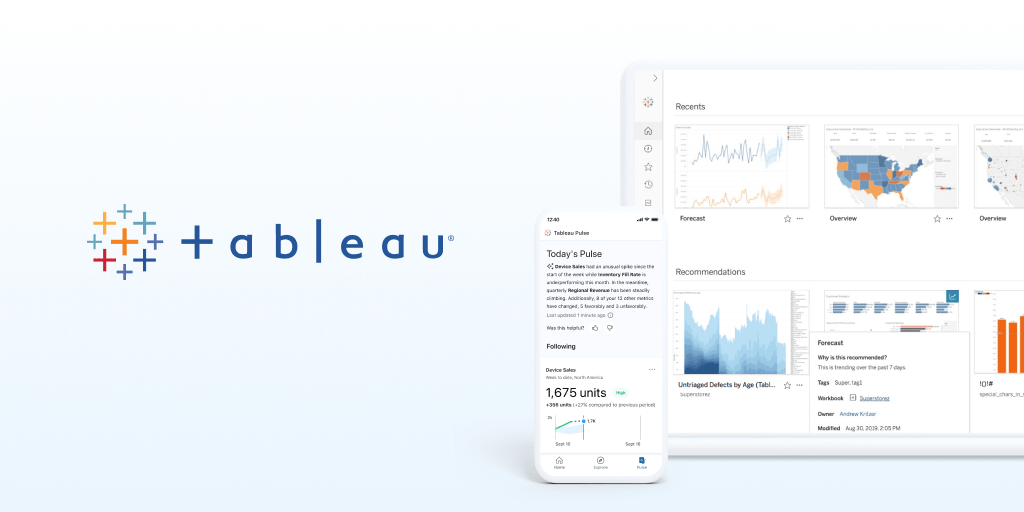
The overview
What Tableau is for
1Core Capabilities
- Native connector breadth for Salesforce and mixed sources, with live-query and extract-based options for different latency needs
- Reusable semantic modeling with calculated fields, parameters, and shared data source definitions so KPIs stay consistent across teams
- High-control visualization authoring for drilldowns, filters, set logic, and cross-dashboard context switching during reviews
- Built-in governance controls, including project-based organization, role permissions, and row-level security for sensitive operational data
- Operational publishing workflows with scheduled refreshes, performance tuning, alerts, and export/embed paths for recurring decision cycles
Who it helps
Useful ways to use Tableau
A practical path
Define KPI contracts before dashboard build
List 5–10 board-level metrics first, document accepted definitions (time windows, filters, attribution rules), and assign ownership so every report references the same metric logic.
External signals
Reviews & reputation
Aggregated review score
Tableau performs best when teams prioritize clear task execution and operational repeatability and keep ownership explicit around repeatable team usage.
Quick answers
Frequently asked questions
1Does Tableau handle both real-time and scheduled analytics needs?⌄
It can support both patterns depending on source setup: some dashboards use live connections for immediacy, while others rely on scheduled extracts for performance and stability. The right mix depends on source systems and SLA expectations.
2How does it support data security in shared teams?⌄
Tableau provides role-based and project-based permissioning, with support for row-level restrictions in many implementations. Exact behavior depends on how your datasource auth and model permissions are configured in your environment.
3Can non-technical stakeholders update reports safely?⌄
They can generally consume and interact with published dashboards reliably; direct authoring should usually stay restricted to trained analysts. This separation helps avoid accidental logic drift in KPI definitions.
4Is Tableau a good fit for teams with strict review cadence?⌄
It is commonly used in recurring review cycles when teams need reusable dashboards, standard filters, and governance. If your team has frequent ad-hoc exploratory reporting as the primary use case, the overhead may feel higher than alternatives.
5What should I verify before a full rollout?⌄
Verify data model governance, admin operating model, permission matrix, and refresh monitoring together. A pilot that covers multiple departments is usually a better fit test than a single-department proof of concept.
Keep exploring