

What Is Tabletopia Used For: Features, Reviews & Alternatives
Digital platform for playing board games.
Editorially updated Oct 25, 2025
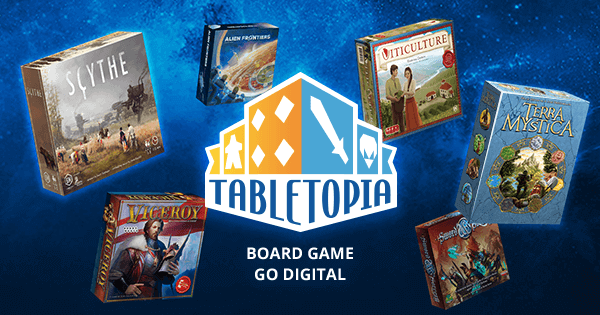
The overview
What Tabletopia is for
1Core Capabilities
- Run games directly in browser, which reduces setup friction for remote or mixed-location groups without requiring client-side installs
- Create and configure digital tables using boards, zones, tokens, cards, dice, and custom assets to mirror physical setup rules
- Track turn structure and hidden information during live play through shared board state, hand visibility, and controlled reveals
- Set up multiplayer room rules before the first move, including player roles, access levels, and invite-based participation
- Pause and resume sessions with preserved board and phase data, helping groups recover from drops or long breaks
Who it helps
Useful ways to use Tabletopia
A practical path
Map the game format before starting
Pick a room template that matches your game type first (deck-driven, zone-driven, or placement-heavy), then import only the pieces needed for that session.
External signals
Reviews & reputation
Aggregated review score
This pass shows Tabletopia fitting strongest workflows where high-volume discussion participation quality is measurable and abuse control and response speed controls are documented.
Quick answers
Frequently asked questions
1Is Tabletopia better than just using chat and a shared board photo?⌄
For tactical or board-heavy games, visual state management is usually the deciding factor. If your group already uses chat well, this helps only when state visibility becomes the bottleneck.
2Do we still need a physical board after joining Tabletopia?⌄
Many groups move fully digital if all pieces are represented. For games with physical components that have social or legal constraints, teams often keep physical backups.
3Can Tabletopia handle long sessions that break across sessions?⌄
If long-session continuity is essential, use the in-session save/restore flow and test reconnection with one player first. Results vary by browser performance and game complexity.
4What should I check before committing to this platform for a monthly group?⌄
Check two practical points: first-run clarity for a new player, and whether score/turn progress is easy to resume after interruptions. If both pass after one or two sessions, rollout friction is usually low.
Keep exploring