

What Is Tampermonkey Used For: Features, Reviews & Alternatives
Popular browser extension for managing and running userscripts.
Editorially updated Oct 5, 2025
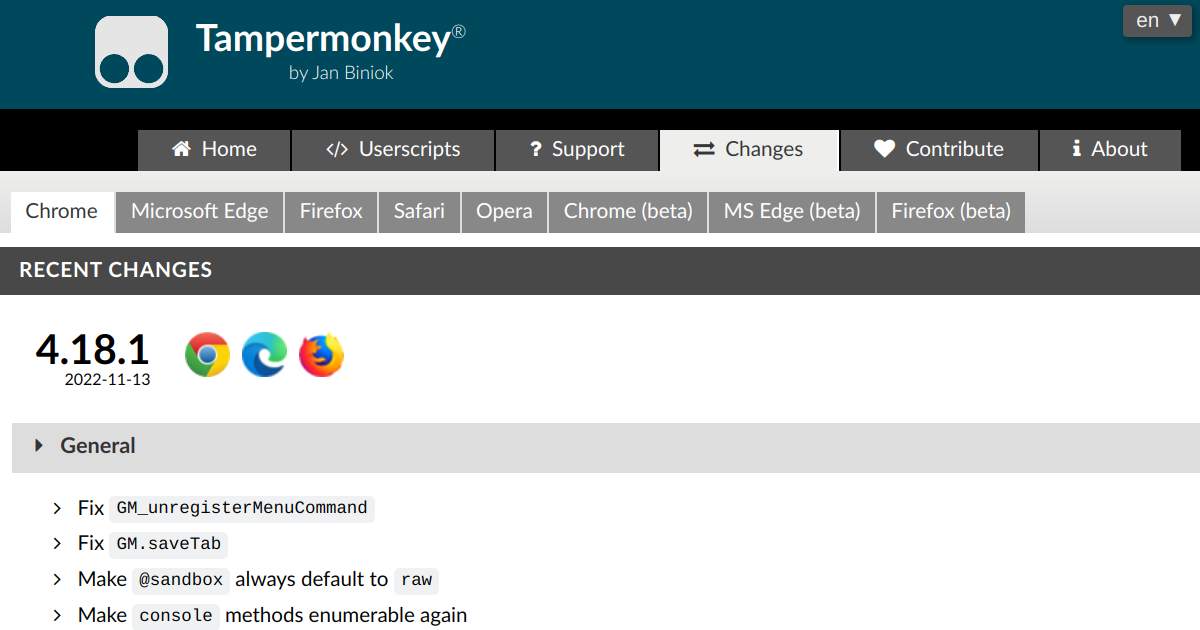
The overview
What Tampermonkey is for
1Core Capabilities
- Runs JavaScript userscripts automatically on matched pages using URL pattern rules
- Built-in script editor with metadata support (such as include/exclude matches and update links)
- Per-script enable/disable controls and execution management for testing changes safely
- Import/export support for script backup and migration between browser profiles or machines
- Update checks for installed scripts when authors publish newer versions
Who it helps
Useful ways to use Tampermonkey
A practical path
Install Tampermonkey in your browser
Use the extension store for your browser and confirm the extension is active.
External signals
Reviews & reputation
Aggregated review score
Tampermonkey can deliver reliable outcomes for workflow completion, especially when rollout begins with a pilot focused on popular.
Quick answers
Frequently asked questions
1Is Tampermonkey mainly for developers?⌄
It is most effective for users comfortable reading or editing JavaScript, though non-developers can still run trusted scripts with caution.
2Can one script work across different browsers?⌄
Often yes if browser APIs used by the script are compatible, but behavior can differ slightly and should be validated per browser.
3How safe are public userscripts?⌄
Safety depends on the script author and code quality. Review code, requested permissions, and update sources before installing widely.
4Will scripts keep working over time?⌄
Not always. Userscripts can break when target websites change markup or client logic, so periodic maintenance is usually required.
Keep exploring