

What Is Teachable Used For: Features, Reviews & Alternatives
Platform to create & sell online courses.
Editorially updated Oct 5, 2025
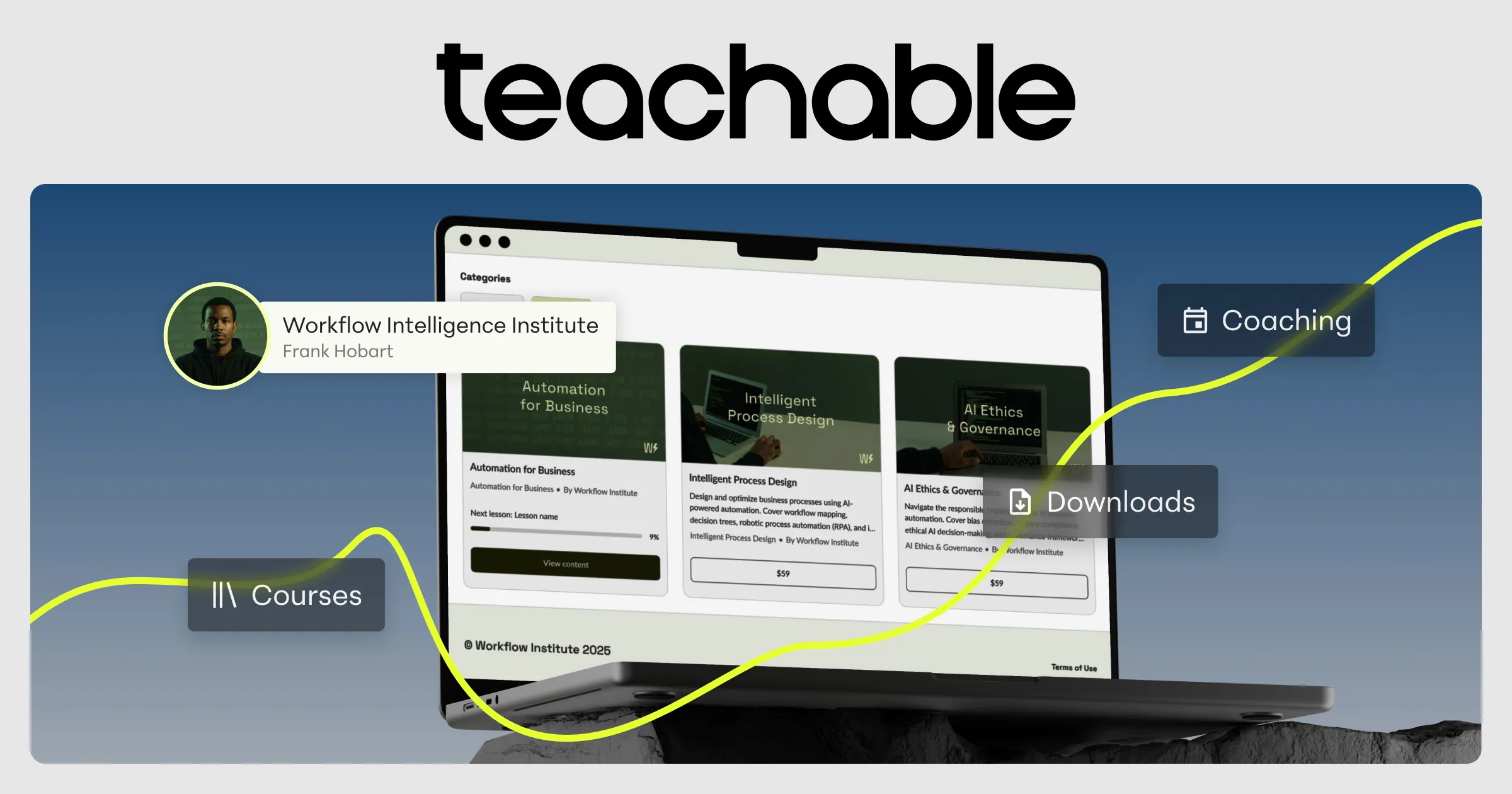
The overview
What Teachable is for
1Core Capabilities
- Lesson builder with module ordering, quizzes, and file attachments, allowing learning paths that escalate from basics to mastery in controlled sequence
- Tiered course access controls for free samples, paid cohorts, and upsell paths tied to student readiness levels
- Drip scheduling and enrollment logic to stage content release and prevent content dump from overwhelming new learners
- Student progress dashboards with completion tracking, quiz scores, and rewatch/revisit behavior for retention analysis
- Checkout and payment handling with discounting and bundles, plus reporting enough for operational follow-up after launch
Who it helps
Useful ways to use Teachable
A practical path
Define the competency ladder first
Draft a 3-stage learning sequence (intro, applied, advanced) and map each module to a prior-knowledge requirement before you create the first lesson block.
External signals
Reviews & reputation
Aggregated review score
Teachable can deliver reliable outcomes for self-paced concept learning, especially when rollout begins with a pilot focused on create.
Quick answers
Frequently asked questions
1Is Teachable best for very content-heavy technical courses?⌄
It can be a good fit when the material has a clear module dependency chain and needs controlled pacing, but verify that the quiz/project flow supports your level of practical depth before committing.
2Can learners review and reuse older classes without paying again?⌄
Many setups allow long-term access and content retention, but this depends on your pricing and access settings, so check whether lifetime access is explicit in your offer terms.
3How strong is the coaching layer for beginner-to-advanced transitions?⌄
The platform supports structured progression and messaging in context, yet mentor interaction quality still depends on your own response cadence and facilitation process, not just built-in tooling.
4Does it support meaningful updates after launch?⌄
Yes, you can add revisions and announcements, but if your value relies on changing source materials, confirm versioning behavior and whether students are prompted to revisit updated sections automatically.
5What should be validated before going live?⌄
Before full launch, confirm payment settlement settings, content access behavior, tax/shipping-related pricing rules if applicable, and whether refund and coupon policies are clearly communicated to avoid support issues at intake.
Keep exploring