

What Is Tiller Money Used For: Features, Reviews & Alternatives
Automated financial data into spreadsheets.
Editorially updated Oct 25, 2025
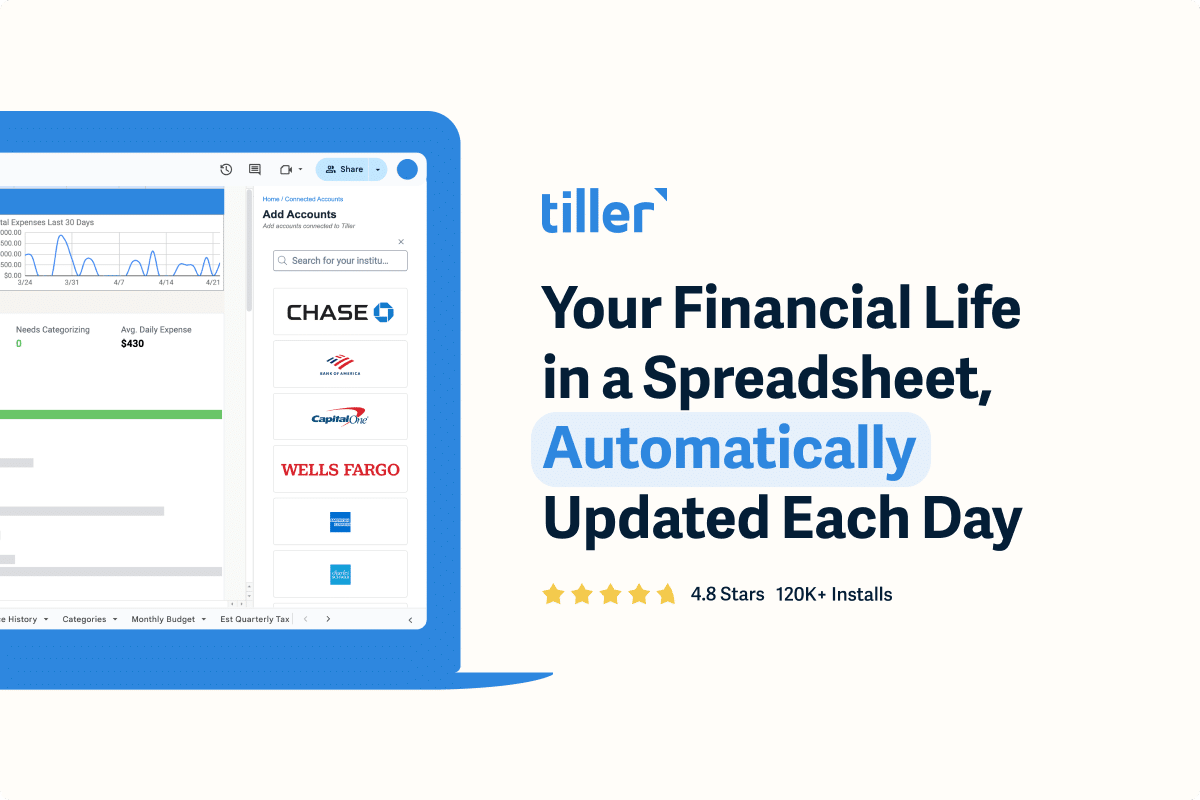
The overview
What Tiller Money is for
1Core Capabilities
- Automatic transaction feeds into spreadsheets from connected financial accounts
- Spreadsheet-based budgeting with categorized spending and income records
- Multi-account visibility for checking, savings, credit card, and loan tracking
- Recurring transaction handling for bills and predictable income lines
- Manual review and spreadsheet cleanup for users who want to keep control of the sheet
Who it helps
Useful ways to use Tiller Money
A practical path
Connect the accounts you actually budget from
Start with the checking, credit card, and savings accounts that feed your monthly plan; skip anything you do not want reflected in the sheet.
External signals
Reviews & reputation
Aggregated review score
This pass shows Tiller Money fitting strongest workflows where workflow completion quality is measurable and maintenance overhead and process drift controls are documented.
Quick answers
Frequently asked questions
1Does it move money between accounts?⌄
No. It is for pulling financial data into spreadsheets, not for sending or transferring funds.
2Will every bank connect cleanly?⌄
Not always. Connection quality can vary by institution, so account support is something to verify before relying on it for a full budget.
3Is it better for Excel or Google Sheets?⌄
It is typically used with spreadsheet-based budgeting in general, so the practical choice depends on which spreadsheet environment you already maintain.
4Does it replace a budgeting app?⌄
Usually no. It is more useful as a data feed and spreadsheet budgeting layer than as a full managed finance app.
5What should a cautious user check first?⌄
Confirm fees, supported institutions, refresh behavior, and whether the imported data matches your account structure before making it part of your monthly process.
Keep exploring