

What Is Tresorit Used For: Features, Reviews & Alternatives
Encrypted cloud storage for businesses.
Editorially updated Oct 25, 2025
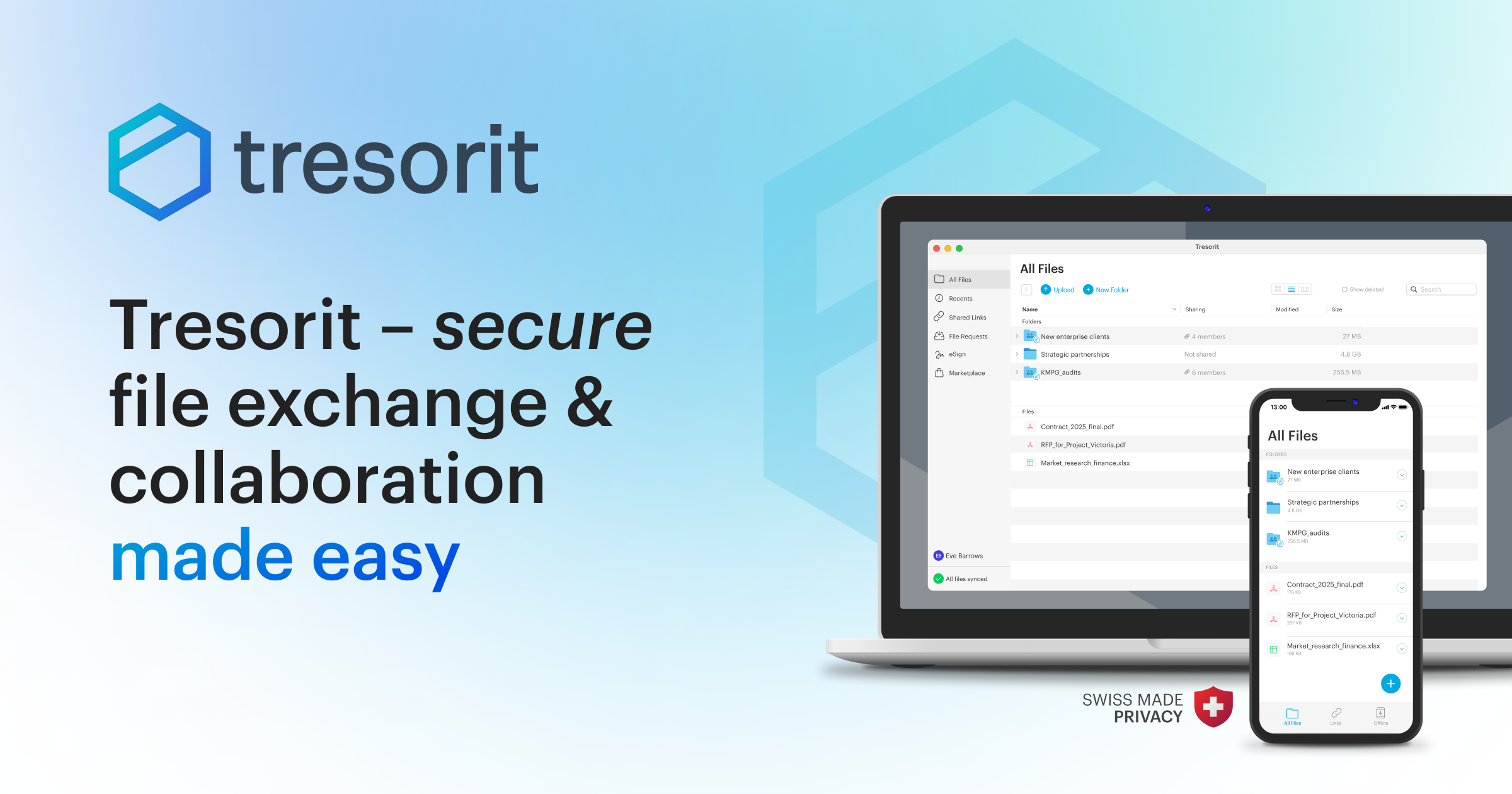
The overview
What Tresorit is for
1Core Capabilities
- End-to-end encrypted storage for files and folders at rest and in transit
- Share links with access limits, expiry dates, and recipient controls
- Sync files across desktop and mobile so teams can keep working from current copies
- Folder-based permissions for separating internal material from client-facing documents
- Admin visibility for managing users, devices, and shared content in business accounts
Who it helps
Useful ways to use Tresorit
A practical path
Move sensitive files into a protected folder
Start with the documents that need tighter handling, then organize them by client, project, or internal owner before sharing anything outward.
External signals
Reviews & reputation
Aggregated review score
This pass shows Tresorit fitting strongest workflows where workflow completion quality is measurable and maintenance overhead and process drift controls are documented.
Quick answers
Frequently asked questions
1Do recipients need their own account?⌄
Sometimes, but not always. Access depends on how the link or shared folder is configured and what your business policy allows.
2Is Tresorit meant for personal file storage or business use?⌄
It can serve both, but the product is usually strongest when the files are sensitive and the organization cares about controlled sharing.
3Can shared access be removed after a file is sent?⌄
Yes, in most business setups you can revoke links or remove people from a shared folder after sending.
4How is this different from a standard cloud drive?⌄
The main difference is the security model around encrypted storage and tighter sharing controls, rather than a generic file cabinet with broad access.
5What should a buyer check before adopting it?⌄
Confirm the sharing model, device support, admin controls, and whether the team can use it without creating workarounds for everyday file exchange.
Keep exploring