

What Is TrueNAS (Formerly FreeNAS) Used For: Features, Reviews & Alternatives
Open source NAS software based on ZFS.
Editorially updated Oct 25, 2025
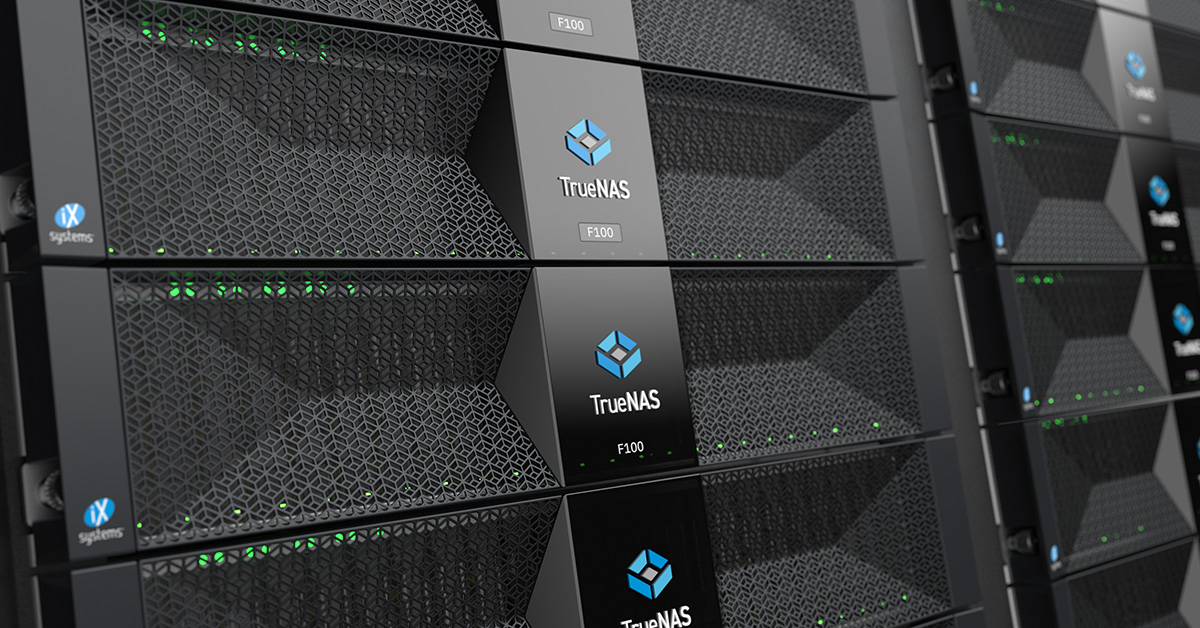
The overview
What TrueNAS (Formerly FreeNAS) is for
1Core Capabilities
- ZFS-based storage pools with checksumming, snapshots, and replication
- SMB, NFS, and iSCSI sharing for mixed client environments
- Web-based administration for pool, dataset, share, and user management
- Storage health checks, alerts, and drive monitoring
- Support for jail/plugin or app-style services depending on edition
Who it helps
Useful ways to use TrueNAS (Formerly FreeNAS)
A practical path
Check the hardware first
Confirm disk count, controller support, boot device choice, and memory headroom before installing, since ZFS depends on a stable storage layout.
External signals
Reviews & reputation
Aggregated review score
This pass shows TrueNAS (Formerly FreeNAS) fitting strongest workflows where workflow completion quality is measurable and maintenance overhead and process drift controls are documented.
Quick answers
Frequently asked questions
1Is TrueNAS only for enterprise use?⌄
No. It is commonly used in home labs and small offices as well, especially when ZFS features and self-managed hardware matter more than appliance simplicity.
2Does it replace a normal file server?⌄
It can, if your goal is shared storage with snapshots, quotas, and protocol-based access rather than a general-purpose application server.
3Do I need special disks or RAID cards?⌄
TrueNAS is usually paired with direct disk access to the storage pool. A simple, well-supported controller is generally safer than a hardware RAID layer hiding individual drives.
4Can it run apps or VMs?⌄
Some TrueNAS editions support additional services beyond storage, but the exact app and virtualization options depend on the version you deploy.
5Is ZFS required?⌄
TrueNAS is designed around ZFS, so its storage features and management model assume that filesystem from the start.
Keep exploring