

What Is Tutanota Used For: Features, Reviews & Alternatives
Secure, encrypted email & calendar.
Editorially updated Oct 25, 2025
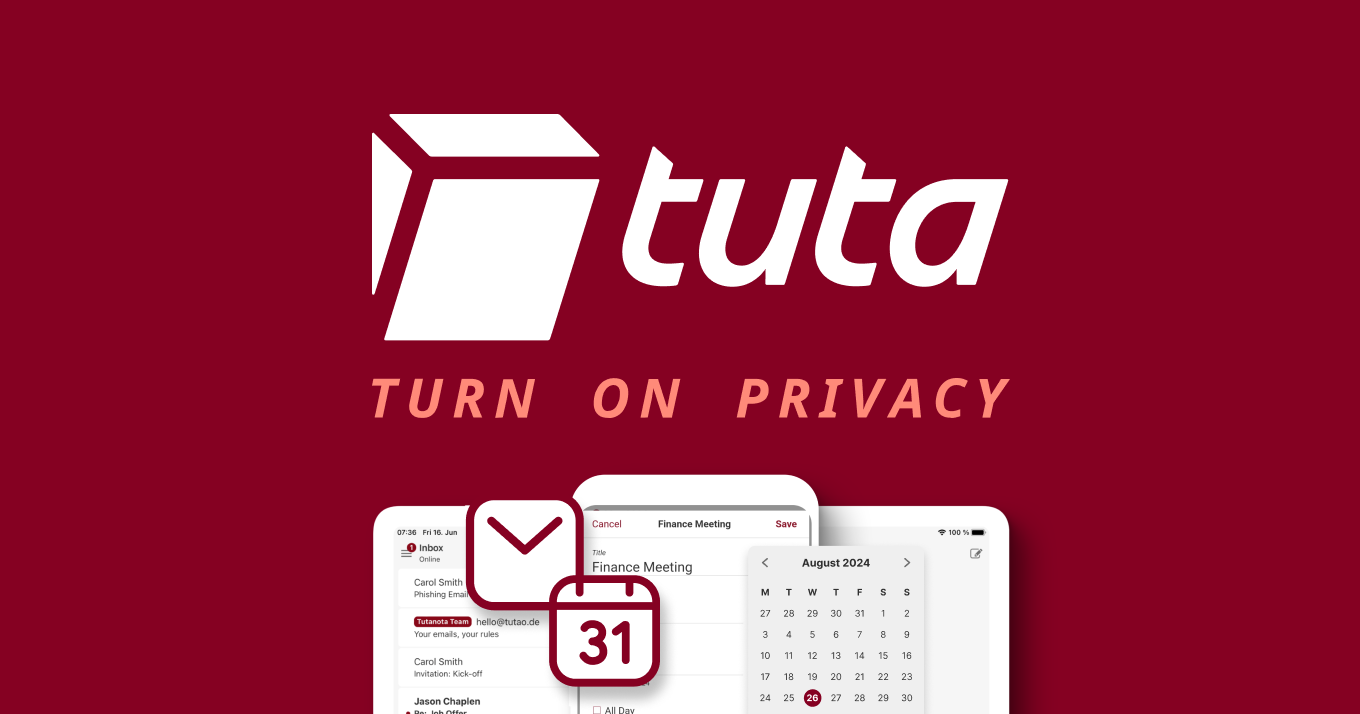
The overview
What Tutanota is for
1Core Capabilities
- End-to-end encrypted email with protected subject lines and attachments
- Encrypted calendar with reminders, sharing, and repeating events
- Encrypted contacts that sync across devices
- Custom domains, catch-all, and unlimited aliases on paid plans
- Open-source web, desktop, Android, and iOS apps
Who it helps
Useful ways to use Tutanota
A practical path
Choose the mailbox setup
Decide whether this is for a personal address, a company domain, or a shared inbox before you move anything over.
External signals
Reviews & reputation
Aggregated review score
Tutanota can deliver reliable outcomes for workflow completion, especially when rollout begins with a pilot focused on secure.
Quick answers
Frequently asked questions
1Can people outside Tutanota read encrypted messages?⌄
Yes, but the message is usually delivered through a protected flow for the recipient. The exact experience depends on how the conversation is set up.
2Does it support custom domains?⌄
Yes. Paid plans support custom domains, catch-all addresses, and multiple aliases. Check the current plan details before buying.
3Is there a calendar built in?⌄
Yes. Calendar is part of the product, and it is designed to keep events, reminders, and shares encrypted.
4Are the apps open source?⌄
Tutanota publishes its client apps as open source, which makes the code easier to inspect than closed mail apps.
Keep exploring