

What Is Twist Used For: Features, Reviews & Alternatives
Asynchronous team communication tool by Doist.
Editorially updated Oct 5, 2025
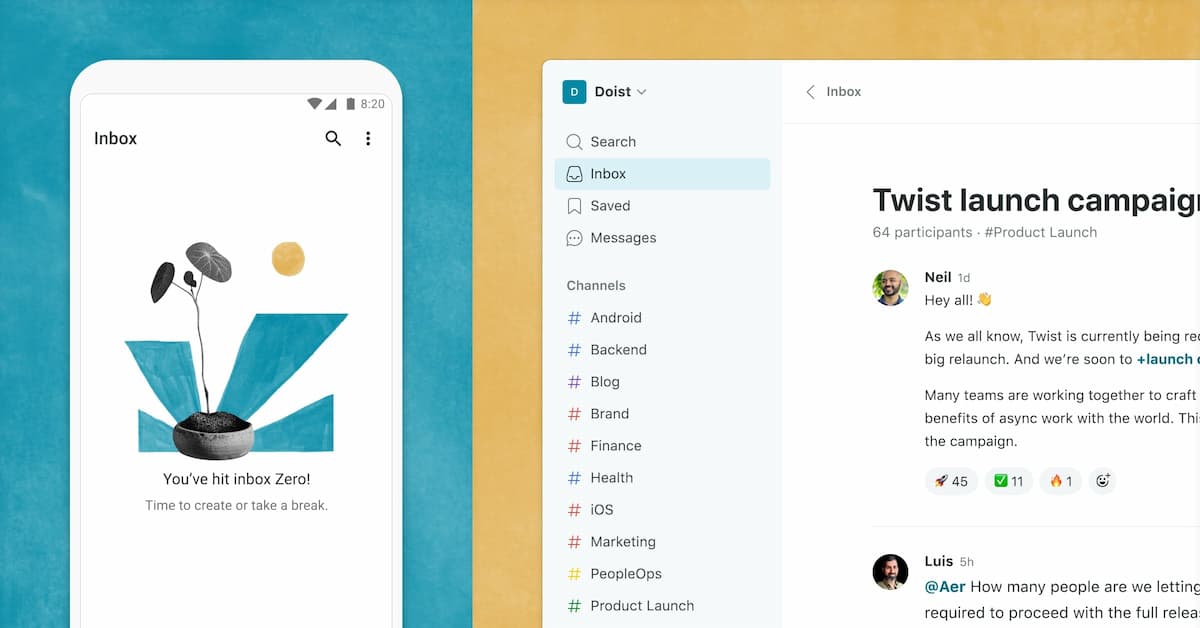
The overview
What Twist is for
1Core Capabilities
- Threaded discussions that keep one topic in one place
- Channels organized by team, project, topic, or client
- An inbox view that collects threads for later review
- Private one-to-one messages for direct follow-up
- Smart notifications designed to reduce constant interruption
Who it helps
Useful ways to use Twist
A practical path
Map communication by topic
Set up channels around stable subjects such as product areas, clients, or internal functions instead of copying every conversation into one stream.
External signals
Reviews & reputation
Aggregated review score
Twist performs best when teams prioritize clear task execution and operational repeatability and keep ownership explicit around repeatable team usage.
Quick answers
Frequently asked questions
1Does Twist replace real-time chat for every team?⌄
Not always. It is better suited to teams that can work from written updates and do not need constant live back-and-forth for every decision.
2Can threads be organized around projects or clients?⌄
Yes. The product is structured around channels and threads, so project-based or client-based organization is a natural fit.
3Is Twist useful for onboarding new teammates?⌄
Usually yes, because past decisions and discussions remain in accessible threads that new people can review without asking the same questions again.
4Is Twist mainly for internal communication or external messaging too?⌄
It is primarily positioned for internal team communication, especially where clarity and conversation history matter more than real-time presence.
Keep exploring