

What Is Tynker Used For: Features, Reviews & Alternatives
Coding platform for kids.
Editorially updated Oct 5, 2025
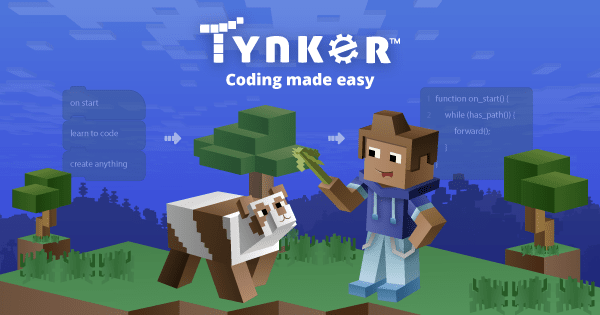
The overview
What Tynker is for
1Core Capabilities
- Visual block coding lessons that introduce sequencing, loops, and conditionals
- Project-based builds for games, animations, and simple apps
- Age-graded lesson paths that separate early learners from more advanced kids
- Puzzle-style exercises with immediate feedback and retry loops
- Paths that can move from drag-and-drop logic toward text-based coding
Who it helps
Useful ways to use Tynker
A practical path
Pick the learner level
Start with the youngest appropriate track so the child meets the right amount of reading, clicking, and problem solving.
External signals
Reviews & reputation
Aggregated review score
The practical upside of Tynker is steadier progress tracking and revision cadence; the tradeoff is disciplined handling of drop-off and uneven topic depth.
Quick answers
Frequently asked questions
1Is Tynker a good fit for a child new to coding?⌄
Yes, if the child benefits from visual, guided steps and does better with practice than with free-form exploration.
2What kind of learner gets the most value from it?⌄
Kids who like structured, hands-on coding tasks and can stay engaged through short lessons with clear goals.
3Where does Tynker stop being the right choice?⌄
It is less useful if you want open-ended software development, advanced programming theory, or a tool meant for older teens and adults.
4Can it support repeat study instead of one-time use?⌄
Usually yes, because the lesson format works well when a child needs to revisit the same coding ideas multiple times.
Keep exploring