

What Is UI Sources Used For: Features, Reviews & Alternatives
UI inspiration from popular mobile apps.
Editorially updated Oct 5, 2025
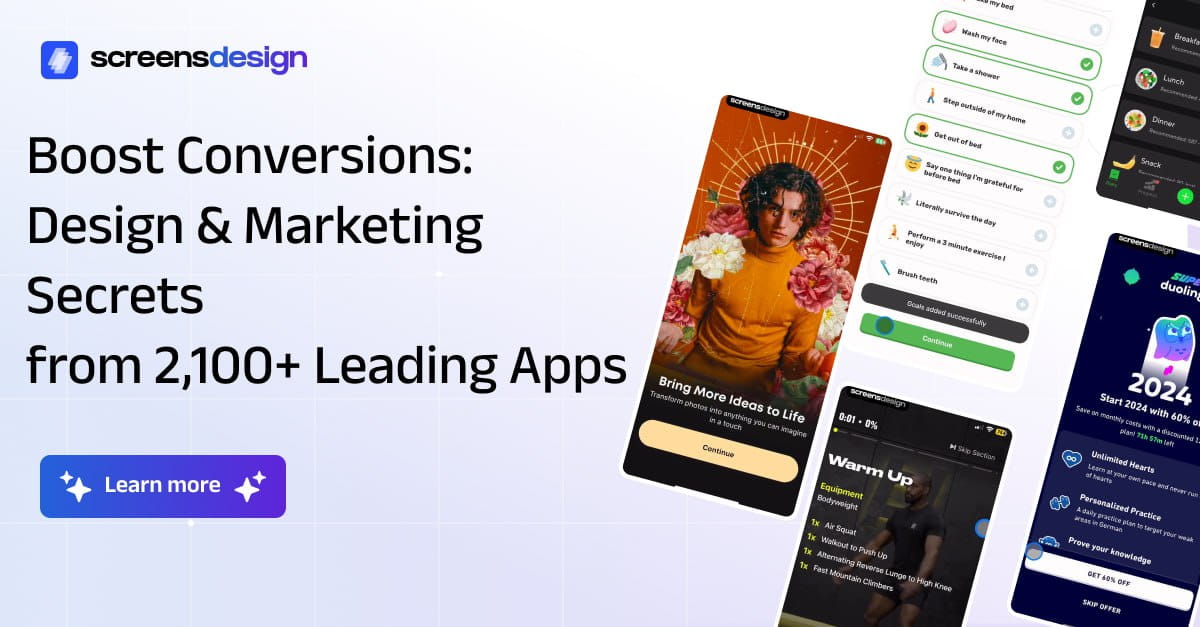
The overview
What UI Sources is for
1Core Capabilities
- Curated screenshots from popular mobile apps for pattern research
- Browsing organized around UI design use cases and screen types
- Reference material that helps compare hierarchy, spacing, and density
- Useful for collecting direction before wireframing or component work
- Focused on real interface examples rather than abstract inspiration
Who it helps
Useful ways to use UI Sources
A practical path
Start from the screen you need
Choose a concrete UI problem first, such as a feed, profile, search result, or account screen, so the reference hunt stays focused.
External signals
Reviews & reputation
Aggregated review score
This pass shows UI Sources fitting strongest workflows where creative skill acquisition quality is measurable and uneven depth across advanced topics controls are documented.
Quick answers
Frequently asked questions
1Is this better for mobile or desktop work?⌄
It is primarily useful for mobile UI research, though the layout ideas can still inform responsive sections or compact interface patterns.
2Can it help during client reviews?⌄
Yes. It is useful when you need to show a few grounded references and explain why one direction is a better match than another.
3Should I treat the screenshots as implementation guidance?⌄
Only in a limited way. They are best used for structure, spacing, and visual hierarchy, not as a substitute for code or product requirements.
4When does it make the most sense to use it?⌄
Use it early, when a new screen or redesign still needs direction and you want to compare options before the layout becomes fixed.
Keep exploring