

What Is Ultimaker Cura Used For: Features, Reviews & Alternatives
Popular open-source 3D slicer software.
Editorially updated Oct 25, 2025
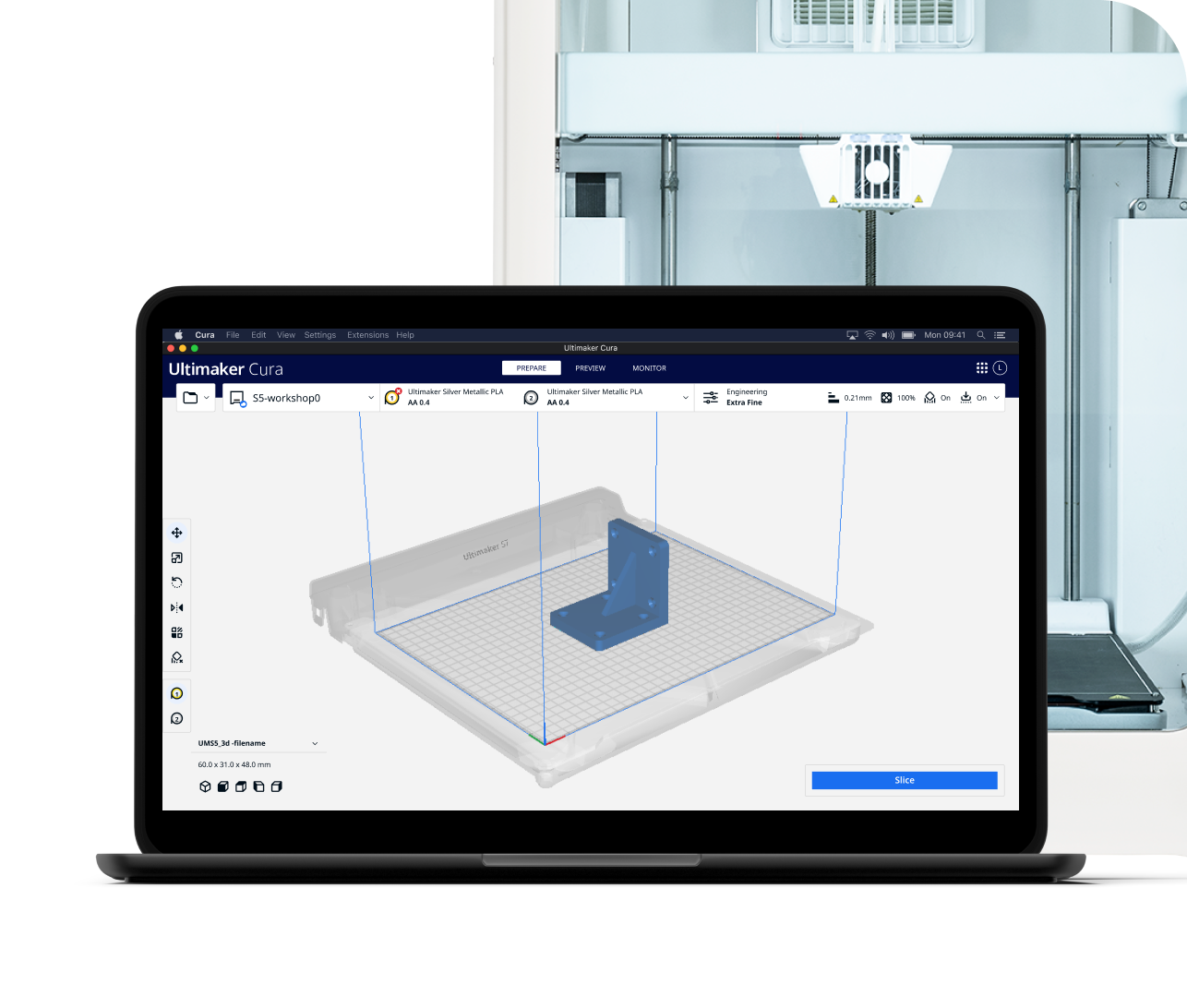
The overview
What Ultimaker Cura is for
1Core Capabilities
- Slices STL, OBJ, 3MF, and other common 3D model formats into printer-ready G-code
- Offers printer and material profiles so operators can start from known settings instead of building every job from scratch
- Exposes layer height, infill, wall, support, and adhesion controls for different print goals
- Provides preview tools to inspect toolpaths, supports, and estimated print time before sending a job
- Works with many FDM/FFF printers, not only Ultimaker machines, through community and custom profiles
Who it helps
Useful ways to use Ultimaker Cura
A practical path
Import the model
Open the STL, OBJ, or 3MF file and confirm the part is oriented the way you want on the build plate.
External signals
Reviews & reputation
Aggregated review score
Confidence in Ultimaker Cura improves once teams validate toolchain choice and scope planning against real production paths and monitor drift over the first rollout cycle.
Quick answers
Frequently asked questions
1Is Ultimaker Cura only for Ultimaker printers?⌄
No. It is commonly used with many FDM and FFF printers, but the quality of the experience depends on how well the printer profile matches your machine.
2What kind of printers does it fit best?⌄
It is best suited to filament-based printers. It is not the right slicer for resin workflows.
3Can a beginner use it without deep tuning?⌄
Usually yes. Basic profiles and default settings make it usable for simple parts, while more advanced jobs still give the operator room to adjust details.
4What file types are most useful here?⌄
STL and 3MF are the common starting points, though other mesh formats may also be accepted depending on the version and setup.
Keep exploring