

What Is UptimeRobot Used For: Features, Reviews & Alternatives
Website uptime monitoring service.
Editorially updated Oct 25, 2025
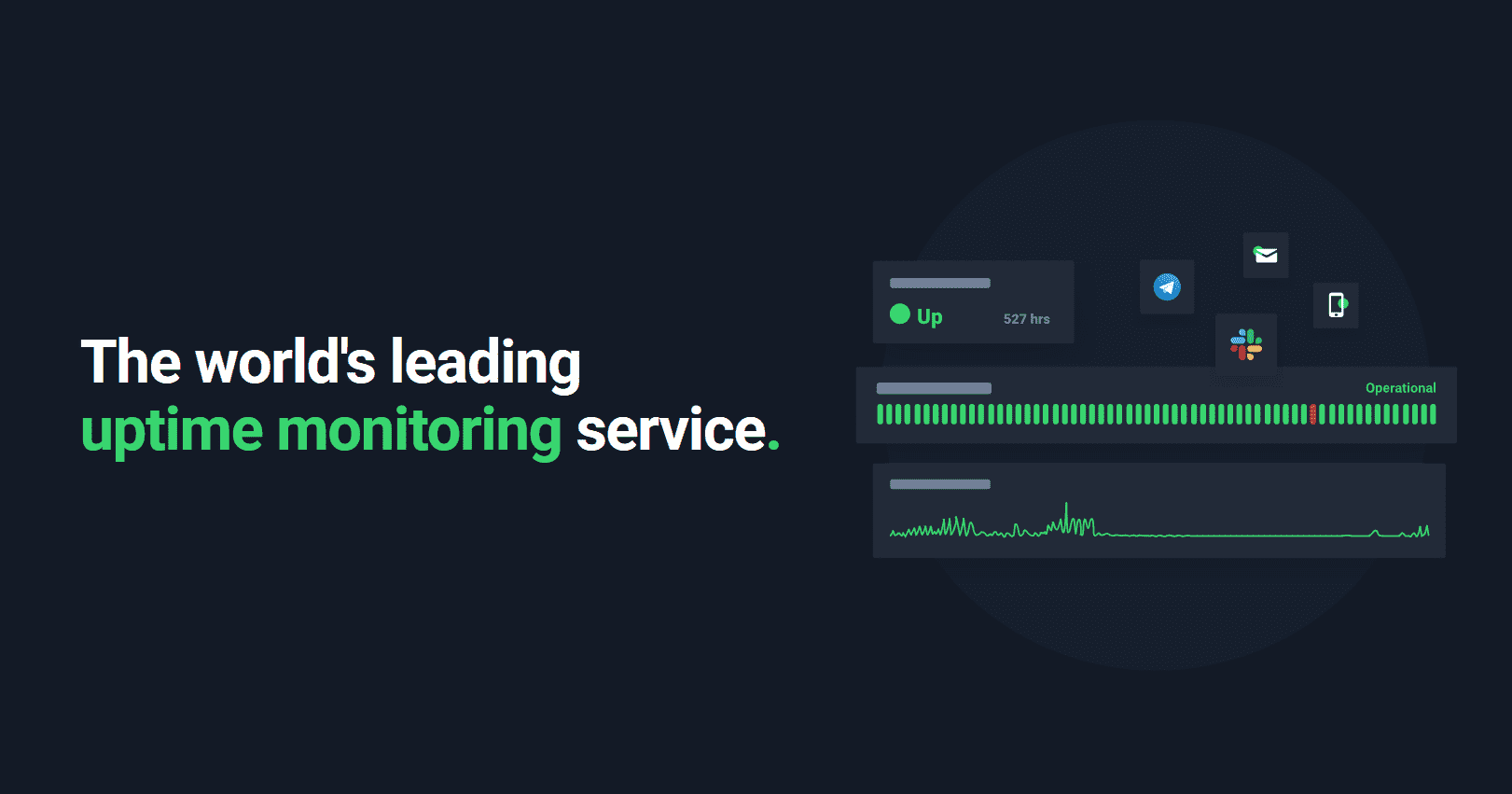
The overview
What UptimeRobot is for
1Core Capabilities
- HTTP, keyword, ping, port, and heartbeat checks for common uptime targets
- SSL certificate and domain expiration alerts for sites that must stay valid
- Incident notifications through email, SMS, push, and third-party alert channels
- Public status pages for sharing service health without custom infrastructure
- Historical uptime logs that make recurring outages easier to spot
Who it helps
Useful ways to use UptimeRobot
A practical path
List the public endpoints
Start with the homepage, login page, API route, or checkout URL that customers actually depend on.
External signals
Reviews & reputation
Aggregated review score
The practical upside of UptimeRobot is steadier repeatable team usage; the tradeoff is disciplined handling of maintenance overhead and process drift.
Quick answers
Frequently asked questions
1Is UptimeRobot a good fit for a small product site?⌄
Yes, if you need straightforward external uptime checks and fast alerts for public URLs without adding a heavier monitoring platform.
2What kind of sites is it less suited for?⌄
It is less useful when you need scripted browser journeys, multi-step transaction checks, or deep application tracing.
3Can it help with SSL expiry issues?⌄
Yes, certificate monitoring is useful when you want advance notice before a certificate causes browser warnings or service disruption.
4How much setup does it usually need?⌄
For a basic HTTP check, setup is usually quick; more specific alert routing and multiple monitors take more care.
Keep exploring