

What Is UserFeel Used For: Features, Reviews & Alternatives
Usability testing platform.
Editorially updated Oct 25, 2025
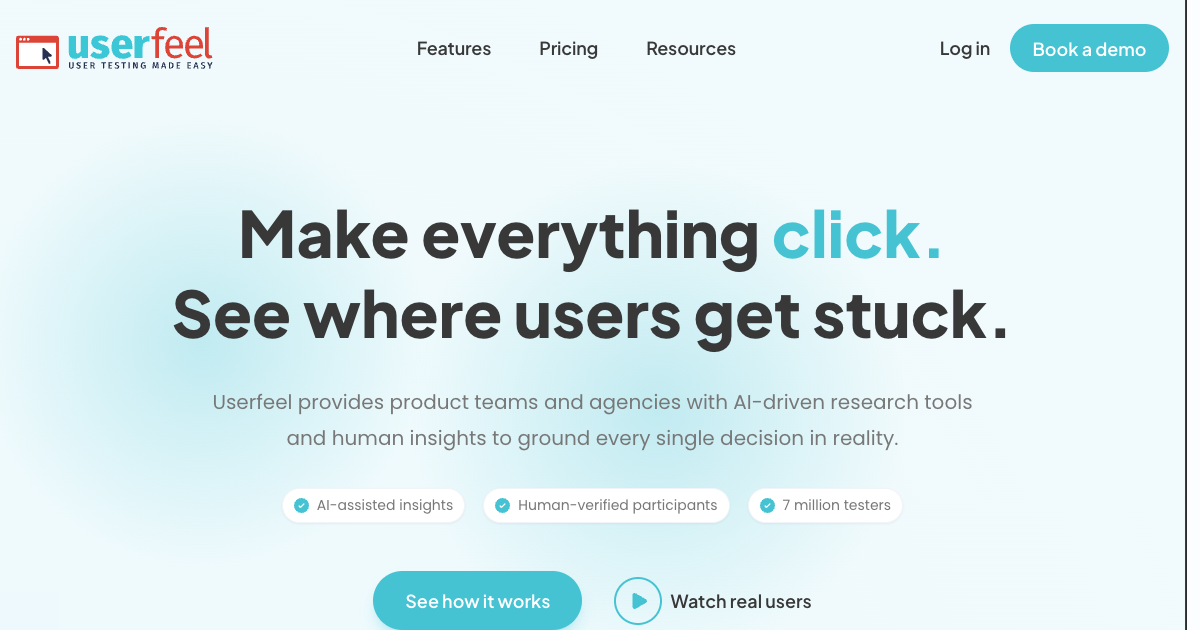
The overview
What UserFeel is for
1Core Capabilities
- Task-based usability tests for live websites and landing pages
- Recorded sessions that show clicks, pauses, and spoken reactions
- Audience targeting so tests reach people closer to the intended user profile
- Feedback that highlights confusion points, missed cues, and broken expectations
- Useful for comparing an early version against a revised flow without restarting the process
Who it helps
Useful ways to use UserFeel
A practical path
Pick one flow to inspect
Choose a page or sequence with a clear user goal, such as signup, checkout, search, or account setup.
External signals
Reviews & reputation
Aggregated review score
Confidence in UserFeel improves once teams validate initial setup and permission alignment against real production paths and monitor drift over the first rollout cycle.
Quick answers
Frequently asked questions
1How much context do I need to start a test?⌄
Usually just the page to review, the user goal, and the audience you want to hear from. Narrower prompts tend to produce clearer results.
2Is this better for one-off checks or repeated testing?⌄
It can handle both, but it is most useful when you want a fast read on a specific flow and can keep the task structure consistent over time.
3What should I verify before buying?⌄
Check participant relevance, the clarity of session outputs, turnaround speed, and whether the test artifacts are easy to share with design or product stakeholders.
4Can it replace live interviews?⌄
No. It is better for watching task completion and interface friction than for exploring broad product strategy or open-ended customer motivations.
Keep exploring