
URLs.ai
UserTesting icon
WebsiteMarket ResearchCross-platform

What Is UserTesting Used For: Features, Reviews & Alternatives

Platform for user research & usability testing.

Editorially updated Oct 25, 2025
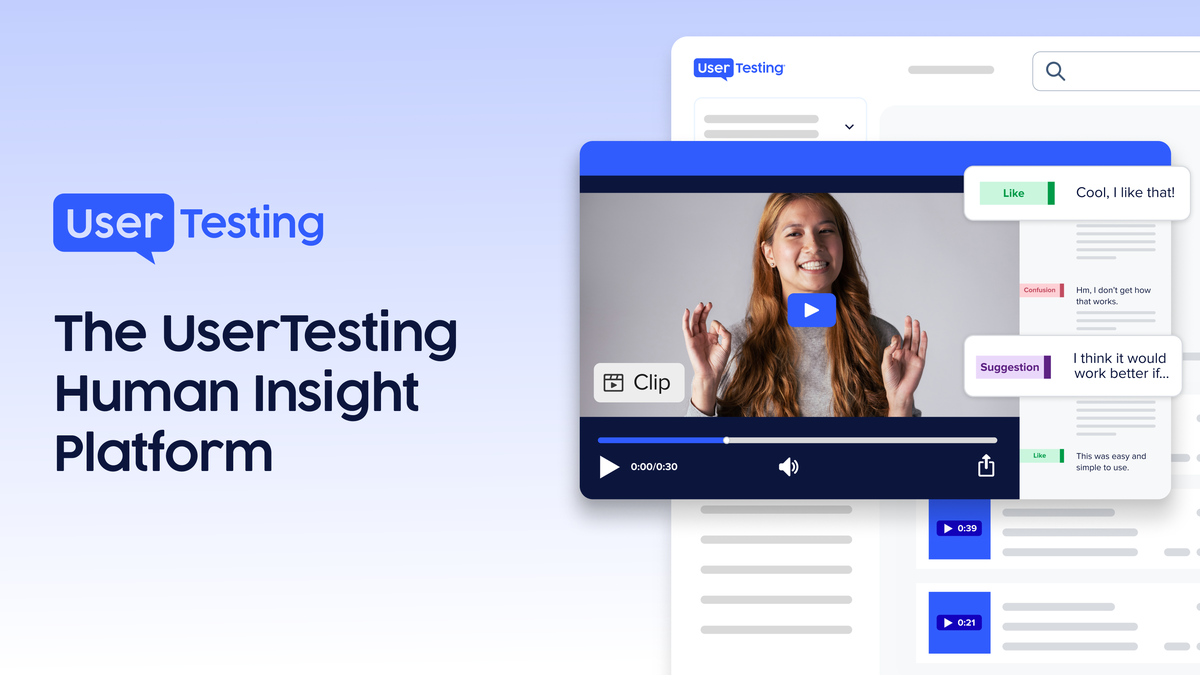
Screenshot of UserTesting

The overview

What UserTesting is for

UserTesting fits teams that need quick answers from real people before a campaign, landing page, or product change goes live. It is built for researchers, product marketers, and growth operators who care about how a specific audience reacts to messaging, page structure, task flow, or positioning rather than broad brand sentiment. The platform centers on recorded feedback, session playback, and audience targeting, which makes it useful when the question is not "what do people think" but "what did the right users actually do and say." A careful evaluation should start with sample quality, audience reach, and how much control you get over screener criteria, test setup, and reporting. For Market Research work, the important check is whether you can reach the niche segment you need, compare reactions across variants, and pull evidence that is specific enough to defend a decision. The better fit is the one that gives you usable responses from the exact buyer profile, not just a large volume of generic panel traffic.
Key features

1Core Capabilities

  • Recruit participants by audience profile, role, behavior, or other screening criteria
  • Run usability and concept tests on pages, prototypes, ads, and messaging
  • Capture video responses, screen activity, and spoken feedback for review
  • Segment findings by audience so different respondent groups can be compared
  • Share clips and summaries with stakeholders who need direct evidence, not survey tables

Who it helps

Useful ways to use UserTesting

01
Test a new landing page before launch
Check whether visitors understand the offer, notice the main call to action, and can explain the product in their own words without prompting.
02
Pressure-test campaign messaging
Compare headline and value proposition reactions from the audience you plan to target, then look for confusion, missed cues, or reasons to bounce.
03
Observe task completion on prototypes
Watch where users hesitate, misread labels, or abandon a flow so the team can revise the interface before development hardens the mistake.
04
Collect directional audience feedback
Use quick studies to validate positioning ideas, surface language that resonates, and separate niche preferences from broad market noise.

A practical path

How to use UserTesting

Define the audience slice

Specify the buyer profile, job role, or behavioral traits you need so the responses come from people who can judge the page or concept.

External signals

Reviews & reputation

AI aggregated
4.1/ 5

Aggregated review score

UserTesting performs best when teams prioritize clear task execution and operational repeatability and keep ownership explicit around repeatable team usage.

Quick answers

Frequently asked questions

1How is UserTesting different from a basic survey tool?

It focuses on observed behavior and spoken feedback, so you can see where people pause, misunderstand, or explain the product in their own words.

2Can it be useful for marketing teams, not just UX teams?

Yes. It is often used to check messaging, homepage clarity, ad comprehension, and whether a campaign promise lands with the intended audience.

3What should a buyer verify before committing?

Check participant quality, the level of audience targeting, turnaround speed, and whether the reporting output is detailed enough for your decision process.

4Is it better for large studies or fast checks?

It is commonly used for fast, directional research, though it can support more structured studies if the audience criteria and test design are clear.

Keep exploring

More products

Browse all websites