

What Is UXPin Used For: Features, Reviews & Alternatives
Prototyping and collaboration platform.
Editorially updated Oct 5, 2025
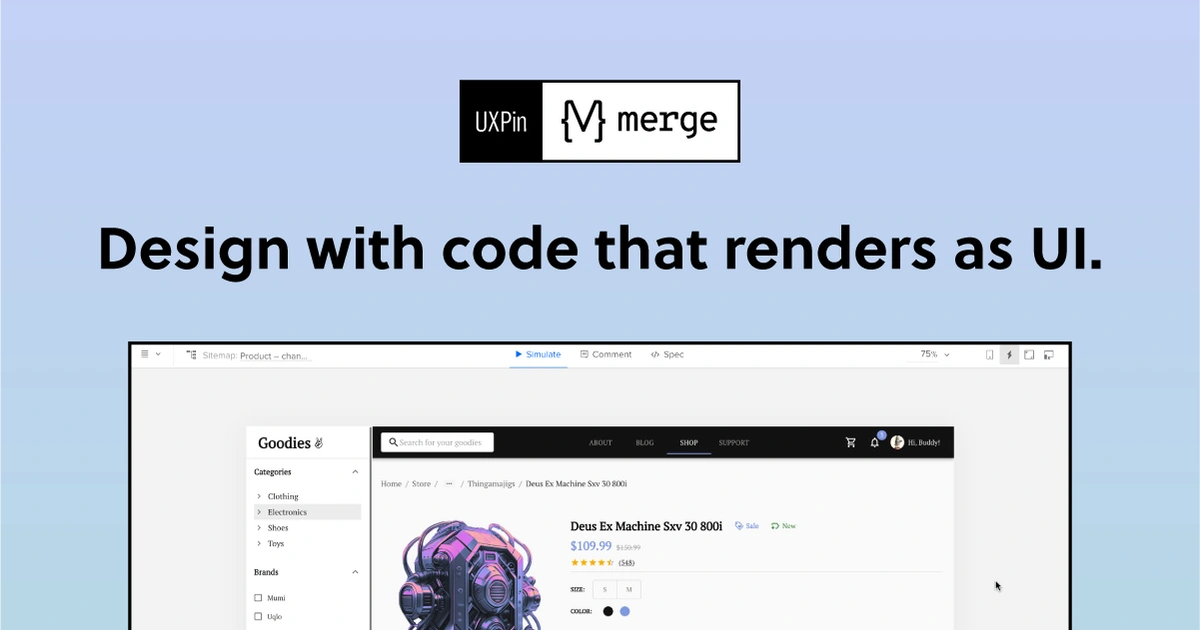
The overview
What UXPin is for
1Core Capabilities
- Interactive web prototypes with states, transitions, and multi-screen user flows
- Component-based UI building so repeated elements can be updated across designs
- In-context commenting for design reviews, iteration notes, and approval passes
- Design spec and handoff views that can help developers inspect spacing, colors, and layout details
- Import support for common design assets, useful when starting from existing UI files
Who it helps
Useful ways to use UXPin
A practical path
Map the key user path
Start with one concrete web journey, such as homepage to pricing to signup, and define required states for each screen.
External signals
Reviews & reputation
Aggregated review score
UXPin can deliver reliable outcomes for creative skill acquisition, especially when rollout begins with a pilot focused on prototyping.
Quick answers
Frequently asked questions
1Is UXPin mainly for high-fidelity web prototypes?⌄
It is commonly used that way, especially when teams need interactive flows beyond static mockups, though exact depth depends on the plan and setup.
2Can it help with developer handoff?⌄
In many workflows, yes. Teams often use its spec-oriented views to communicate spacing, styles, and behavior, but the final usefulness depends on team process.
3Does it support collaborative reviews?⌄
It is generally positioned as a collaboration tool with commenting and feedback features, which can make review cycles easier to track.
4Is it a replacement for coding front-end interactions?⌄
Usually no. It is better treated as a pre-build design and validation layer, while production interactions still need implementation in code.
Keep exploring