

What Is Visla Used For: Features, Reviews & Alternatives
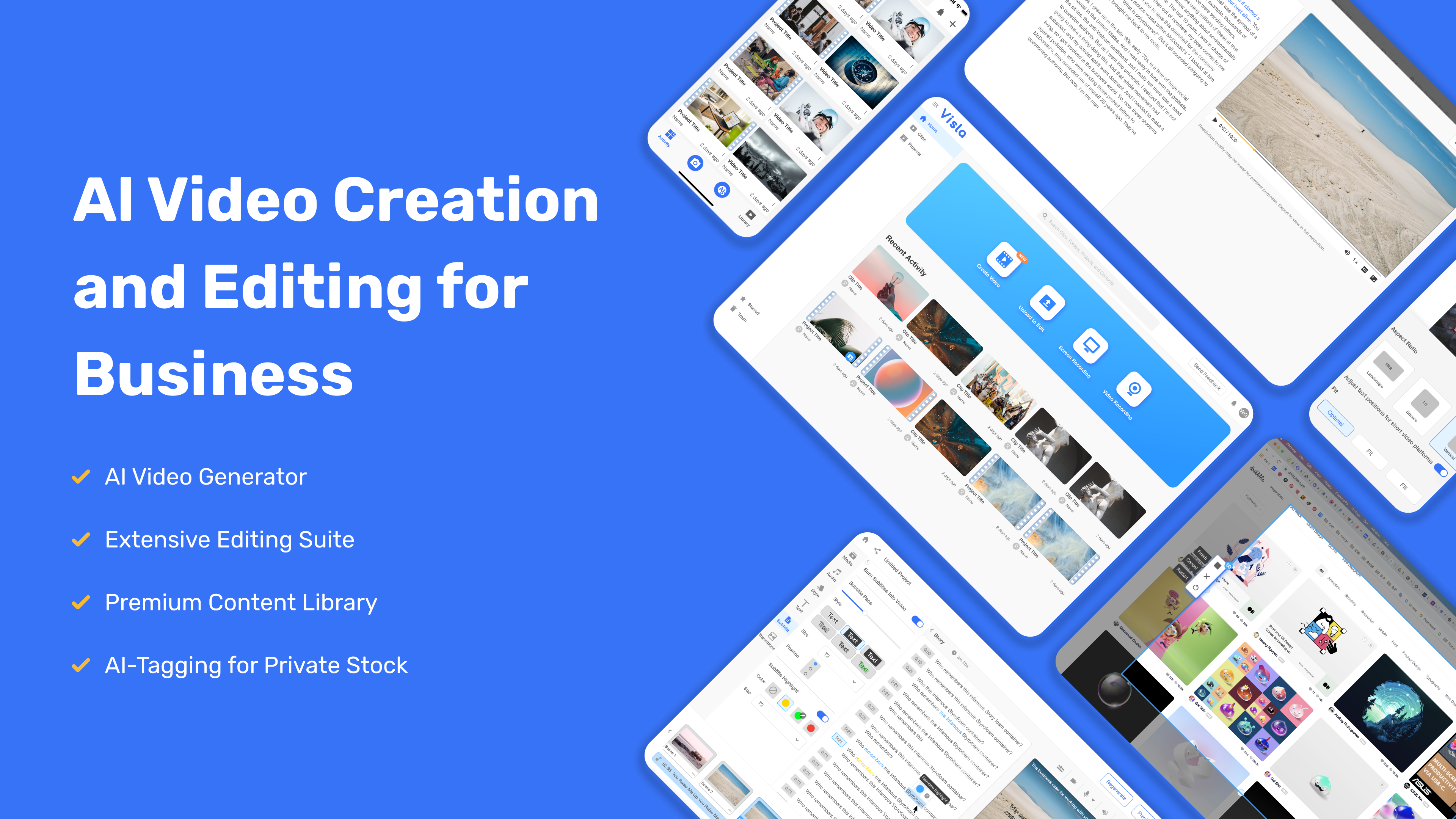
AI video generator and editor focused on business storytelling.
Editorially updated Oct 5, 2025
The overview
What Visla is for
1Core Capabilities
- Turn a script, outline, or prompt into a structured video draft with scenes and pacing
- Edit generated footage with text, timing, cuts, and sequence adjustments
- Apply brand elements such as logos, colors, and recurring visual styling
- Add voiceover, captions, and on-screen text for explainers and walkthroughs
- Reuse media assets across multiple videos to keep recurring content consistent
Who it helps
Useful ways to use Visla
A practical path
Start with one business message
Write the single point the video needs to land, such as a feature launch, customer proof point, or short internal update.
External signals
Reviews & reputation
Aggregated review score
This pass shows Visla fitting strongest workflows where workflow completion quality is measurable and maintenance overhead and process drift controls are documented.
Quick answers
Frequently asked questions
1Is Visla better for short business videos or long-form editing?⌄
It appears better suited to concise business videos where speed and clear structure matter more than complex post-production.
2How much editing control should I expect?⌄
Expect enough control for scene order, text, pacing, and branding, but verify whether the editor covers the specific tweaks your team uses most often.
3What kind of content fits it best?⌄
Product explainers, customer stories, onboarding clips, sales messages, and company updates are the most natural fits.
4Does it replace a full professional video suite?⌄
Probably not for advanced motion graphics or film-style editing. It is more useful when the goal is fast business video production.
5What should I check before adopting it team-wide?⌄
Test export quality, revision speed, brand consistency, and how easily new users can repeat the same video format across multiple projects.
Keep exploring