

What Is VNC Connect (RealVNC) Used For: Features, Reviews & Alternatives
Secure remote access software.
Editorially updated Oct 25, 2025
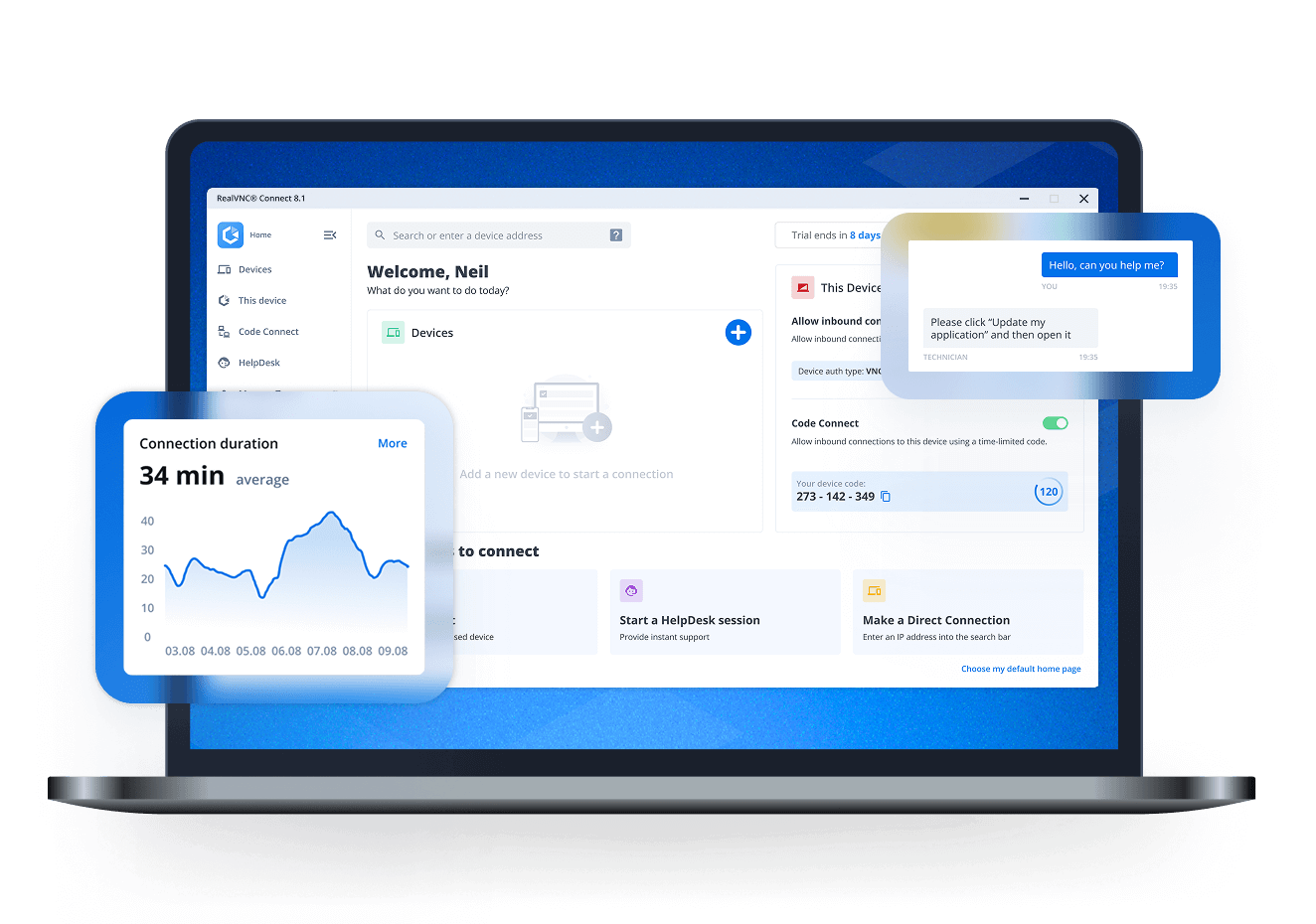
The overview
What VNC Connect (RealVNC) is for
1Core Capabilities
- Secure remote desktop access to individual machines for attended and unattended use
- Cross-platform support for common desktop environments, useful when endpoints are mixed
- Direct control of the remote screen, keyboard, and mouse for hands-on troubleshooting
- File transfer and basic session tools for moving logs, installers, or support artifacts
- Access controls that help restrict who can reach which devices and when
Who it helps
Useful ways to use VNC Connect (RealVNC)
A practical path
Identify the target machine
Confirm the exact desktop or server you need to reach, along with whether it will be attended or left reachable for future sessions.
External signals
Reviews & reputation
Aggregated review score
Confidence in VNC Connect (RealVNC) improves once teams validate initial setup and permission alignment against real production paths and monitor drift over the first rollout cycle.
Quick answers
Frequently asked questions
1Is this mainly for help desk support or full remote administration?⌄
It can serve both, but it is most useful when you need direct desktop control on a specific machine rather than a broader fleet management platform.
2Does it work well for unattended access?⌄
That is one of the main reasons people evaluate it. Verify the setup on your target devices and make sure the access model matches your security requirements.
3How important is network quality?⌄
Very important. Remote desktop tools vary in how they feel on slower or unstable links, so it is worth testing the connection quality you expect in real use.
4Can it replace screen-sharing tools?⌄
Not always. Screen sharing is enough for meetings, but remote desktop is better when the operator needs to drive the machine directly.
5What should a careful buyer check before adopting it?⌄
Review device coverage, permission handling, encryption behavior, and whether the session remains usable on the endpoints and networks you actually support.
Keep exploring