

What Is Webflow Used For: Features, Reviews & Alternatives
Design, build, and launch responsive websites visually.
Editorially updated Oct 5, 2025
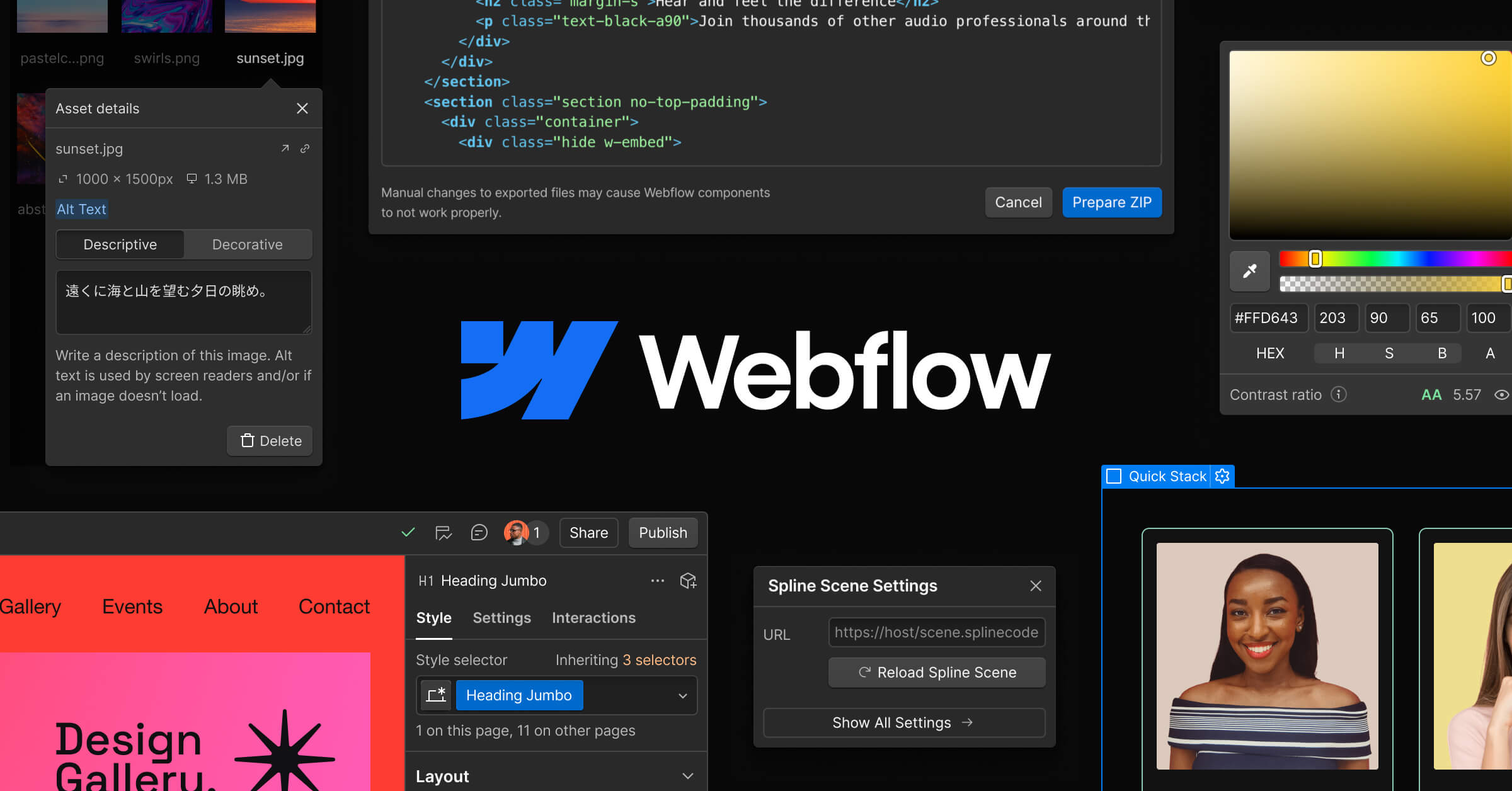
The overview
What Webflow is for
1Core Capabilities
- Visual designer-first editor with responsive breakpoint control for desktop, tablet, and mobile layouts
- Symbol/component system for reusing sections, cards, navs, and page modules without redesign drift
- CMS collections with template-based item pages for blogs, portfolios, case studies, and feature pages
- Built-in interactions and animations scoped at element level to refine hover, scroll, and motion behavior
- Hosting, domain management, and SSL included for production-ready staging and launch flows
- SEO controls and media management for titles, meta fields, and optimized image delivery
Who it helps
Useful ways to use Webflow
A practical path
Set the page architecture before pixel placement
Define page hierarchy and reusable section structure in the canvas first—hero, proof blocks, feature grid, pricing, and footer—so each future page shares the same visual logic.
External signals
Reviews & reputation
Aggregated review score
The practical upside of Webflow is steadier practice-to-output feedback loop; the tradeoff is disciplined handling of uneven depth across advanced topics.
Quick answers
Frequently asked questions
1Is Webflow suitable as a full replacement for coded websites?⌄
It can replace code for many landing pages, brand sites, and marketing pages when requirements stay within design, content, and standard interaction scope. For heavy custom business logic, you may still need external services or a hybrid stack.
2How good is Webflow for ongoing content updates?⌄
It is strong for recurring page patterns and structured content updates through CMS collections. If your content model is complex, invest in clear fields and naming conventions early to avoid messy templates later.
3Can non-design team members edit pages safely?⌄
Yes, once roles and permissions are set, content editors can update CMS entries and page text while designers keep structural controls. Exact role capabilities depend on your workspace plan and team settings.
4Can I add custom backend features to a Webflow site?⌄
You can extend pages with custom code embeds and external integrations, but deep backend workflows are typically handled outside Webflow. This is a good fit for interfaces driven by front-end content and interactions.
5Does it handle production performance reliably?⌄
For most marketing pages, performance is typically solid, especially when image dimensions and media settings are tuned. For highly dynamic or computation-heavy experiences, confirm loading behavior with realistic traffic before committing to launch volume.
Keep exploring