

What Is Whoop Used For: Features, Reviews & Alternatives
Fitness & health tracker focused on recovery.
Editorially updated Oct 25, 2025
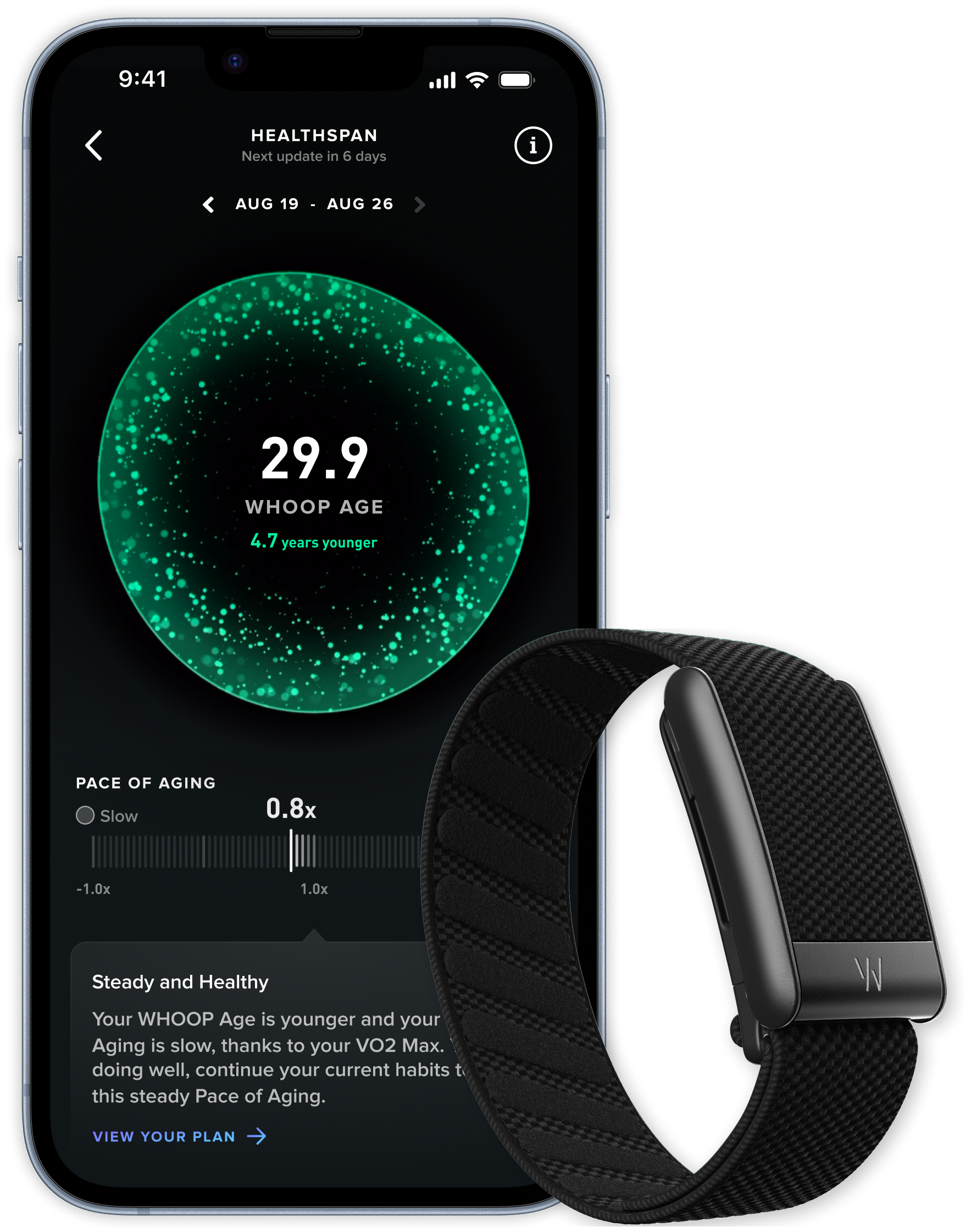
The overview
What Whoop is for
1Core Capabilities
- Continuous wrist-based capture of heart rate, heart rate variability, and movement during both sleep and active periods
- Daily readiness signal derived from physiological recovery trends to guide session intensity planning
- Strain tracking linked to exertion load and effort duration for comparing hard and easy days
- Sleep breakdown insights, including interruptions and efficiency, to explain why specific training choices changed
- Multi-day trend views that show recovery, strain, and consistency to support coaching decisions on deload and progression
Who it helps
Useful ways to use Whoop
A practical path
Wear through sleep and daily motion
Keep the sensor on consistently to get stable recovery and strain patterns. Short breaks are possible, but they reduce continuity and make trend interpretation noisier.
External signals
Reviews & reputation
Aggregated review score
Whoop performs best when teams prioritize clear task execution and operational repeatability and keep ownership explicit around repeatable team usage.
Quick answers
Frequently asked questions
1Can Whoop replace a clinical health monitor?⌄
Not for medical diagnosis. It is designed for performance and recovery planning, so use clinician guidance for health concerns such as chest pain, arrhythmia symptoms, or persistent fatigue.
2Does inconsistent wear make the data unreliable?⌄
Yes. Incomplete wear reduces data continuity, especially across sleep and recovery scoring. You can still use the app, but decisions based on patterns are stronger when wear is regular.
3Is the service tied to a subscription model?⌄
Whoop is generally positioned as a subscription service for full analytics and coaching features. Availability can change by region and package, so confirm the current plan details before committing.
4Is charging and maintenance heavy?⌄
You will need routine charging windows. If those become missed often, the usefulness for trend-based training decisions declines, so maintenance reliability is part of the product fit.
5Who should use it instead of a standard fitness watch?⌄
This is stronger for users who prioritize recovery-informed workload control over casual activity tracking. If you mainly want activity counts or phone notifications, a simpler watch can be more practical.
Keep exploring