

What Is XMind Used For: Features, Reviews & Alternatives
Popular mind mapping software (desktop/mobile).
Editorially updated Oct 25, 2025
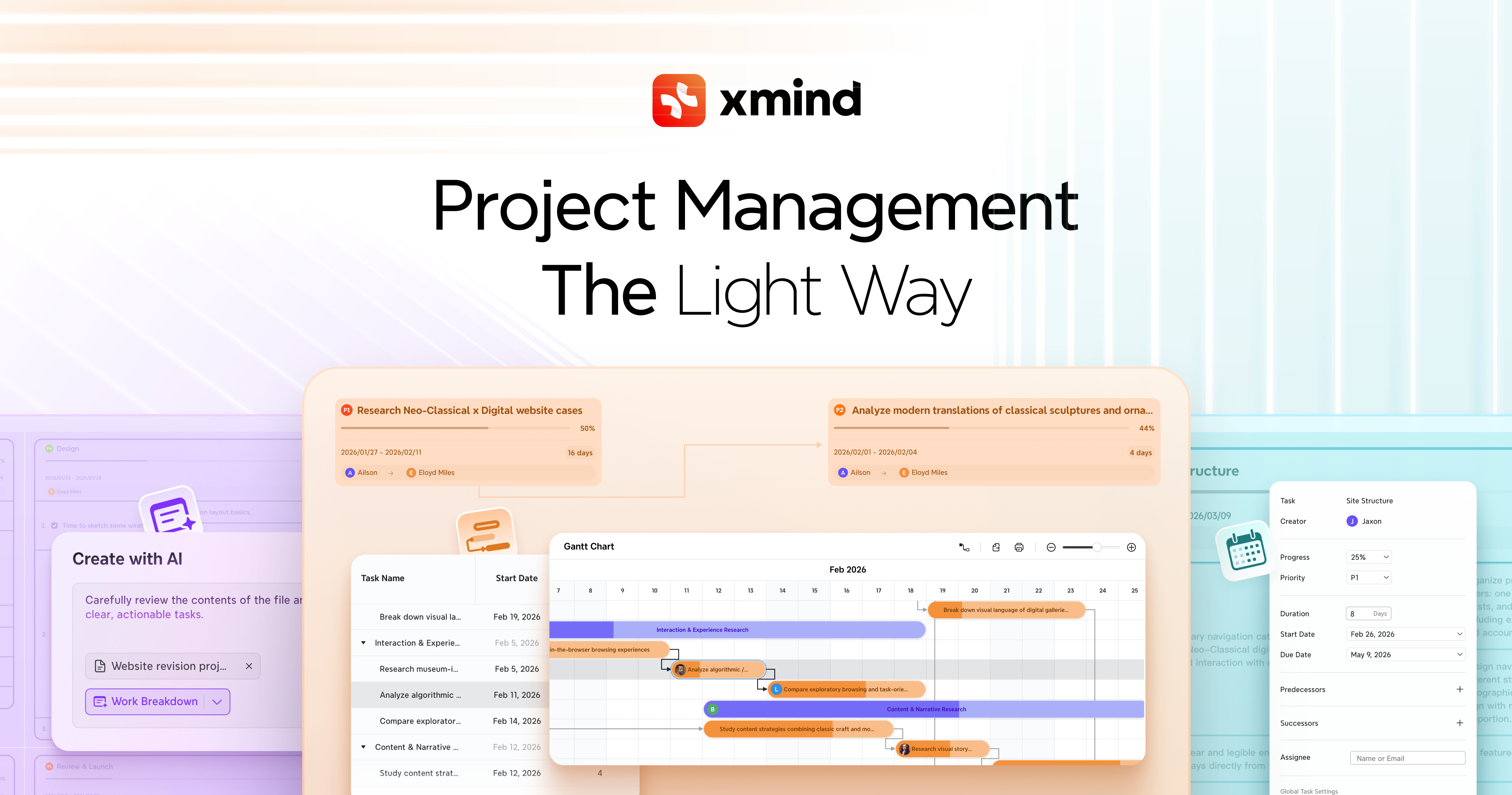
The overview
What XMind is for
1Core Capabilities
- Mind map, outline, and branch-based layouts for structuring ideas in different views
- Ready-made templates and themes for starting common map types quickly
- Cross-device access for moving between desktop and mobile edits
- Export options for sharing maps as documents or images
- Presentation-style viewing for walking others through a map without rebuilding it
Who it helps
Useful ways to use XMind
A practical path
Start from one topic
Place the central subject on the canvas and add only the first ring of branches that define the problem.
External signals
Reviews & reputation
Aggregated review score
This pass shows XMind fitting strongest workflows where workflow completion quality is measurable and maintenance overhead and process drift controls are documented.
Quick answers
Frequently asked questions
1Is XMind better for brainstorming or final documentation?⌄
It is usually stronger as a structured thinking tool than as a polished final document. Many users draft in the map first, then export or rewrite elsewhere.
2Does it make sense for solo users?⌄
Yes. It is often used by one person to organize research, study material, or product thinking without needing a team process.
3Can it handle large maps?⌄
It can, but the real test is how disciplined the branch structure stays. Very large maps work best when you keep the top level narrow and the sub-branches consistent.
4Is it useful on mobile?⌄
Mobile is most useful for quick capture, light edits, and review. Heavier restructuring is usually easier on desktop.
Keep exploring