

What Is Zazzle Used For: Features, Reviews & Alternatives
Customizable product marketplace.
Editorially updated Oct 25, 2025
The overview
What Zazzle is for
1Core Capabilities
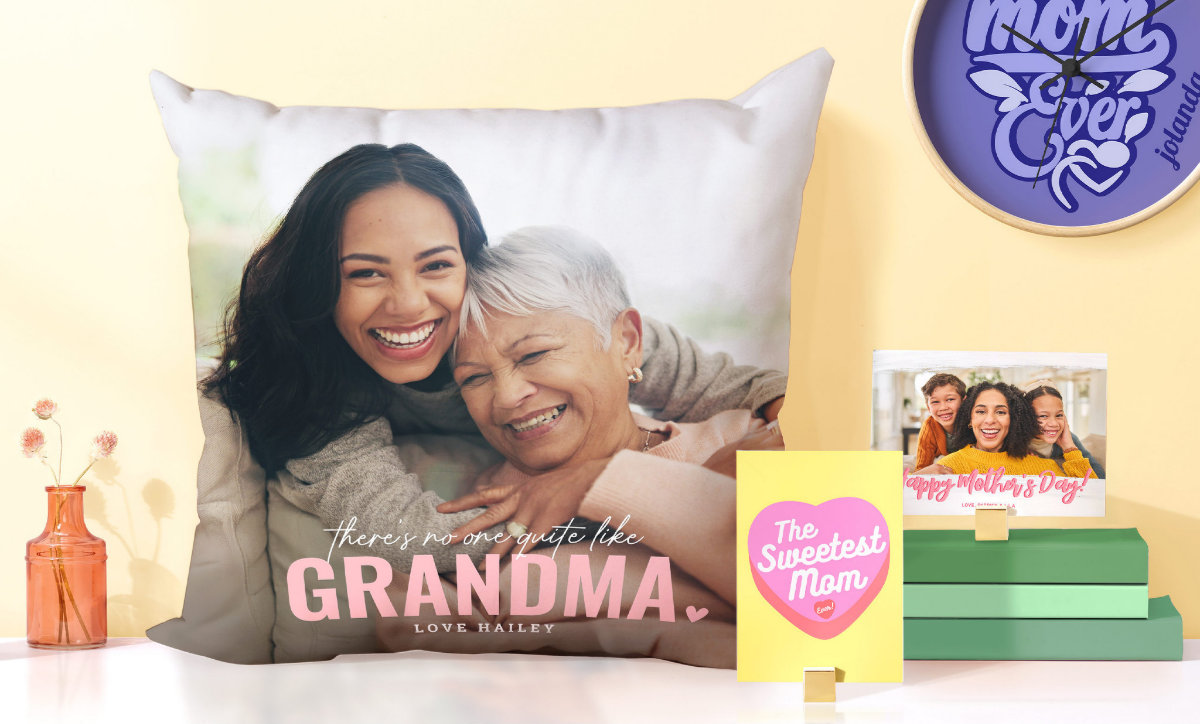
- Customizes a wide range of print-on-demand products, including apparel, drinkware, cards, stickers, and home items
- Lets buyers personalize text, artwork, colors, and layouts directly on product pages
- Supports artist and seller storefronts for publishing designs across multiple product types
- Provides product previews so shoppers can check placement before ordering
- Covers both single-item gifts and small-run branded merchandise without needing a separate print vendor
Who it helps
Useful ways to use Zazzle
A practical path
Choose the product category
Start with the item type you want to personalize, such as a mug, shirt, card, or sticker, so the design stays sized for that format.
External signals
Reviews & reputation
Aggregated review score
Zazzle can deliver reliable outcomes for workflow completion, especially when rollout begins with a pilot focused on customizable.
Quick answers
Frequently asked questions
1Is Zazzle better for gifts or resale?⌄
It can work for both, but the platform is especially useful when the task is a personalized gift, a themed event item, or a small design catalog.
2Can I use my own artwork?⌄
Yes, the product is built around uploading original art, photos, logos, or text and placing them on supported items.
3How reliable is the preview?⌄
The preview is useful for checking layout and placement, but it is still a mockup. For detailed artwork, it is worth reviewing crop areas and text spacing closely.
4Does it support more than apparel?⌄
Yes, the catalog typically extends beyond clothing to stationery, drinkware, stickers, and other printable goods.
5Is it a fit for bulk merchandising?⌄
It can help with small runs and testing ideas, but it is not the same as a dedicated production workflow for large-volume custom merchandise.
Keep exploring